
What It Does
Conform Studio handles the tedious setup and cleanup work in VFX pipelines. It precomposes your shots, extracts them into separate project files, trims media to reduce file sizes, and swaps compositions with final renders or updated versions. Built for productions that distribute work across multiple artists and need a consistent, repeatable process.
Key Features
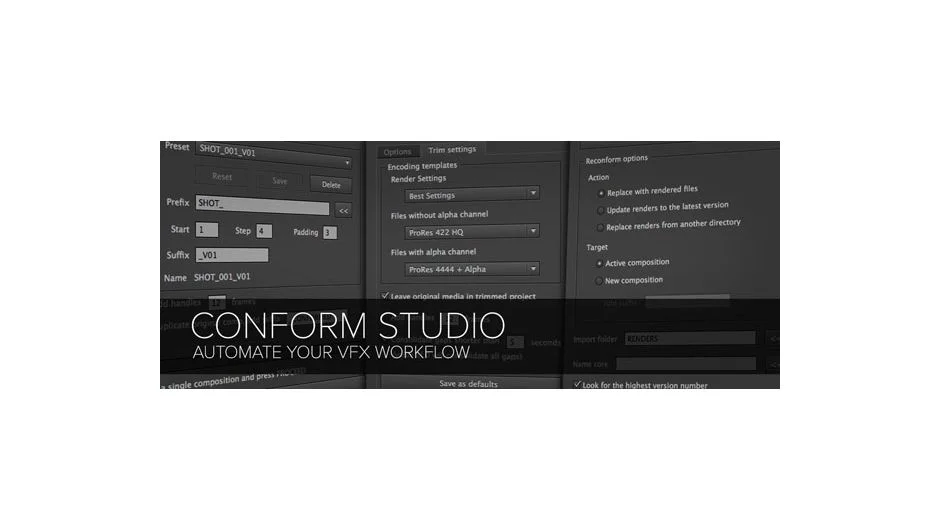
CS Conform. Precomposes layers with control over naming conventions, handles (extra frames at head/tail), and how overlapping layers get grouped. You can skip guide layers, inherit timecode from source footage, and enable frame blending on time-remapped clips. Supports batch renaming through customizable presets that export and import between machines.
CS Extract. Pulls compositions into individual project files, collects all linked media, and trims footage to only the frames each shot uses (with optional handles). Configurable encoding for alpha vs. non-alpha clips. You can consolidate files that have gaps, run custom scripts on each extracted comp, and organize assets into specific folder structures.
CS Reconform. Replaces compositions with rendered image sequences or movie files. Useful when you need to swap in final renders, update to a new version, or replace with color-graded files from another directory. Imports footage to your chosen folder in the project panel.
The main panel launches each script. Settings save as defaults so you don’t reset options every time.
Who It’s For
Useful if you manage multi-artist VFX projects where shots get precomped, distributed as individual files, rendered, and then brought back into an editorial timeline. The batch processing saves time on repetitive tasks like trimming media or conforming updated renders.
Pricing
$79 for a single user license. Floating server licenses available. Trial version lets you test before purchasing.
