
What It Does
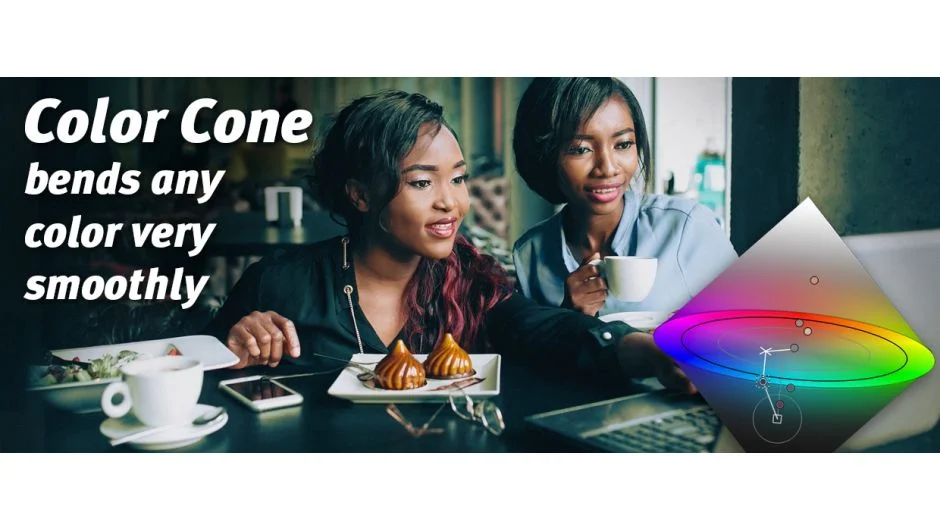
Color Cone is a color grading tool built around the HCL (Hue, Chroma, Lightness) color model instead of the more common HSV. This model represents colors in a bicone shape, where pure black and white naturally have zero saturation. The result: cleaner color corrections that preserve natural tones, especially in shadows and highlights.
You define color transformations by placing control points. Each point has a source color, target color, and radius that controls how broadly it affects surrounding hues. Small radius for surgical edits, large radius for atmospheric shifts. Picture Instruments’ Color Warp technology handles the color transitions, keeping gradients smooth even in 8-bit footage.
Key Features
Expression-driven masks let you fine-tune and animate selections. Auto-Radius prevents multiple control points from canceling each other out when their zones overlap.
Skin tone restoration rescues complexions that got accidentally tinted during a grade. You can adjust skin tones separately from the rest of the image. Useful when you’ve pushed blues too far and faces start looking sickly.
All parameters work like native effects. Keyframe animation in After Effects, Premiere Pro, and Final Cut Pro X. Plugin settings save with the project, presets save within the host. Version 2.7 added cross-host presets, so you can share looks between applications.
LUT export turns your grades into standard lookup tables for other tools. Before/after comparison and one-button reset keep experimentation quick.
Who It’s For
Colorists working across multiple NLEs and hosts. The cross-platform support (After Effects, Premiere Pro, Final Cut Pro X, Photoshop) and preset portability make it practical for teams that don’t all use the same software.
Editors who need to reconcile mixed white balance scenarios within a single sequence. The control point system lets you correct specific color casts in targeted areas without fighting global adjustments.
Pricing
Paid plugin at $179 USD. Additional platform licenses (like adding Photoshop support to an After Effects license) cost $88 each. Trial version available. Existing users may qualify for upgrade pricing when logged in.