
What It Does
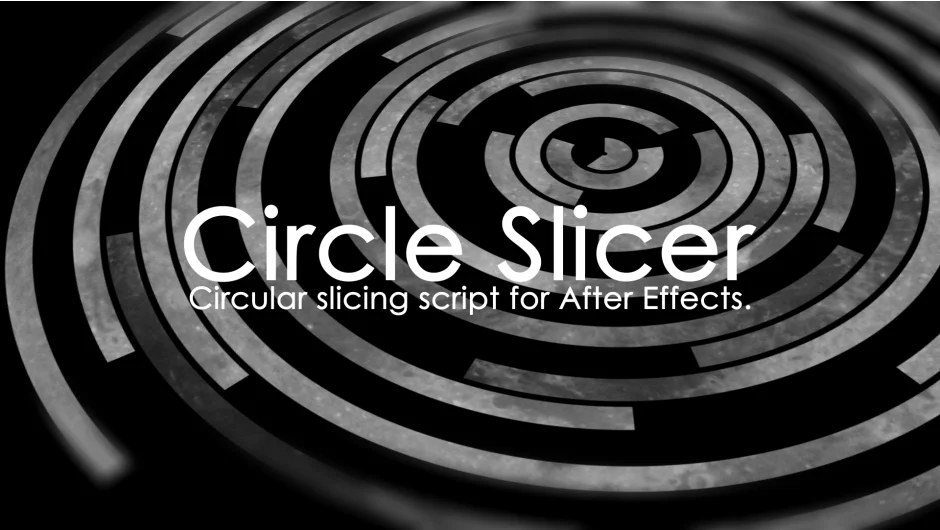
Circle Slicer divides square compositions into circular segments using automated masking. You create a 1:1 composition, place your content inside, then trigger the tool to generate circular slices. The plugin creates expression-driven masks that remain editable and can be animated over time.
Key Features
Two generation modes. Choose between automated slicing or a shape-based method with manual controller for fine-tuning the circular divisions.
Expression-driven masks. The generated masks use expressions rather than static keyframes, giving you flexibility to adjust and animate the circular segments after creation.
Square composition workflow. Designed specifically for 1:1 aspect ratio compositions. Put your layers inside a square comp, then apply the slicing effect.
Who It’s For
Useful for motion designers creating radial reveal effects, circular transitions, or geometric compositions that need precise circular divisions. Works well for title animations, logo reveals, or abstract motion graphics that rely on circular segmentation.
Pricing
Pay-what-you-want pricing model with a suggested minimum of $9.99. Individual users can choose any amount, while businesses and teams are expected to pay the suggested price for a valid license.