
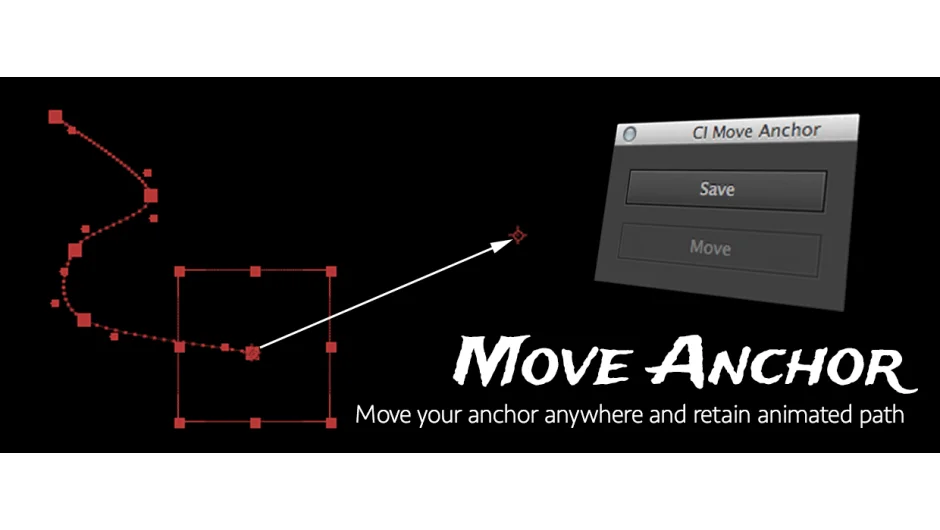
What It Does
CI Move Anchor solves a common After Effects frustration: moving an anchor point typically breaks your animation path, forcing you to manually adjust keyframes. This script preserves all animation data when repositioning anchor points, saving you from tedious cleanup work.
Key Features
The workflow is straightforward. Press Save to capture the current anchor point state. Move the anchor point anywhere using After Effects’ Pan Behind tool. Press Move to apply the repositioning while keeping your animation intact.
3D layer support. Version 2.0 added full compatibility with 3D layers and separate X/Y/Z coordinates, making it useful for spatial animations and camera work.
Reusable movements. The script stores anchor point adjustments, so you can apply the same repositioning to multiple layers without repeating the process. You can also target specific keyframes rather than the entire timeline.
Who It’s For
Useful for anyone working with character rigging, logo animations, or multi-layer motion graphics where anchor points need frequent adjustment. Particularly helpful when cleaning up templates or adapting existing animations to new layouts.
Pricing
Pay-what-you-want model with a suggested minimum of $3.99. Individual users set their own price; businesses must pay the suggested amount for a valid license.
