
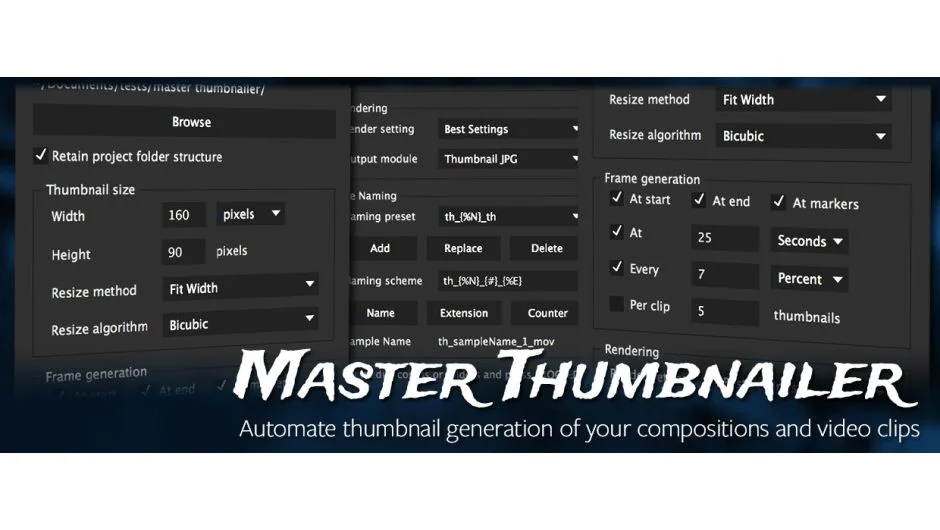
What It Does
CI Master Thumbnailer renders still frames from After Effects compositions, layers, and video clips. The plugin automates thumbnail creation with precise control over timing, resolution, and output organization. It handles everything from single reference frames to batch exports across entire projects.
Key Features
Timing control. Extract frames at composition or clip markers, at specific times (frames, seconds, or percentages), at clip start or end, or spaced at regular intervals. You can also divide clips into equally spaced frames.
Resolution options. Set output size in pixels or as a percentage of source dimensions. Choose various aspect ratios or use center crop to maintain specific proportions.
Batch processing. Process multiple clips in one operation with custom naming schemes saved as presets. Output to a single folder or replicate your project’s folder structure.
Layer rendering. Render composition layers as separate files, each saved to its own folder. Useful for extracting individual elements from complex compositions.
Output management. Control file naming with custom schemes, organize exports into subfolders, and maintain project hierarchy in your output directory.
Who It’s For
Useful for editors creating reference frames for client review, archiving project states, or extracting stills for marketing materials. Also helpful for motion graphics artists documenting work-in-progress states or building asset libraries from layered compositions.
Pricing
CI Master Thumbnailer uses pay-what-you-want pricing. The suggested price is $34.87, though you choose your own amount. A trial version is available before purchase. Requires importing output modules before first use.
Compatible with After Effects CS6 through 2020 and later versions.