
What It Does
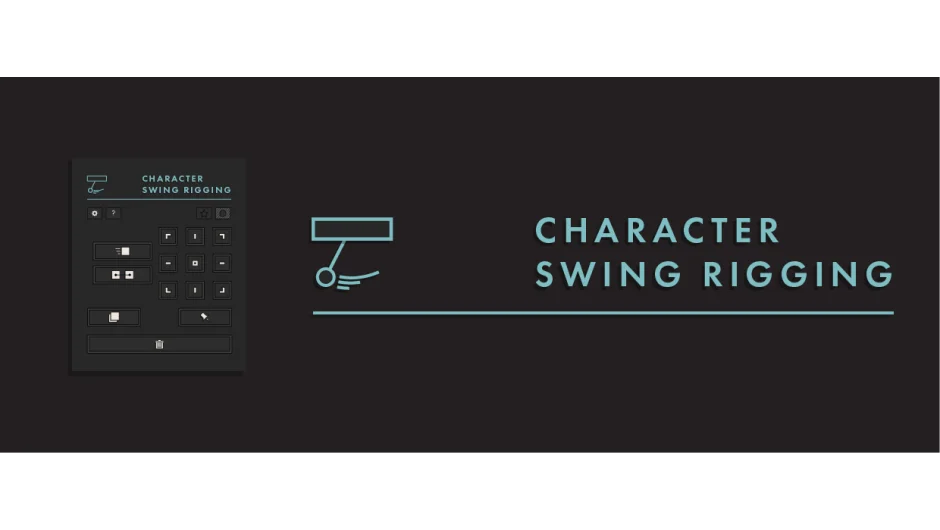
Character Swing Rigging generates secondary motion for character elements based on existing position keyframes. Point it at a parent layer’s movement, and it creates natural swinging behavior for hair, clothing, ears, fur, or any other element that should react to a character’s motion. The script reads position data from your keyframes and applies rotational swing physics automatically.
It also includes a wind generation tool that adds organic, randomized movement independent of keyframe data, useful for background elements like trees or idle states.
Key Features
Position and rotation data sources. Switch between using a layer’s position keyframes or its rotation as the driving data. This lets you create swing motion from either type of movement.
Axis control. X Axis Impact and Y Axis Impact sliders control how much horizontal versus vertical movement affects the swing. If a character moves mostly side to side, you can emphasize the X axis and reduce Y, or vice versa.
Swing and reverse sliders. Instead of on/off checkboxes, these sliders give percentage control over swing intensity and direction. You can dial in exactly how much swing to apply or reverse the motion partially.
Built-in wind generator. Adds procedural wind-like motion to any rigged element. Controllable power, seed (for randomization), and weight settings let you simulate everything from gentle breeze to strong gusts. Wind can be applied globally or per element.
Parenting options. Parent the rig’s rotation to a different layer’s rotation, or parent the entire rig to other layers. Control over child layers and individual rig pieces gives you hierarchical flexibility.
Anchor point tool. Reposition anchor points visually without switching to the pan-behind tool. Snap to comp corners, shape paths, or mask points. Particularly helpful when setting up rotation pivots for multiple layers.
Works with layers and puppet pins. Rig standard layers or individual puppet pins. Pin support lets you add swing to specific parts of a mesh-deformed character (note: 3D puppet pins are not currently supported).
Who It’s For
Character animators who need to add follow-through and overlapping action without keyframing every frame. If you’re animating 2D characters with hair, clothing, or accessories that should respond to movement, this script handles the physics-based secondary motion.
Also useful for background elements in scenes, where you want trees, flags, or other objects to move naturally with minimal setup.
Pricing
$29.99 for a single-user license. A free trial is available with limits: maximum 2 layers or puppet pins, and the anchor point tool only works with shape and comp corners.
Upgrade pricing is available if you own related tools from the same developer (Wave-o-Matic or Multi Parent Rigging). A three-product bundle offers a 20% discount.