
What It Does
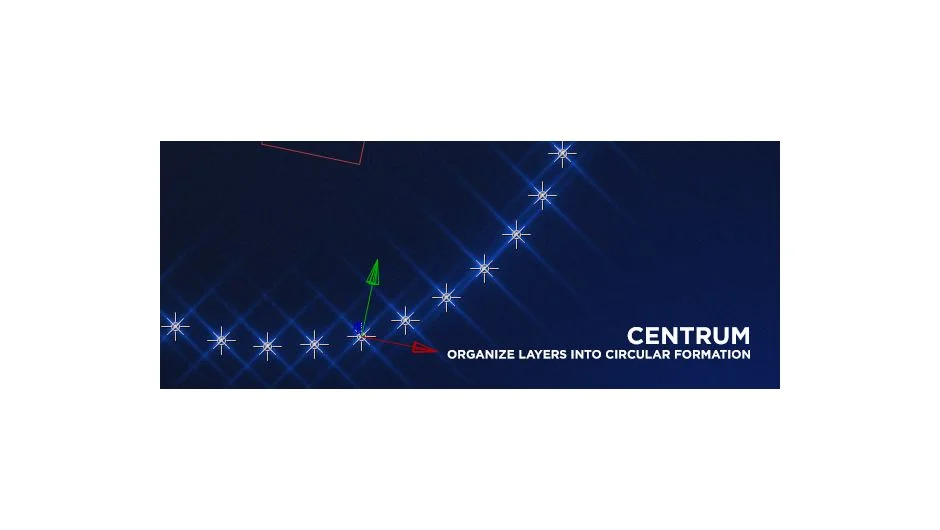
Centrum organizes selected layers into circular, spiral, or helix formations. Select your layers, run the script, and it arranges them into the chosen pattern while creating a Control null object with expression controls for animation.
Note: This script is discontinued and no longer available for purchase.
Key Features
The script creates a Control null with multiple expression-driven parameters:
Number of Circles. Sets how many circular rings your layers form.
Start Radius and End Radius. Controls the inner and outer bounds of the formation, useful for spirals that expand outward.
Z Depth. Adds depth along the z-axis, turning flat circles into helixes or 3D spirals.
Twist. Rotates layers progressively around the center, creating DNA-like or corkscrew patterns.
Orient Up and Orient to Center. Controls layer rotation, either facing the camera or pointing toward the formation’s center.
Scale In/Out. Gradually scales layers from the center outward (or reverse). Max Scale sets the upper limit.
Fade In/Out. Controls opacity from center to edge, with Max Opacity setting the peak visibility.
These controls let you animate complex 3D patterns without manually keyframing individual layer positions.
Who It’s For
Useful for motion designers creating geometric patterns, title sequences with circular text layouts, or abstract 3D animations. Works with any layer type, including text, shapes, and solids.
Compatible with After Effects CC 2015 through CS4. Last updated June 2015.
Pricing
This script previously used a pay-what-you-want pricing model but is now discontinued and unavailable for purchase.