
What It Does
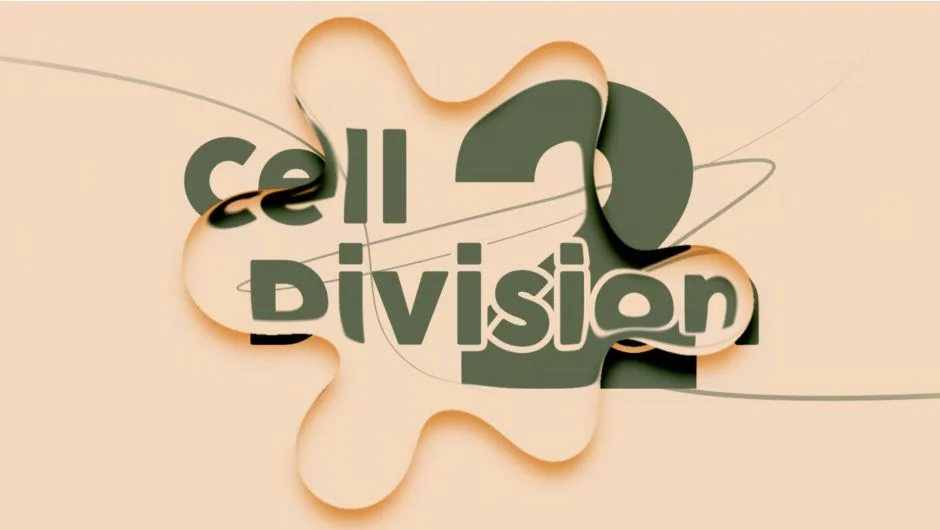
Cell Division 2 converts shape layers into transparent liquid droplets. The plugin creates adhesion effects between layers, softens sharp corners, and applies 21 different droplet styles. Built with GPU acceleration, it handles multiple layers and shape types while maintaining real-time preview.
Key Features
Normal mode. Creates adhesion between layers and rounds off sharp corners automatically. Works with any shape type and multiple layers at once.
Bubble mode. Transforms shapes into transparent bubbles with customizable refraction and lighting. You control the bubble thickness, transparency, and edge falloff.
Layers mode. Generates adhesion between separate layers without affecting their outer edges. Useful for creating organic connections between distinct elements.
Contents mode. Fixes adhesion between shapes within a single layer’s contents. The edges remain unchanged while internal shapes merge with droplet effects.
21 droplet styles. Choose from styles ranging from simple blobs to complex organic forms. Each style has adjustable parameters for size, intensity, and blend behavior.
Visual backgrounds. Default backgrounds help preview transparent droplets during design. Toggle them off before final render.
Who It’s For
Motion designers working with liquid effects, organic transitions, or abstract shapes. The plugin fits projects that need morphing graphics, logo reveals with fluid behavior, or kinetic typography with droplet effects. Character animators can use it for squash-and-stretch bubble characters.
Pricing
Cell Division 2 costs $28 as a one-time purchase. If you bought Cell Division 1 after November 11, 2024, the upgrade is free. Earlier purchases qualify for a $14 upgrade price. The plugin also participates in the pay-what-you-want system for non-commercial use.
Compatible with After Effects 2021 through 2025. Trial version available.
