
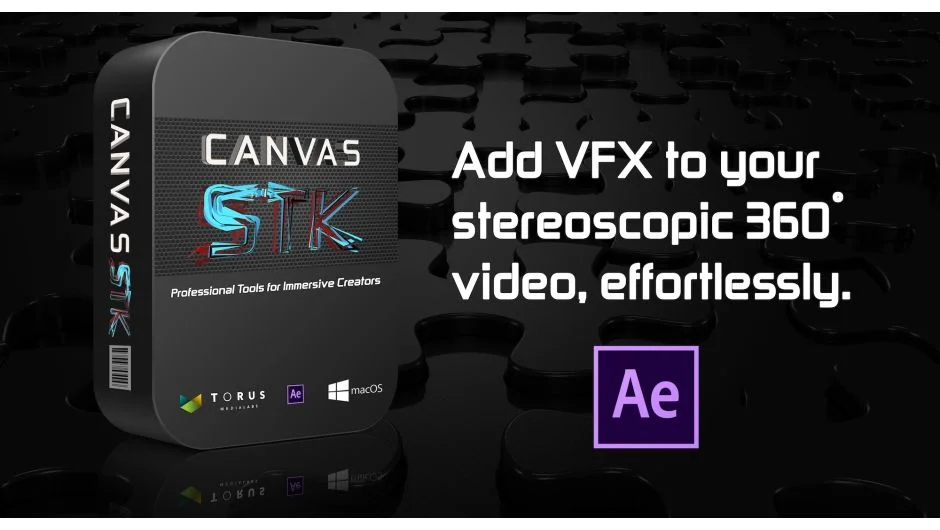
What It Does
Canvas STK handles stereoscopic 3D compositing for VR/360 projects in After Effects. It manages left and right eye footage, lets you add and position 3D layers with accurate depth control, and exports in formats designed for VR headsets. The plugin is built around three tabs: Project (workspace setup and output), S3D Settings (depth and scale controls), and S3D Layers (layer creation and management).
Key Features
S3D Layer Creation. Import left and right eye media (or use the same source twice for monoscopic content), name the layer, and add it to your composition. Each layer gets an Offset Separation control to fine-tune depth placement.
Zero Sphere Detection. The plugin helps you locate the zero parallax plane in your footage, the point where left and right eyes align perfectly. Finding this reference early prevents uncomfortable depth placement later.
Professional Preview Options. Output to Side by Side (squeezed) for 3D monitors and projectors, or Top/Bottom for VR headsets. The plugin also supports Anaglyph 3D, Difference Matte, and separate left/right eye outputs. A quality setting (recommended value: 8) prevents vertical splits when layers sit too close to the camera.
16K Resolution Support. Available in After Effects 2018 and later, useful for high-resolution VR production.
Who It’s For
Motion designers and VFX artists working on cinematic VR content who need to composite graphics, text, or rendered 3D elements into stereoscopic 360 footage. Most useful if you have access to a 3D monitor or projector for accurate depth verification, though the headset preview works for basic checks.
Pricing
This product has been discontinued and is no longer available for purchase.
Note
The developer recommends using a 3D monitor or TV (passive systems preferred) for accurate stereoscopic work, as VR headsets will fuse misaligned footage and mask quality issues that would be visible on professional monitoring equipment.