
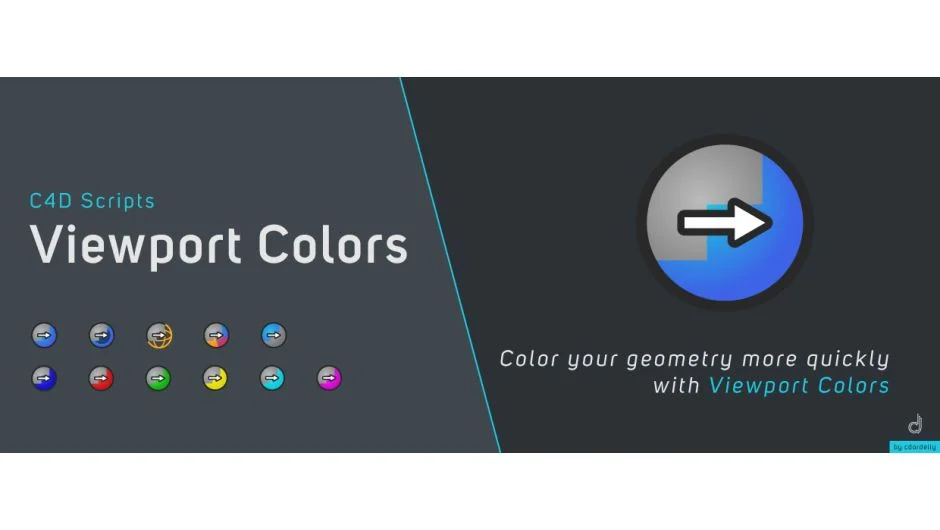
What It Does
C4D Viewport Colors applies temporary color overlays to objects in the Cinema 4D viewport for visual organization and reference. All original materials remain intact and render normally, whether you’re using Cinema 4D’s native materials or third-party engines like Octane, Arnold, or Redshift.
Key Features
VP Custom Color. Choose any custom color and apply it to selected objects, including parent objects with their children.
VP Direct Color. Quick-apply preset colors from a built-in library for faster workflows.
Multiple display modes. Apply solid colors, transparent/Xray colors, wireframe colors, or random colors.
Color variations. Generate random color sets or create adjacent color variations from a base color for grouping related objects.
Batch application. Works on single objects, multiple selections, or entire parent hierarchies at once.
The package includes user guides for both script sets and seven tutorial videos.
Who It’s For
Useful for 3D artists working on complex Cinema 4D scenes who need visual organization without constantly toggling materials in the viewport. Particularly helpful when working with third-party render engines where viewport materials don’t always display accurately.
Pricing
Pay-what-you-want model with a suggested price of $6.99. Individual users can pay any amount, while businesses and teams must pay the suggested price for a valid license. Compatible with Cinema 4D R16 through R19.