
What It Does
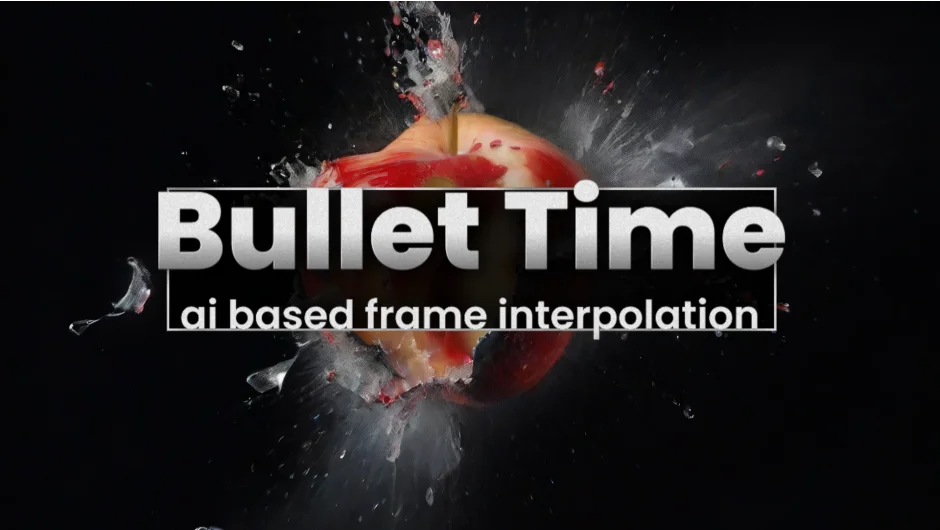
Bullet Time generates smooth in-between frames using AI-based frame interpolation. You can convert standard-frame-rate footage (like 30fps) into high-frame-rate slow-motion (like 120fps), or blend between any two frames by animating a timestep slider. Works natively in After Effects and Premiere Pro, processing entirely on your GPU.
Key Features
Slow-motion from time-stretched layers. Apply Bullet Time to time-stretched layers to boost the effective frame rate. Set Time Stretch to values above 100%, and the plugin fills in the gaps with interpolated frames for silky-smooth slow-mo. Handles large motion across the frame better than optical flow methods.
Two-frame interpolation mode. Define a start frame and end frame, then animate the timestep parameter to blend between them. Useful for creative transitions or morphing effects where you want full control over timing.
4K support on mid-tier GPUs. Processes up to 4K on NVIDIA cards with 8GB+ VRAM or Apple Silicon Macs (M1/M2/M3 with macOS Sequoia and 16GB+ RAM). For resolutions above 4K, a CUDA Memory Sharing option accelerates renders. Performance on other systems (non-NVIDIA Windows or older Macs) is significantly slower or unsupported.
Stop Processing button. Cancel long renders mid-stream. Added in version 1.2.51 for more control during GPU-intensive operations.
Latest models ship with the plugin, and settings are adjustable for different quality/speed trade-offs.
Who It’s For
Motion designers working with action footage, VFX artists who need slow-motion from stock clips shot at standard frame rates, or anyone creating transitions that blend between frames. Requires compatible hardware: NVIDIA GPU with 8GB+ VRAM or Apple Silicon Mac with 16GB+ RAM.
Pricing
Bullet Time is pay-what-you-want (name your own price). A free trial is available to test configuration on your system. Works with After Effects 2022 and newer.
Upgrade pricing is offered to eligible previous buyers.