
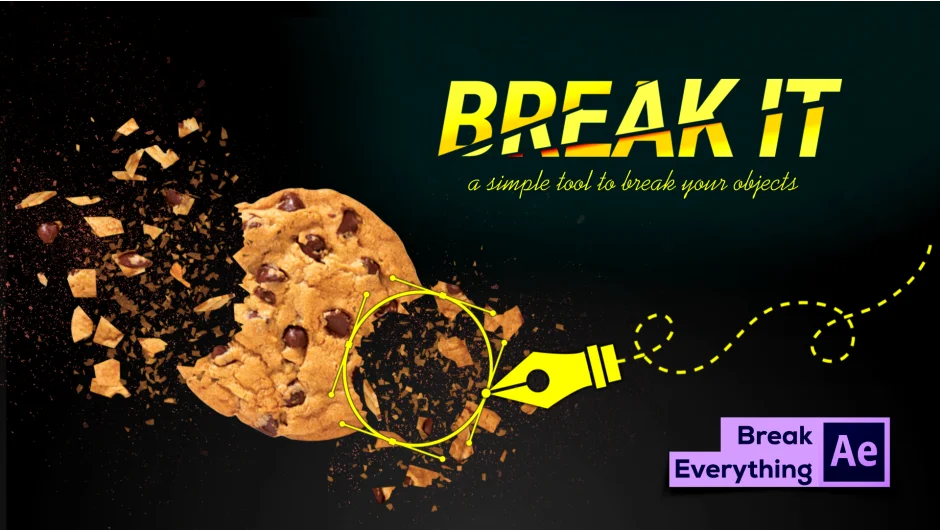
What It Does
Break It shatters layers into customizable pieces using expression-driven masks. Select your subject, set the number of break sections, and click a button. The plugin handles the rest, creating animated fragments with physics-based motion.
The workflow: choose a layer, define how many break sections you need, press break, then mask the specific areas where you want the shatter to occur. Control when breaks happen using timeline markers for precise timing.
Key Features
Directional force control. Set explosion direction and intensity separately for each break section. Fragments can explode from center, or you can define custom force vectors per piece.
Physics controls. Adjust gravity, viscosity, explosion wave strength, and shatter spacing. Each parameter affects how pieces separate and fall.
Multiple break points. Use layer markers to trigger breaks at different times. Break the same object in several places throughout your timeline.
Particle controls. Set the size and number of shatter particles. Adjust extrusion depth to control fragment thickness in 3D space.
Breaking patterns. Choose from 20+ preset shatter patterns. The plugin includes preset styles for common break effects.
Layer insertion. Add front and back image layers to reveal what’s behind the shattered object. Useful for billboard or wall break effects where you need to show the surface underneath.
Who It’s For
Motion designers creating destruction effects for title sequences, logo reveals, or object transitions. VFX artists who need quick shatter effects without external renderers. The mask-based approach works well when you need precise control over which parts of an object break and when.
Works entirely within After Effects, no additional plugins required. Expression-driven, so you can customize behavior beyond the built-in controls.
Pricing
$19.00 for a single user license. One-time purchase, no subscription. Upgrade pricing available for previous buyers (login required to check eligibility).