
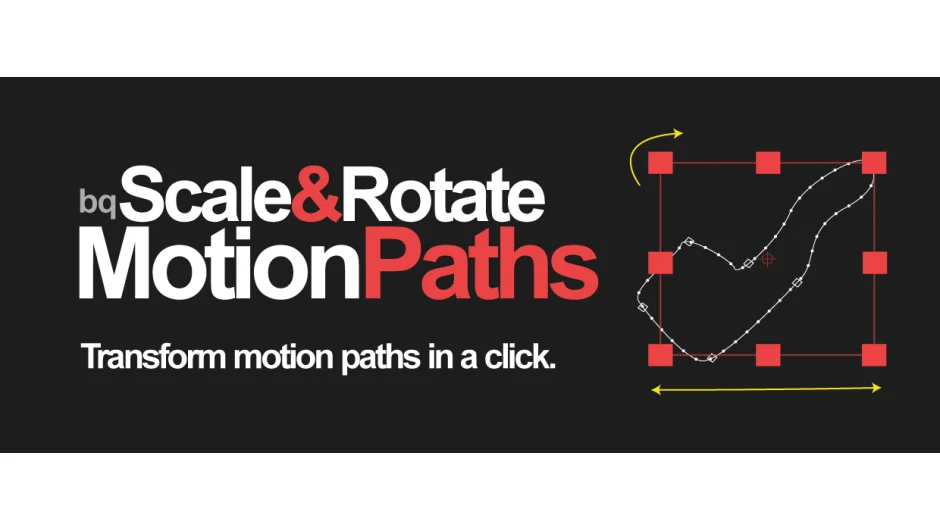
What It Does
After Effects doesn’t include a built-in way to scale or rotate motion paths. This script solves that problem by creating a temporary transform null that lets you preview changes before applying them to your original layer.
Select a layer with a motion path, click Create, and the script generates a temporary null and a temporary duplicate of your layer. Scale and rotate the null to transform the motion path visually. When you’re satisfied, click Apply to transfer the new motion path to the original layer and delete the temporary elements.
Key Features
Temporary null workflow. The script creates a transform null that controls how your motion path scales and rotates. This preview approach lets you see changes before committing them.
Headless mode. Run the script from the Scripts folder or a toolbar without opening the UI. If one layer is selected, it auto-creates the transform null. If the transform null is selected, it applies changes. If nothing is selected and temp layers exist in the comp, it selects them for you.
Adjustable null size. Set the null to XS for small comps or adjust as needed.
2D and 3D layer support. Works with any layer type that has a root-level motion path. It won’t work on position properties nested inside shape layers.
Version 2.0 processes faster than the original release.
Who It’s For
Motion designers working with animated paths who need to scale or rotate motion without rebuilding keyframes from scratch. Useful for logo animations, camera moves, or any project where you need to adjust path dimensions or orientation after animating.
To see your entire motion path in After Effects, set Preferences > Display > Motion Path to “All Keyframes.”
Pricing
Pay what you want with a suggested minimum of $9.99. Businesses and teams must pay the suggested price to receive a valid license. Individual users can contribute any amount.