
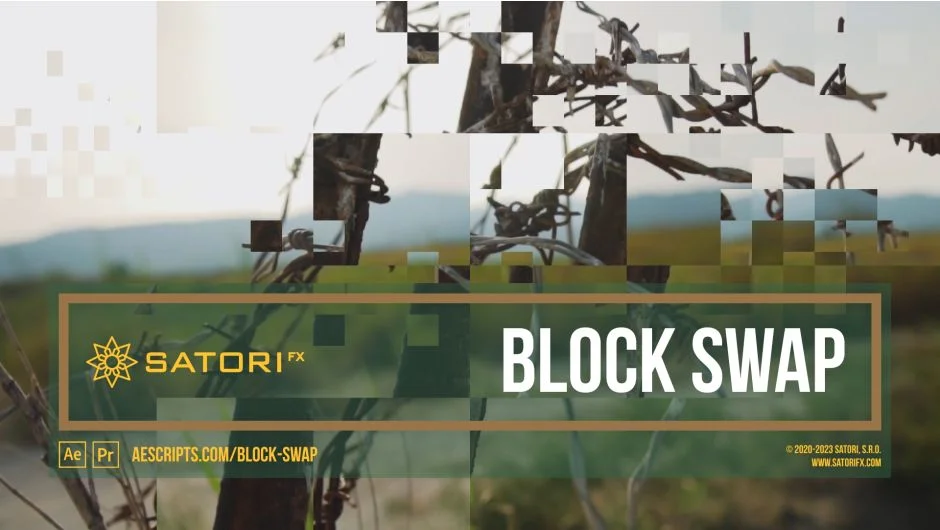
What It Does
Block Swap randomly swaps blocks of an image with each other to create effects ranging from fine noise to large tile patterns. The plugin works by dividing your footage into blocks of adjustable size, then shuffling them according to parameters you control. You can target specific areas with a mask, shift blocks in time instead of just in space, and animate the effect for transitions or evolving distortions.
Key Features
Block size controls. Set block width and height from 1 pixel (creates noise-like effects) up to 4096 pixels (large tiles). The Align button snaps to dimensions that tile evenly across the frame.
Shuffle parameters. Shuffle Strength controls what percentage of blocks swap (0% leaves all blocks in place, 100% swaps everything). Shuffle Spread determines how far apart blocks can swap, from neighboring blocks only to opposite corners. Direction limits swapping to horizontal, vertical, or all directions.
Time Shift. Instead of swapping blocks in screen space, swap them in time. Pull blocks from up to 16 different frames on the timeline. Useful for creating temporal glitches or pulling in frames from earlier or later in the sequence. Options for stepping by seconds or frames, with edge handling modes like repeat, wrap, or mirror.
Mask Filter. Control where swapping occurs using any layer as a mask. The Threshold mode gradually filters based on luminosity. Randomized Threshold and Randomized Mask modes add variation for more organic transitions. Set Intensity from 0% (no filtering) to 100% (complete masking).
Composite on Original. Output only the changed areas of the image. Helpful when you want to apply additional effects only to the swapped blocks.
Channel control. Apply the effect to all channels (RGBA), or isolate it to red, green, blue, or alpha only.
Who It’s For
Motion designers creating glitch effects or digital distortions will find the block size and shuffle controls useful. Editors looking for transition effects can animate the Mask Filter intensity or Shuffle Strength. VFX artists who need to recompose scenes or create noise patterns have the time shift and masking options.
Pricing
Block Swap uses a pay-what-you-want model. The suggested price is $27.99, but you can name your own price when purchasing. The trial version limits rendering resolution to 4096 pixels vertically. The full version removes this restriction and supports multi-frame rendering in After Effects. Works in After Effects CS6 through 2025 and Premiere Pro CS6 through 2025, on both Intel and Apple Silicon Macs.