
What It Does
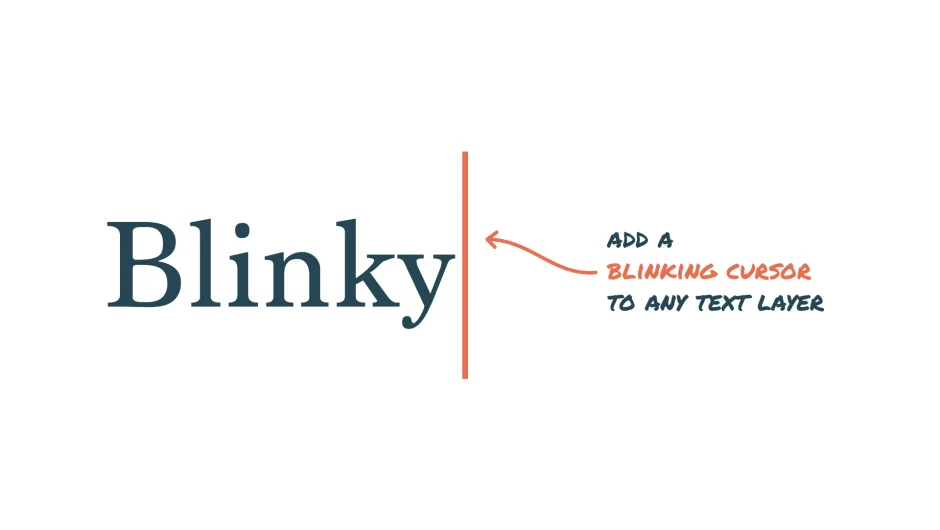
Blinky adds an animated blinking cursor to any text layer in After Effects. Select your text layer, click “Add Blinky,” and it creates a cursor layer with full control over appearance and animation. The script uses expression-driven masks rather than plugins, making projects easy to hand off without dependencies.
Note: Blinky is no longer sold as a standalone product. Its functionality has been integrated into TYPE, a broader text animation toolkit by the same developer.
Key Features
One-click cursor creation. Select a text layer and run the script to generate a cursor layer that automatically positions itself at the end of your text.
Full customization. Adjust cursor color, thickness, height, blink speed, and blink duration through effect controls on the cursor layer. Works with any font, text alignment, and multi-line text, including right-to-left languages.
Typewriter animation. The script includes a custom typewriter effect for animating text reveals. Keyframe the effect on your text layer to create typing animations that sync with the cursor.
Expression-based, no plugins. Blinky generates expression-driven masks instead of relying on third-party plugins. This means your projects remain portable and won’t break when shared with other editors.
Who It’s For
Useful for title animations, tutorial videos, tech demos, or any project where you need to simulate typing. The built-in typewriter effect handles the text reveal while the cursor blinks in sync, saving you from manually animating both elements.
Pricing
Blinky is now part of TYPE and no longer available as a standalone product. TYPE is a paid tool at $49. When it was standalone, Blinky operated on a pay-what-you-want model with a suggested price of $7.99.