
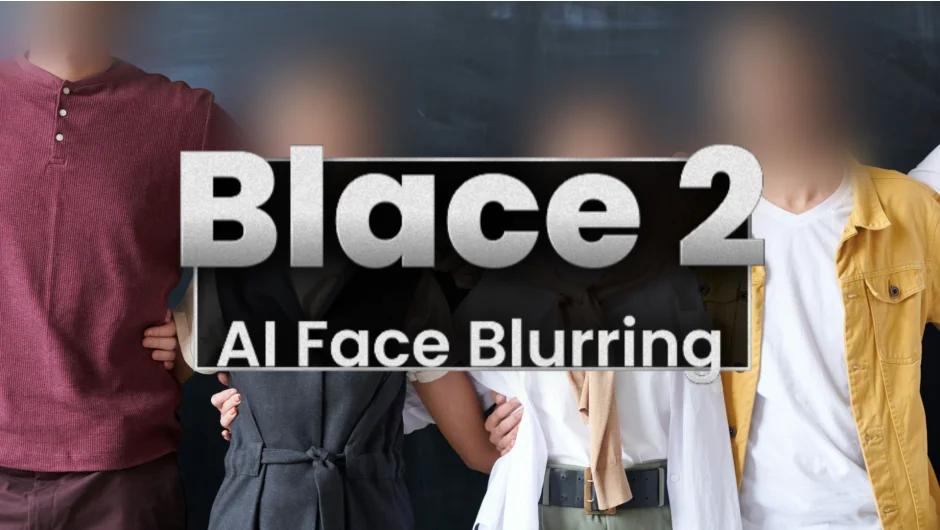
What It Does
Blace 2 detects faces in video footage and applies blur or masking automatically. The plugin uses AI to track faces across frames, with no manual keyframing. You apply the effect, and detection starts immediately.
It runs on CPU-only systems with solid performance, a rarity for AI-based plugins. Apple Silicon Macs with 16GB+ RAM and Windows systems are supported, though older macOS versions are not compatible.
Key Features
Detection threshold. Control how sensitive face detection is. Adjust to catch more faces or reduce false positives.
Stabilize option. Improves tracking accuracy across frames, reducing jitter in the mask.
Two passes and samples. Run detection twice or increase samples to catch smaller or partially visible faces.
Offset sliders. Adjust the size and position of detected regions without redoing the analysis.
Custom layer masks. Use the Time Map control layer to apply your own masks to detected faces, or use include/exclude masks to limit detection zones.
Gaussian blur preset. Apply a standard blur to faces out of the box, or export masks for use with other effects.
The plugin includes a demo mode for testing settings before purchasing.
Who It’s For
Useful for documentary editors who need privacy compliance, social media creators blurring bystanders, or VFX artists prepping footage for compositing. Anyone dealing with footage where manual face tracking would be tedious will find it practical.
Not designed for creative face effects or advanced rotoscoping. It solves one problem: automated face detection and blur.
Pricing
Blace 2 costs $59.99 for a single-user perpetual license. Floating server licenses and render-only licenses are available at different price points. Upgrade pricing is offered to previous version owners (requires account login).
No subscription. One-time purchase includes future updates within the major version.