
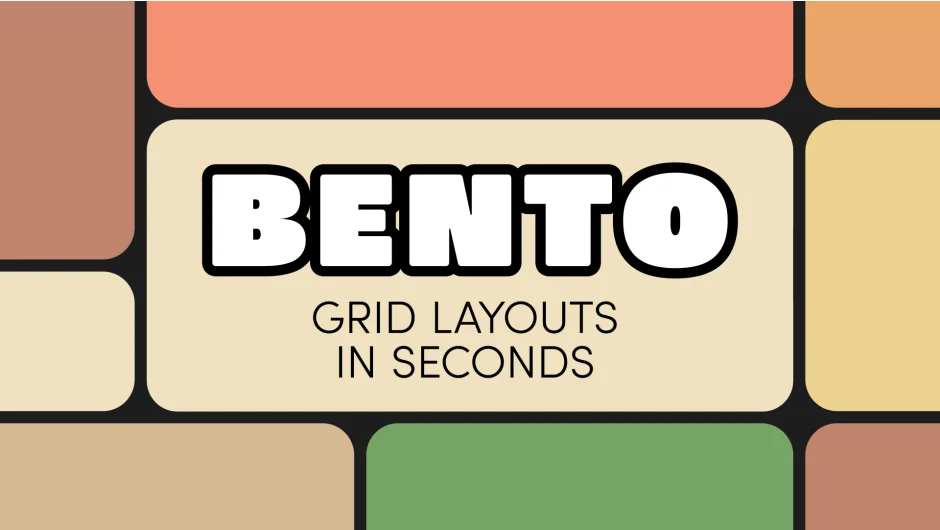
What It Does
Bento generates bento box grids (multi-panel layouts) in After Effects with a single click. You get a customizable grid guide that you can iterate through random variations or build with precise control over rows, columns, and spacing. When you’re happy with the layout, click the button again to convert the guide into pre-comps with built-in mattes. Drop your assets into the pre-comps and you’re done.
Key Features
Random Seed. Cycle through unlimited random grid layouts by changing a single number. Want something more uniform? Lower the Random Box Size setting to constrain the variation.
Grid controls. Set rows and columns, adjust spacing (uniform or separate horizontal and vertical), and change corner roundness for all boxes at once. The grid defaults to your composition size but can be customized to any width and height.
Two-click conversion. Select your Bento Guide layer, click the Bento button, and the script converts your boxes into pre-comps with mattes already applied. No manual masking required.
Who It’s For
Useful for motion designers working on social media posts, title cards, or any project requiring multi-panel layouts. The random generation makes it faster to explore design options instead of building each variation by hand.
Pricing
One-time purchase of $18. Includes a perpetual license for one installation plus one archival copy. Compatible with After Effects 2023, 2024, and 2025.
