
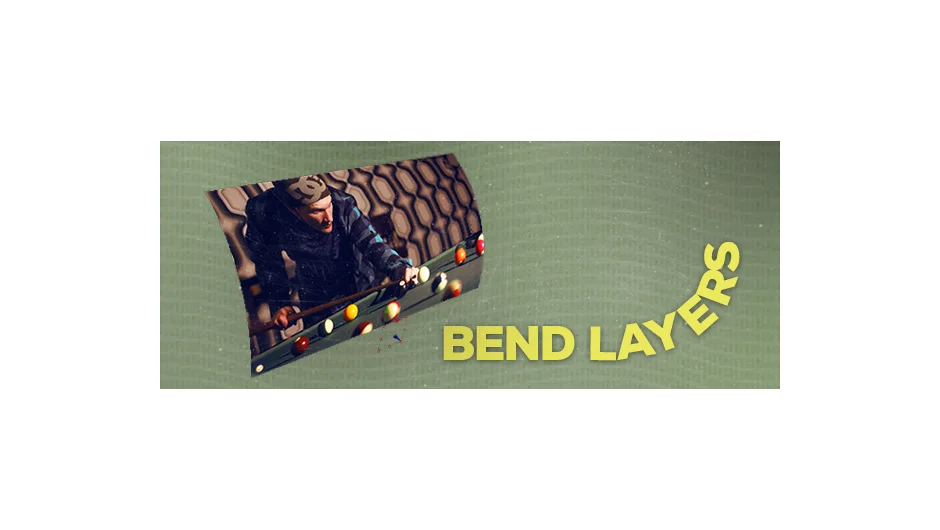
What It Does
Bend Layers creates curved 3D arrangements of layers without using After Effects’ ray tracing engine. Instead of the performance hit that comes with ray-traced bending, the script duplicates and arranges layers to form C-shapes or S-shapes. This lets you create curved text, images, or graphics that render much faster than traditional 3D bending methods.
Note: This plugin is no longer available for purchase.
Key Features
Anchor point control. Choose where the bend originates: left, center, or right horizontally, and top, center, or bottom vertically. This gives you precise control over how the curve forms.
C-shape and S-shape modes. Pick between a single curve (C-shape) or a double curve (S-shape). Horizontal and vertical orientations work for both.
Segment manipulation. Each duplicated segment can be reversed in direction or pushed in X, Y, or Z space. This adds depth variation beyond the basic curve.
Rotation and position controls. Adjust the spacing and angle of bent segments to fine-tune the final look.
Pre-comp or in-comp workflow. Choose whether the script creates bent layers inside a new pre-comp (cleaner) or directly in your current composition (faster to iterate).
Who It’s For
Useful for motion designers creating title animations or graphics that need to wrap around curved paths. The main benefit is speed. Projects with multiple bent elements can preview and render faster than equivalents built with ray tracing, especially in older versions of After Effects.
The script works best with simple layer arrangements. Complex scenes with many effects may not see as much performance gain.
Pricing
Bend Layers used pay-what-you-want pricing before it was discontinued. The regular price was listed at $29, with occasional sales around $23. It’s no longer available from aescripts.com.