
What It Does
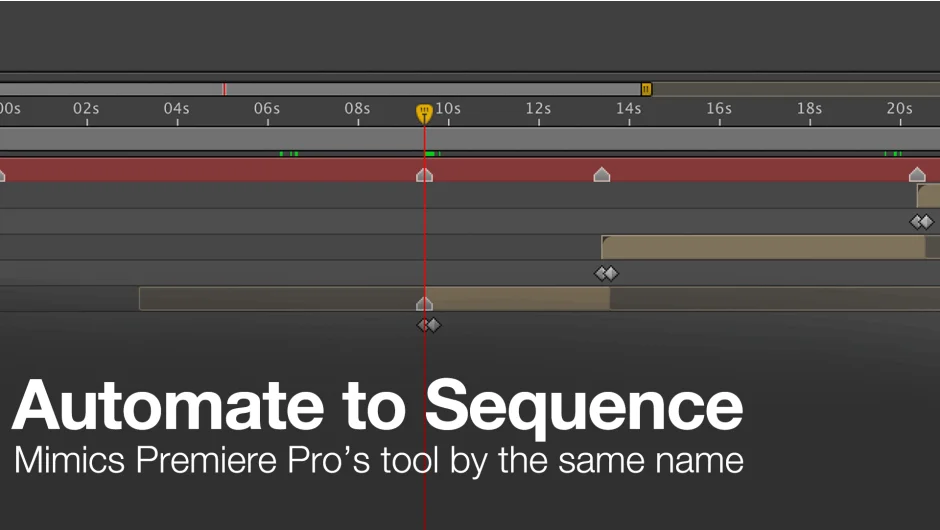
Automate to Sequence brings a Premiere Pro staple to After Effects. It shifts or sets the in and out points of selected layers based on markers placed on a designated marker layer. Instead of manually dragging layers along the timeline, you place markers where you want your layers to appear, select the layers, and run the script. After Effects arranges them automatically.
Key Features
Marker Layer selection. Choose which layer carries the markers that will drive the sequencing. Composition markers are not supported, only layer markers.
Ordering options. Sequence layers based on your selection order or by layer index (bottom to top in the timeline). This gives you control over which layer lands where.
Overlap control. Decide whether sequenced layers should overlap or sit end-to-end. Useful for crossfades or tight cuts.
Two sequencing methods. Shift layers in time while keeping their duration, or adjust their in points directly. Each method handles timing differently depending on your source footage.
The script includes a dockable UI where you set these options before running. Compatible with After Effects CS6 through 2026.
Who It’s For
Motion designers working with animatics, slideshow editors managing multiple image layers, or anyone sequencing a stack of layers to audio cues. If you’re placing markers on an audio layer to match beats or voiceover, this script automates the tedious part of lining up visuals.
Pricing
This is a pay-what-you-want plugin, starting at $9.99. You choose how much to pay based on what it’s worth to you. A trial version is available from the product page to test before purchase. Existing customers may see upgrade pricing when logged in.