
What It Does
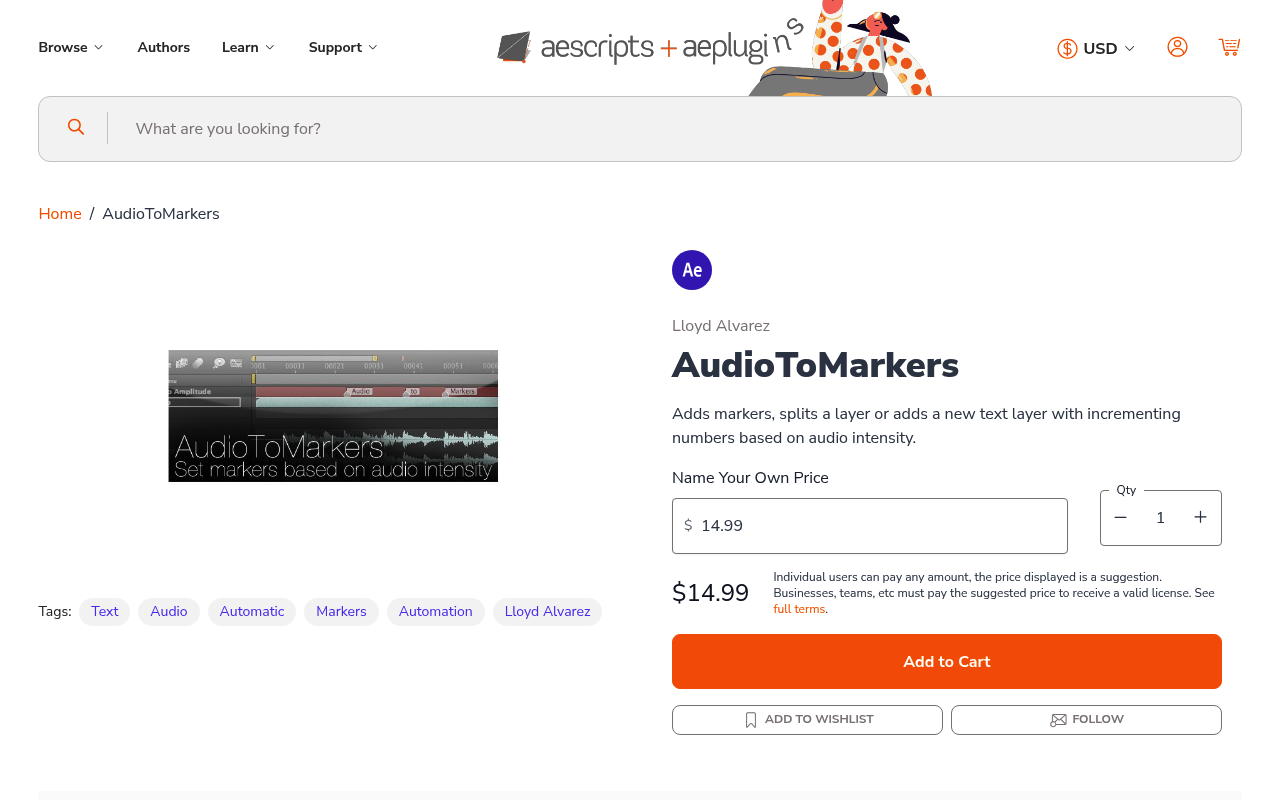
AudioToMarkers reads audio amplitude in your After Effects comp and automatically creates markers, splits layers, or generates numbered text layers wherever the audio crosses a threshold you set. Instead of manually scrubbing through a timeline to find beat hits or dialogue peaks, the script does it for you.
Key Features
The workflow is straightforward. First, convert your audio layer to keyframes using After Effects’ built-in Keyframe Assistant (this creates visible keyframes showing the waveform amplitude). Then run AudioToMarkers and set a threshold level. The script analyzes the “Both Channels” audio amplitude and marks every point where the audio rises above your threshold after previously dropping below it.
You get three output options:
- Layer markers. Places a standard After Effects marker at each threshold crossing. Useful for manual review or syncing other elements to those points.
- Layer splits. Cuts the layer into separate segments at each audio peak. Good for isolating individual words or beats as separate clips.
- Numbered text layers. Creates a new text layer with incrementing numbers (1, 2, 3…) at each marker point. These numbers can drive expressions, letting you build complex audio-reactive rigs that respond to specific beat counts.
The script only adds a new marker after the audio dips below the threshold and rises above it again, so sustained loud passages don’t create dozens of redundant markers.
Who It’s For
Useful for anyone building audio-reactive motion graphics, music videos, or slideshows that need to sync to a soundtrack. Originally featured in the Aetuts+ Rockin Slideshow Tutorial. If you’re manually placing markers to audio cues, this script eliminates most of that busywork.
Pricing
AudioToMarkers uses a pay-what-you-want model. The suggested price is $14.99, but you can set your own amount. One-time purchase, not a subscription.