
What It Does
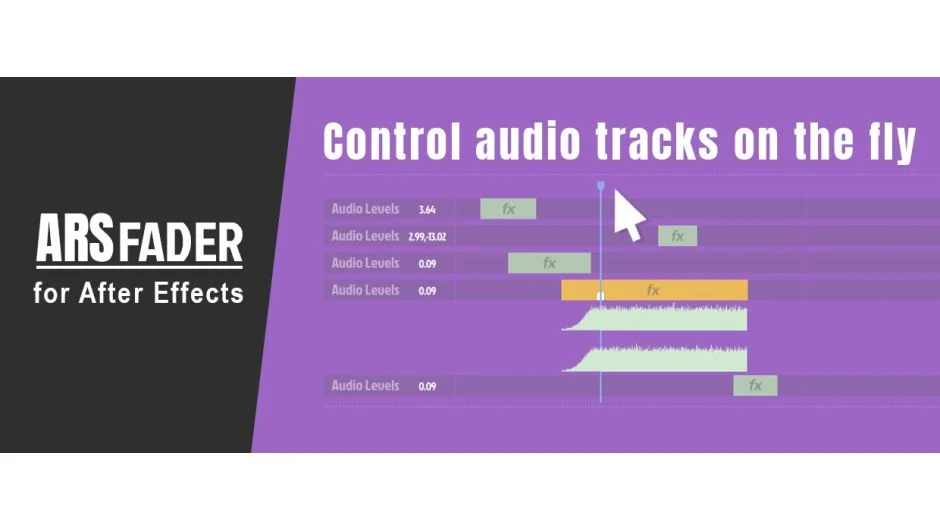
ARSfader puts audio controls where you need them: directly in your After Effects timeline. Instead of digging through layer options or effects panels to adjust volume and panning, you handle it right where you’re working.
Key Features
Timeline audio control. Adjust volume and panning for audio layers without opening nested menus. The controls sit in your workspace, not buried in effects panels.
Marker-based fades. Place markers on your timeline to define fade in and fade out points. The script handles the keyframing automatically based on marker placement.
Smooth volume transitions. Version 1.1 added buttons for gradual volume and pan changes, making it easier to create natural audio transitions without manual keyframing.
Multi-track management. Change volume settings across all audio tracks at once when you need global adjustments.
Who It’s For
Useful if you work with voiceovers, music beds, or sound design in After Effects and want faster access to basic audio controls. Particularly helpful for editors who frequently adjust levels during review or need to sync audio fades with visual timing.
Pricing
$9.99 for a single user license. Trial version available to test before purchase.