
What It Does
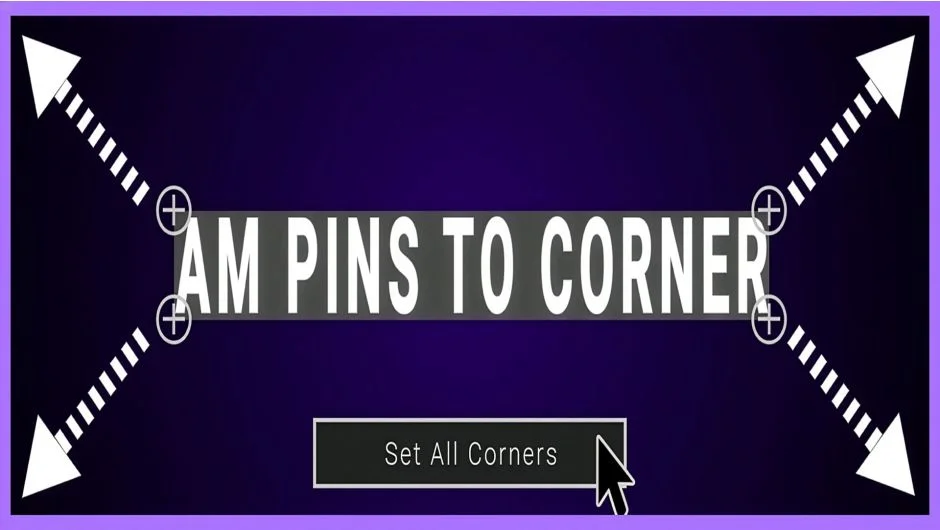
AM Pins To Corner positions the four control points of Corner Pin or CC Power Pin effects to match the corners of your current composition. Select layers with these effects applied, click a button, and all four corners (or individual corners) snap precisely to the comp edges. No manual positioning, no math.
The script also lets you batch-add Corner Pin or CC Power Pin effects to multiple selected layers simultaneously.
Key Features
Automatic corner positioning. Works with both Adobe’s Corner Pin effect and the third-party CC Power Pin. Handles all four corners at once or individual corners as needed.
Batch effect application. Add Corner Pin or Power Pin to multiple layers in one action instead of applying effects individually.
Simple interface. Select layers, click to apply. The script handles the coordinate math for positioning points at Top Left, Top Right, Bottom Right, and Bottom Left corners.
Who It’s For
Compositors who frequently need to align distortion or perspective effects to comp boundaries. Screen replacement work, corner pin tracking cleanup, or perspective matching tasks where you need effect points locked to frame edges.
Pricing
AM Pins To Corner uses a pay-what-you-want model with a suggested price of $5.99. Individual users can pay any amount they choose. Businesses and teams are expected to pay the suggested price to receive a valid license.