
What It Does
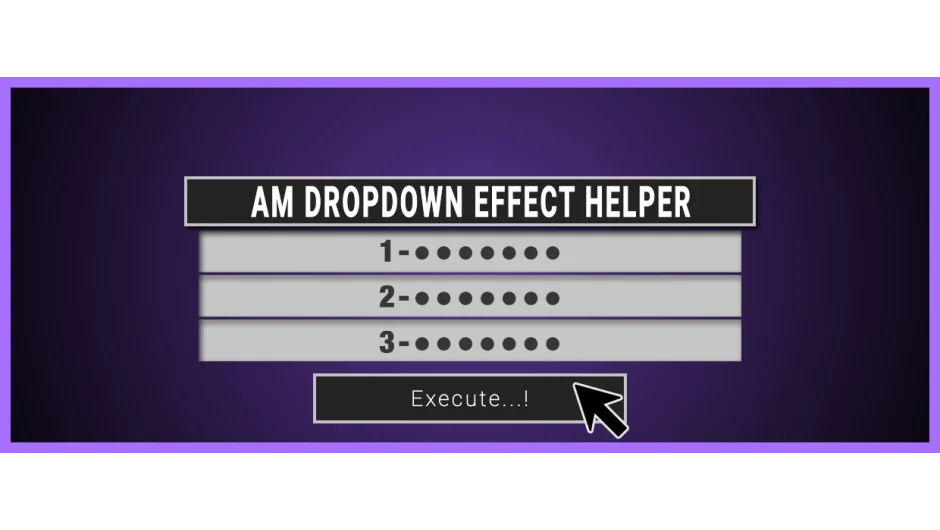
AM Dropdown Effect Helper automates the process of adding items to the Dropdown Menu Control effect in After Effects. Instead of creating each dropdown item one by one, this script lets you add multiple items at once using different methods. It also simplifies selecting items from large dropdown lists by letting you jump to specific items by index number, eliminating the need to scroll through hundreds of entries.
Key Features
Bulk item creation. Add items using three methods: generate a series of numbered items, paste items separated by line breaks, or input an array. This works well when building UI controls or large selection lists.
Automatic layer targeting. The script applies the dropdown effect to your last selected layer. If nothing is selected, it creates a new text layer and applies the effect there.
Index-based selection. Jump directly to any item in your dropdown list by entering its index number. Useful when working with lists containing dozens or hundreds of items.
Keyframe support. Add keyframes at the current time to animate between different dropdown selections.
Effect naming. Assign custom names to your dropdown menu controls to keep your project organized.
The script can handle up to 1,168 items per dropdown, which is the maximum supported by After Effects’ native Dropdown Menu Control effect.
Who It’s For
This script is for motion designers who build complex rigging systems or user interfaces in After Effects. If you create controllers for character rigs, templated graphics with multiple options, or any project that uses dropdown menus as selection tools, this script saves time during setup.
Pricing
AM Dropdown Effect Helper uses a pay-what-you-want pricing model with a suggested minimum of $5.99. Individual users can set their own price, while businesses and teams should pay the suggested amount for a valid license. No subscription required.
Requires After Effects CC 2020 (version 17.5.1 or later).