
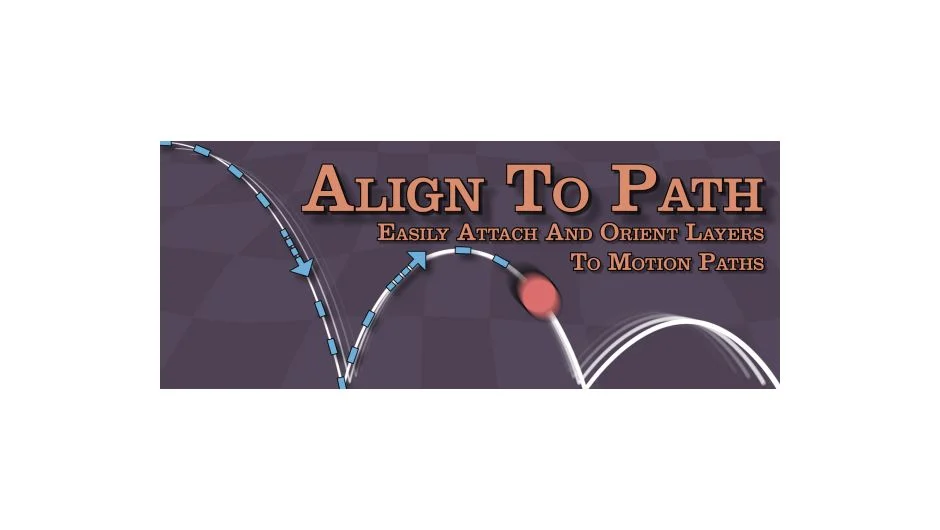
What It Does
Align to Path attaches layers to mask paths and controls their position along those paths using animated sliders. Select your layers, select mask names (not paths), run the script, and your layers will move along the masks. Works with single paths or multiple sequential paths.
The script creates hidden null objects for each path and gives you percentage-based controls. Update the original mask shape anytime, click Update in the interface, and attached layers reposition while keeping all keyframes intact.
Key Features
Motion Path Completion. Two animation modes: Complete Sequentially moves through all paths in alphabetical order using one 0-100 slider, or use individual sliders per path to control the percentage contribution of each (normalized to 100% total).
Non-destructive path updates. Edit the original mask shape, select it in the GUI, click Update. Layers jump to new positions while preserving existing keyframes.
Keep Position Offset option places layers at their current position on the path rather than forcing them to the start.
Auto-Orient to Path rotates layers to face the direction of travel. Works after the first keyframe on Motion Path Complete. You can still manually animate rotation even with this enabled.
Path independence from transforms. Mask layer rotation and scale don’t affect the motion paths (same behavior as copying masks in After Effects).
Who It’s For
Useful for animating text, graphics, or objects along curved routes without manually keyframing position. Typical use cases: title animations following custom paths, object motion along drawn routes, or sequential travel through multiple connected paths.
The script handles the math of path following and gives you slider controls instead of position keyframes. Good for motion graphics where you need precise control over timing along a specific shape.
Things to Know
Sliders only work in the 0-100 range. Values outside get clamped to those limits. The script creates one hidden, locked, shy null per path at the end of your comp. Mask completion happens alphabetically when using Sequential mode.
Paths can’t be animated. The script reads static mask shapes. If you need to update a path, edit the original mask and use the Update button.
Pricing
Pay what you want with a suggested price of $39.99. Bulk discounts available: 10% off for 2 licenses, 15% off for 5, 20% off for 10. Perpetual license with upgrade pricing for previous buyers.