
What It Does
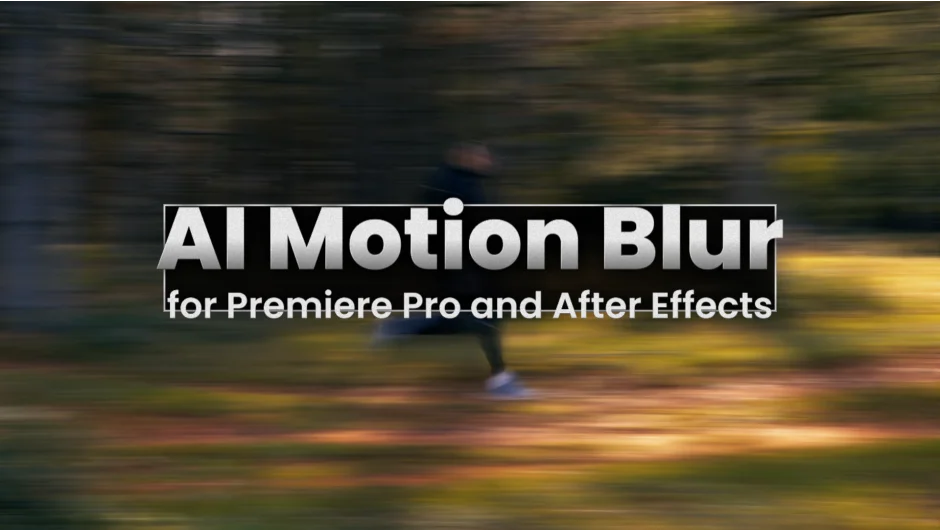
AI Motion Blur adds realistic motion blur to footage that looks too sharp or digital. It analyzes motion in your video using AI algorithms and applies natural-looking blur based on that movement. Works on live-action footage shot at high shutter speeds, 3D renders, animations, timelapses, and abstract visuals.
The plugin runs in both After Effects and Premiere Pro. In Premiere, you apply it as an effect and get instant results. In After Effects, you get additional control over motion vectors and advanced parameters.
Key Features
AI-based motion estimation. The plugin uses machine learning to calculate accurate motion vectors across your footage. This analysis produces better results than After Effects’ built-in pixel motion blur, especially on complex movement.
Motion vectors output. Export native HD resolution motion vectors for use in other compositing work or custom effects.
Adjustable blur strength. Control the intensity independently from the detected motion. Push blur beyond natural levels for stylized or dreamy looks, or dial it back for subtle enhancement.
Alpha layer support. Apply motion blur to layers with transparency, useful for motion graphics elements and composited renders.
CUDA acceleration. Recent updates include CUDA memory sharing for faster rendering at 4K and higher resolutions on NVIDIA GPUs.
Who It’s For
Useful for anyone working with footage that needs a more cinematic feel. Common scenarios include fixing high-shutter-speed video, adding motion flow to timelapse sequences, enhancing 3D renders that lack motion blur, and polishing abstract animations.
Pricing
$49.99 for a perpetual license. One-time purchase with no subscription. Upgrade pricing available for customers who previously purchased related Blace plugins. Requires Windows with NVIDIA GPU (8GB+ VRAM) or Apple Silicon Mac running macOS Sequoia or newer (16GB+ RAM). Other configurations run very slowly or are unsupported.