
What It Does
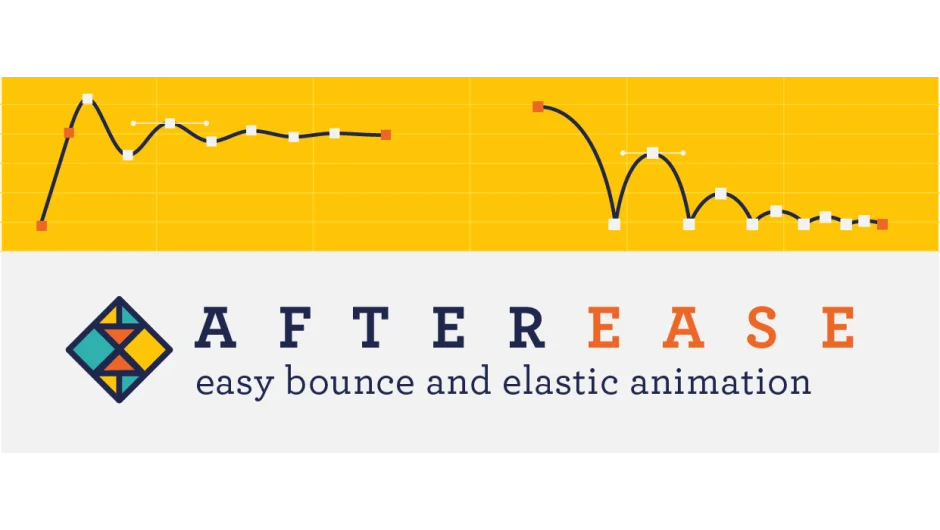
After Ease removes the manual work from creating bounce and elastic animations. Instead of tweaking expression values blindly, you design motion curves through a visual interface with live preview. The plugin works on any numeric property, position, scale, rotation, opacity, and extends to mask and shape paths where most easing tools stop.
Once you’ve dialed in the timing, apply the curve as an expression or bake it into editable keyframes. The expression method keeps things flexible while baked keys let you fine-tune individual points afterward.
Key Features
Visual curve editor. Adjust bounce height, elasticity, and timing while watching a real-time preview. No guessing at expression parameters.
Smart baking. Convert your expression-based motion into standard keyframes. Useful when you need to hand-edit the curve or when working in templates where expressions might conflict.
Mask and shape path support. Apply bounce and elastic motion to mask paths and shape layer paths, not just transform properties. Helpful for animated reveals or morphing graphics.
Who It’s For
Motion designers who regularly animate UI elements, kinetic text, or character rigs where bounce adds personality. The visual approach makes it accessible if you’re not comfortable writing expressions, while the baking option keeps your projects clean if you’re handing them off.
Pricing
After Ease uses pay-what-you-want pricing with a suggested price. The site lists examples like $25 or $112.50, but you choose your amount when purchasing. There’s a trial version available to test compatibility first. Prior customers see an upgrade price if logged in.