
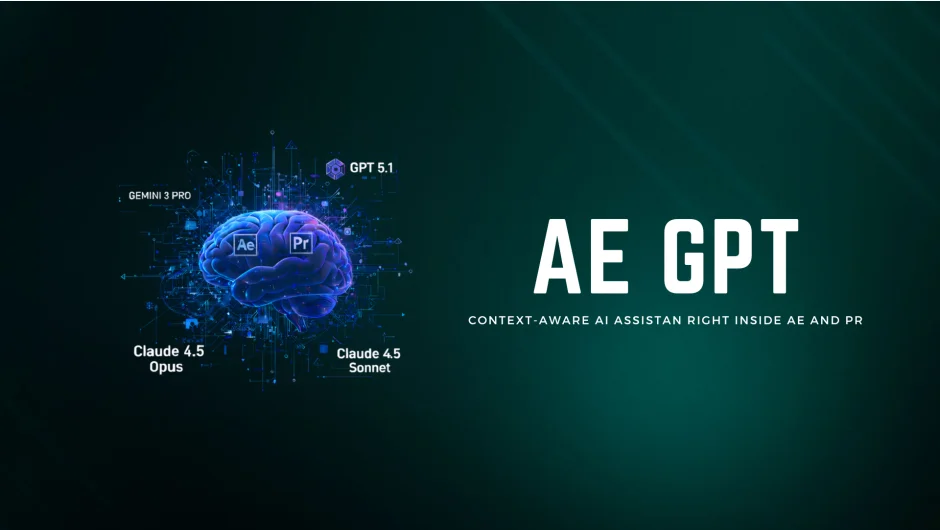
What It Does
AE GPT connects After Effects to AI models like ChatGPT, Gemini, and Claude, letting you write expressions and automate tasks using plain English instead of code. Ask it to create a wiggle expression for camera shake or fix a syntax error, and it generates working code you can apply with one click.
The plugin analyzes your active composition, reading layer properties, effects, and timeline structure to provide context-aware suggestions. It works in both After Effects and Premiere Pro as of version 1.1.
Key Features
Multi-model support. Switch between GPT-5.1, Gemini 3, and Claude 4.5 Opus depending on your needs. Each model has different strengths, like GPT for expressions or Claude for creative ideas.
Expression generation and fixing. Describe what you want in natural language, and AE GPT writes the expression code. If you have a broken expression, paste it in and ask for a fix. The plugin understands After Effects syntax and generates corrected code.
Context awareness. The plugin automatically reads your active composition or sequence, including layers, effects, and timeline structure. This means it can suggest solutions specific to your current project setup.
One-click workflow. Generated expressions include syntax highlighting and copy buttons. Apply them directly to properties without switching windows or manually formatting code.
Creative brainstorming. Beyond expressions, ask for animation ideas, effect suggestions, or color scheme recommendations. The AI provides creative direction based on what’s in your project.
Who It’s For
Useful for motion designers who want to write expressions without memorizing syntax. If you know what motion behavior you want but struggle with the code, this tool translates your intent into working expressions.
Also helpful for anyone learning expressions, since the AI explains what each line of code does. You can iterate on ideas by asking follow-up questions and refining results.
Pricing
AE GPT uses a pay-what-you-want model. Set your own price when purchasing (suggested amount for commercial use, less for personal or student use). Teams and corporate buyers must pay the suggested price. The listing shows $29 as the standard amount. This is a one-time purchase with free lifetime updates. No subscription required.
You’ll need your own API key from OpenAI, Google, or Anthropic to use the plugin, which involves separate costs based on API usage.