
What It Does
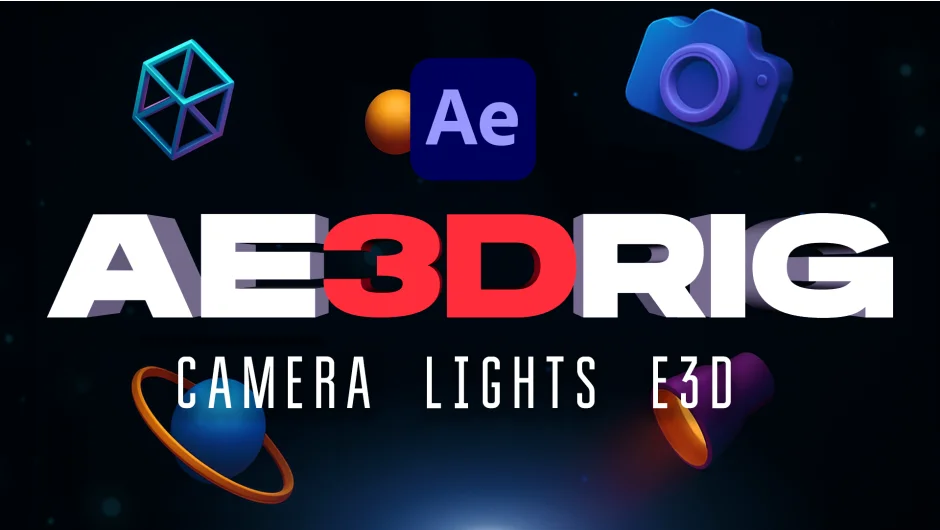
AE 3D RIG is a set of six scripts that centralize common 3D tasks in After Effects. Instead of adjusting individual layer properties, you get unified controls for cameras, lights, and layer organization. Released by GothLab in October 2025, it handles everything from camera shake to automated Element 3D setups.
Key Features
Camera Rig gives you one control point for position, rotation, zoom, and focal length. Includes built-in motion blur and camera shake. Switch to orthographic view with one click for cleaner 3D work.
Light Rig sets up a three-point lighting system (key, fill, back) with orbit controls. Adjust color, direction, and intensity for all lights together or individually. Works with both Classic 3D and Cinema 4D renderers.
Element 3D Boilerplate automates the prep work for VideoCopilot’s Element 3D plugin. With nothing selected, it creates a solid with Element applied. Select an image and it assigns it as a texture. Select text or mask layers and it routes them to Custom Text or Custom Mask automatically.
Z Stacker arranges selected layers along the Z-axis with adjustable spacing and alignment options. Choose center or top alignment, set padding multipliers, and organize 3D layer depth without dragging individual position values.
Background generates a 3D background layer in one click. Includes optional color controls for quick scene setups.
Shape to Mask converts shape layers into masks compatible with Element 3D and other effects. Hold Ctrl (Windows) or ⌘ (Mac) while clicking to create separate layers for each shape group.
Who It’s For
Motion designers working with 3D layers, cameras, and lights in After Effects. Especially useful if you use Element 3D frequently or work with multi-layer 3D compositions where manual adjustments get repetitive.
Pricing
AE 3D RIG uses a pay-what-you-want model with a suggested price of $29.99. Individual users can pay any amount. Businesses and teams must pay the suggested price for a valid license. One-time purchase, no subscription.