
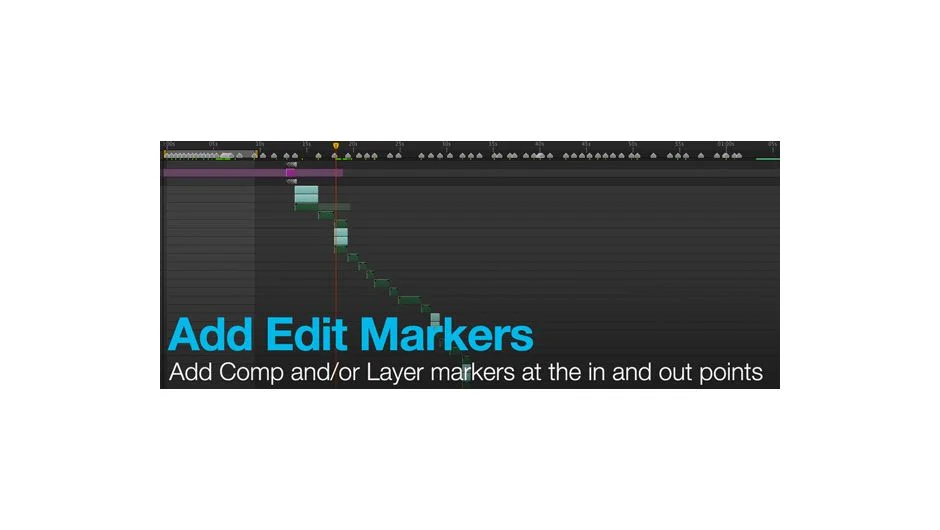
What It Does
Add Edit Markers places layer or composition markers at the in and out points of selected layers in your comp. Instead of manually setting markers at each trim point, the script does it in one click.
Key Features
Layer and comp markers. Choose whether to add markers to individual layers or to the comp timeline. Both options mark the in and out points of your selected layers.
Split markers. Added in version 1.5, split markers let you divide your timeline at specific points. Useful when you need to mark edit points without changing layer durations.
The interface is simple: select your layers, run the script, and markers appear at the trim points. No extra steps or complex settings.
Who It’s For
Anyone editing to music or marking scenes for client review. If you’re trimming multiple layers to specific timing and need visual markers for reference, this script removes the manual work. Also useful for editors working with split-screen comps or syncing multiple timeline elements.
Pricing
Pay-what-you-want with a suggested price of $14.99. Individual users can pay any amount. Businesses and teams must pay the suggested price for a valid license.