
What It Does
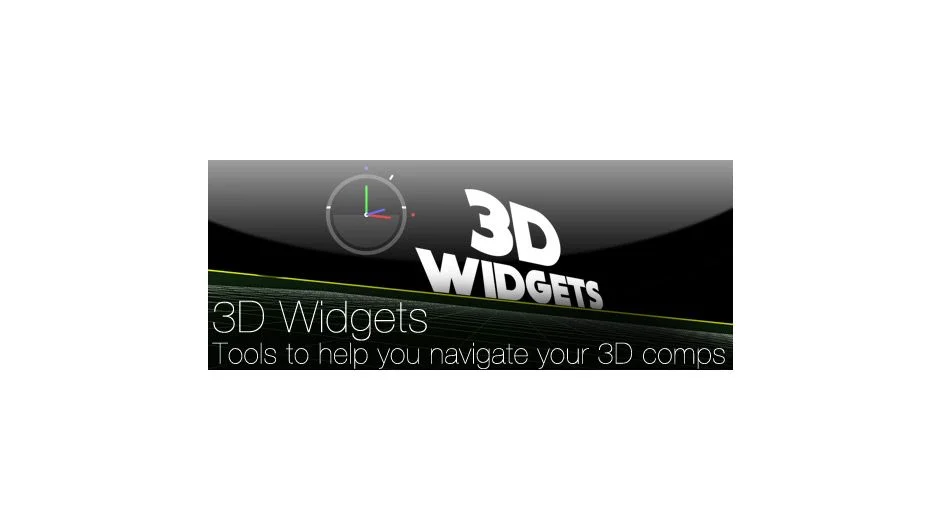
3D Widgets was a collection of three scripts designed to help After Effects users navigate and orient themselves when working in 3D space. While no longer available, it offered tools familiar to users of dedicated 3D animation software: a camera-reactive grid, a visual widget showing pitch and heading, and horizon indicators. These rendered with minimal overhead, making spatial orientation quick during complex 3D animation work.
Key Features
BR_Widget. This script rendered a widget in the corner of your comp showing camera pitch, heading, and horizon. It warned you when the camera went below the horizon or flipped upside down, useful for catching orientation issues during camera animation.
BR_Grid. A procedural grid that moves and reacts with your 3D camera. It uses a rendering method that adds little overhead to your workspace, letting you see spatial relationships without slowing down playback.
BR_Horizon. Draws a triangle, baseline, and ground fill to help you navigate 3D space. Like BR_Grid, it uses a procedural method for minimal rendering impact.
Who It’s For
Anyone working with 3D cameras and layers in After Effects. If you’ve used 3D software like Cinema 4D or Blender, these widgets provide similar visual reference points. They’re particularly helpful when animating cameras through complex 3D compositions where it’s easy to lose orientation.
Pricing
This product has been discontinued and is no longer available for purchase. It originally used a pay-what-you-want pricing model.