
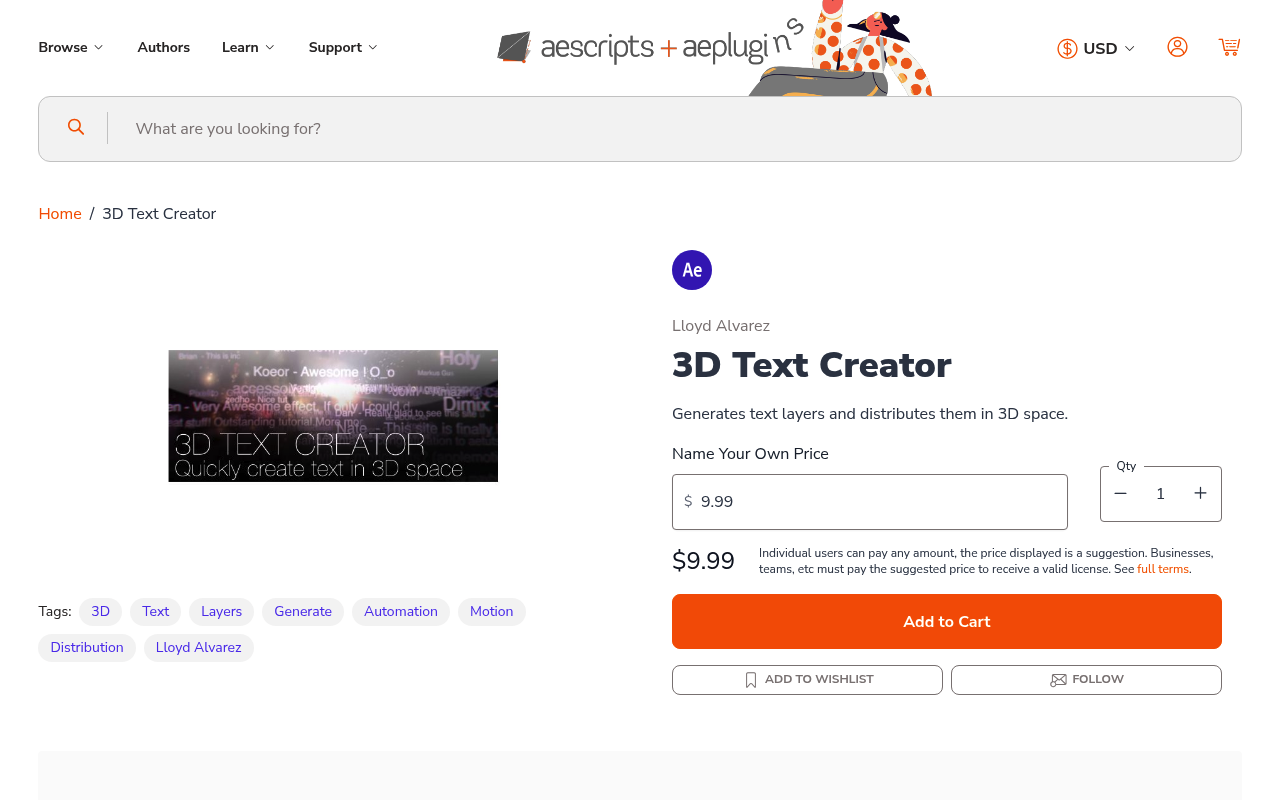
What It Does
3D Text Creator generates multiple text layers and scatters them through 3D space in After Effects. You define your words, position ranges, and color variations by editing the script file, then run it to create as many layers as you need. It’s a bulk generation tool: fast to run, but requires upfront configuration through a text editor rather than a visual interface.
Two versions are included. The first lets you type words directly into the script file. The second reads from an external text file, which is handy when working with large word lists or client-provided copy.
Key Features
True 3D positioning. Layers are placed in actual 3D space, not pseudo-3D. You define min/max values for each axis and the script randomizes placement within those bounds. Useful for compositions with active 3D cameras.
Color randomization. Define a color palette in the script and it distributes those values randomly across generated layers, keeping results visually varied without manual assignment.
File-based text input. The second script variant reads from an external .txt file, one word per line. Practical for longer word lists or when content changes between runs.
Plain configuration. Parameters in the .jsx file are clearly labeled. You don’t need scripting knowledge, just the ability to edit a few lines of text before running.
Who It’s For
Good for motion designers building title sequences, lyric videos, or abstract typography animations where you need many text layers scattered in depth. If you regularly create word-cloud-style compositions or 3D camera fly-throughs over text fields, this saves the time of placing each layer manually.
Not suited for precise, keyframed text animation. The script handles spatial layout and bulk creation, not timing or individual animation curves.
Pricing
Pay-what-you-want, suggested minimum $9.99. A trial version is available before purchase. One-time purchase, no subscription. Compatible with After Effects CC 2014 through 2025.