
What It Does
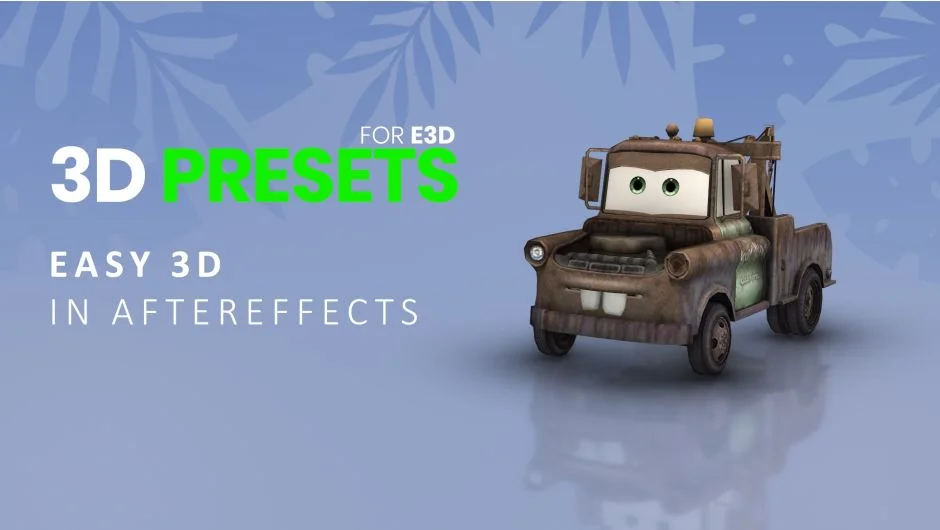
3D Presets for Element 3D turns flat text, logos, and objects into 3D animations inside After Effects. The plugin supplies ready-made animation, material, and extrusion presets you apply to Element 3D models. Requires Video Copilot’s Element 3D plugin (sold separately).
Key Features
80+ motion presets. Pre-animated movements like bouncing, rotating, and flying that apply to text and logos in one click. Each preset automatically adds reflections and shadows to the extruded geometry.
70+ shaders. Real-world material textures captured from metal, stone, wood, cloth, glass, and architectural surfaces. Apply these to 3D text or objects to simulate how light interacts with different materials.
60+ bevel and extrude profiles. Controls the shape of beveled edges and depth of extrusion on text and logos. Useful for creating 3D typography that stands out from flat backgrounds.
10+ particle systems. Preset particle effects for animating text and objects. Adjusts particle motion, behavior, and appearance to create breakup or assembly animations.
15+ intro and outro scenes. Pre-built compositions with camera angles and movements. Add your logo or text to get a finished intro or outro without setting up cameras manually.
Who It’s For
Motion designers creating title sequences, logo animations, or lower thirds who want 3D results without modeling software. Works best for projects where you need quick 3D text treatments and already own Element 3D.
Pricing
This is a pay-what-you-want model. The suggested price is $49.99 for a single-user license, but you set the amount at checkout. A trial version is available for download before purchase. Upgrade pricing may appear for users who already own related products from the same author (requires login to check eligibility).