
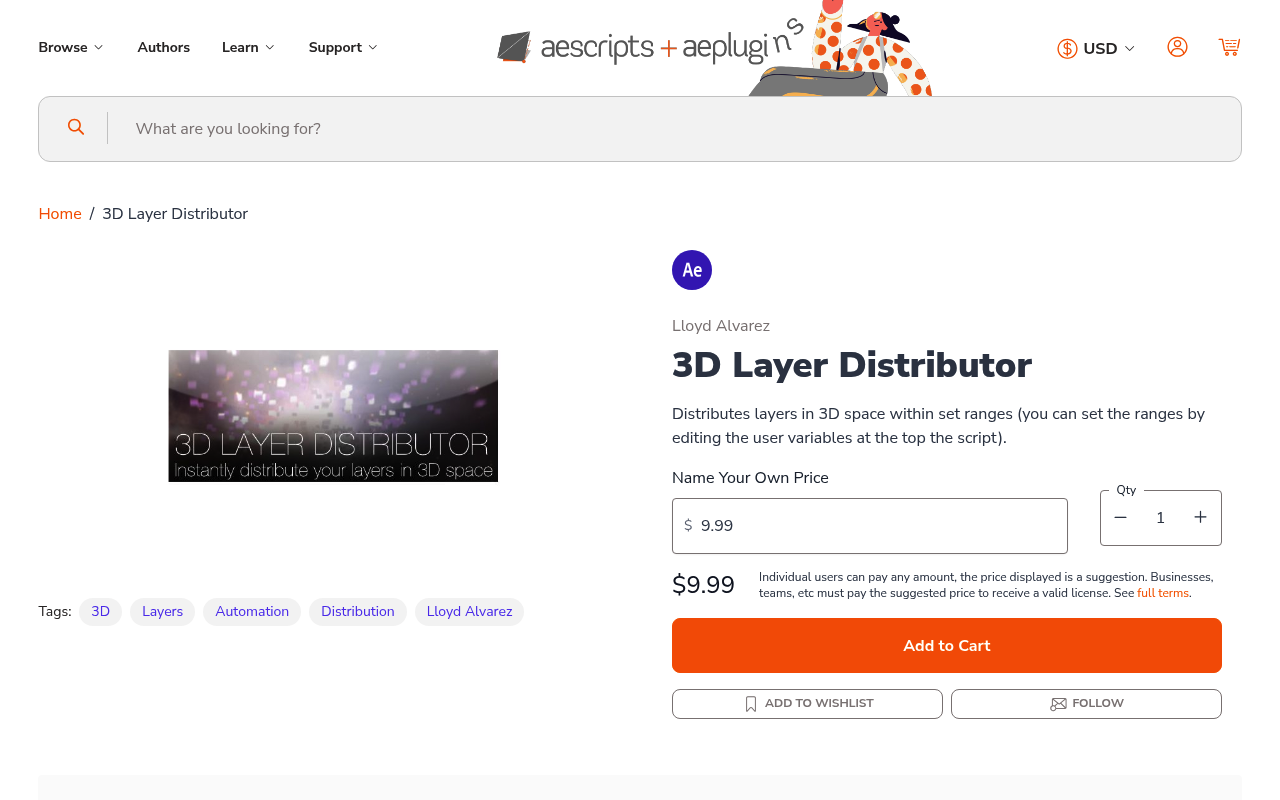
What It Does
3D Layer Distributor handles the math of positioning multiple layers across 3D space so you don’t have to. Select your layers, define minimum and maximum values for each axis, and the script calculates positions for every layer within those bounds. What would otherwise mean manually adjusting X, Y, and Z position values one layer at a time gets done in seconds.
It works for grids, scattered formations, or any spatial arrangement where layers need consistent or randomized depth. Particularly useful when building complex 3D scenes with many elements (cards, planes, text layers) that need to fill a defined volume.
Key Features
Axis range controls. You input numeric boundaries for X, Y, and Z independently. Set a tight range on one axis for a flat spread, or push all three for a fully volumetric distribution. The script respects whatever ranges you define.
Even or random distribution. Layers can be placed at equal intervals for structured grid layouts, or scattered randomly within the defined bounds for a more organic feel. Both modes run on the same controls.
Universal layer support. Works with any layer type: solids, text, shape layers, precomps, footage. No restrictions on what you can distribute.
Who It’s For
Motion designers building 3D title sequences or abstract backgrounds with many elements get the most out of this. If you regularly duplicate layers and offset them through 3D space, the manual version of that task is exactly what this replaces.
It’s also handy for VFX work that needs particle-like layer arrangements, or kinetic typography where words need spatial depth without a full simulation setup.
Pricing
Pay-what-you-want, suggested minimum $9.99. One-time purchase, no subscription. Compatible with After Effects CS6 through 2025.