

Overview
Spotlight FX and Pixflow both solve the same surface-level problem: getting professional motion graphics assets into After Effects (and Premiere Pro) faster than building them from scratch. But they approach that problem from different angles and serve meaningfully different users.
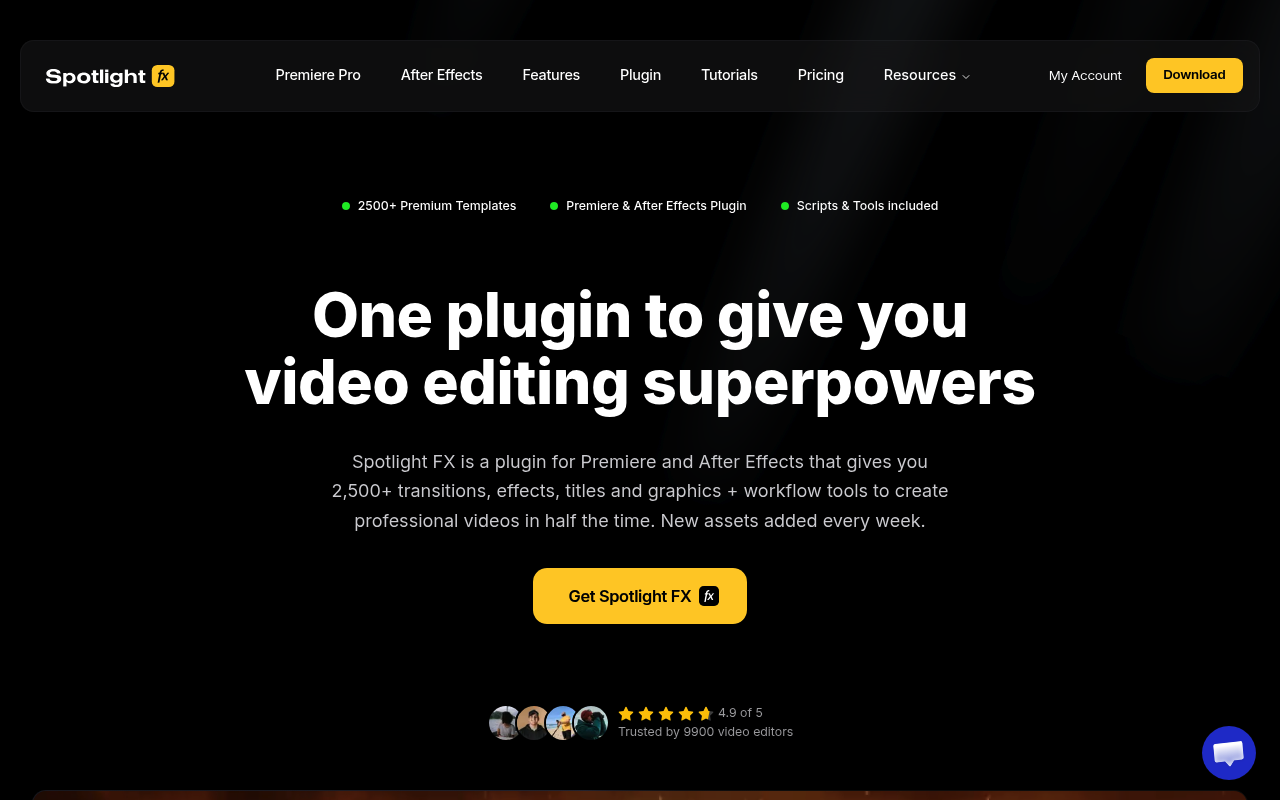
Spotlight FX is a cloud-based asset library with 2,500+ templates, transitions, titles, and overlays, plus a set of free workflow scripts bundled into the same panel. Everything lands in your timeline via double-click. The asset catalog is built in-house, quality-controlled, and organized into genre-specific collections like Wedding Reels, True Crime, and Hip Hop Music Video.
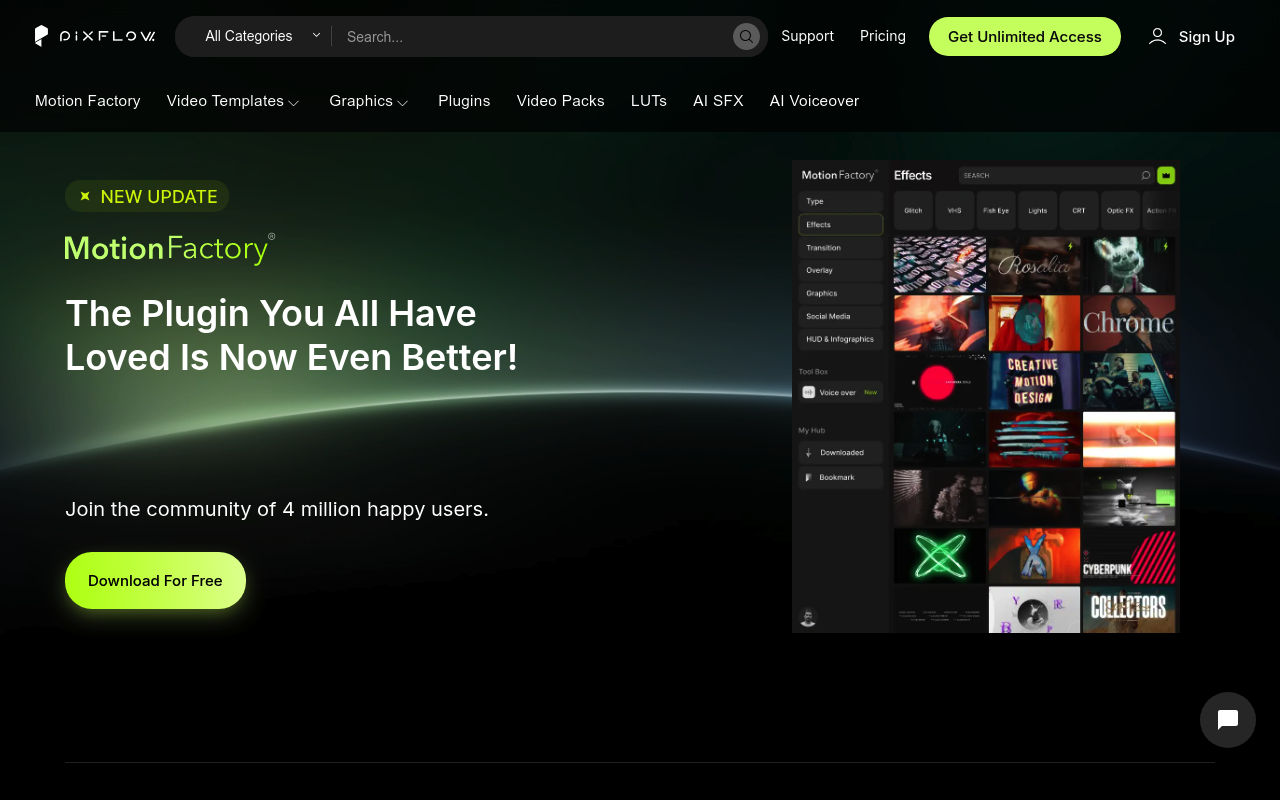
Pixflow is a subscription platform centered on Motion Factory, their Adobe plugin, combined with a library of 8,000+ templates, AI voiceover generation in 29 languages, sound effects, LUTs, and cloud storage. It has more total assets and more tool types, but also more product complexity, a more restrictive licensing model, and a documented history of installation and stability issues with its legacy components.
If you need a focused, well-maintained asset library with solid workflow scripts and a clean pricing model, keep reading. If you need AI voiceover, sound effects, and graphic templates alongside video assets under one subscription, that context matters too.
Features Side by Side
| Feature | Spotlight FX | Pixflow |
|---|---|---|
| Total assets | 2,500+ | 8,000+ |
| Asset types | Transitions, titles, overlays, elements, graphics | Transitions, titles, VFX, overlays, graphics, SFX, LUTs, AI voiceover |
| Workflow scripts | 20+ free (anchor point, easing, looper, renamer) | Not a focus; plugin is asset delivery |
| AI tools | None | Voiceover in 29 languages, AI SFX generator |
| Offline use | Yes, downloaded assets work offline | Yes, downloaded locally |
| Free tier | Yes, 40+ assets plus all workflow scripts | Plugin is free; premium assets require subscription |
| Asset use after cancellation | Downloaded assets stay in your projects permanently | Cannot use downloaded assets in new projects after cancellation |
| Supported apps | After Effects, Premiere Pro | After Effects, Premiere Pro, Photoshop, Illustrator |
The most important difference between these two tools is not the asset count or the price. It is the licensing model after cancellation.
Spotlight FX explicitly guarantees that any asset you download stays usable in your projects forever, even if you cancel or drop to the free tier. Only downloading new additions requires an active plan. For a freelancer who works in cycles, takes on a burst of projects, then goes quiet for a few months, this matters enormously. You are not renting assets; you are accumulating them.
Pixflow’s terms state the opposite: if you cancel, you cannot use downloaded assets in new projects. Projects created and published during an active subscription remain covered, but anything you build after cancellation with previously downloaded files is outside the license. For anyone who does not maintain a continuous subscription, that creates real legal exposure on client work.
The second meaningful difference is scope. Pixflow includes AI voiceover generation, sound effects, LUTs, graphic templates for Photoshop and Illustrator, and cloud storage. If your workflow requires all of those things and you want them under one login, Pixflow has a genuine argument. Spotlight FX does not offer audio tools or AI generation at all.
The third difference is the workflow scripting layer. Spotlight FX bundles 20+ free scripts covering anchor point adjustments, bulk layer renaming, keyframe easing curves, loop creation, blending mode cycling, and OBS chapter extraction. These are available to all users, including the free tier. Pixflow’s Motion Factory plugin is focused on asset delivery and does not provide comparable native scripting utilities.
Pricing
Spotlight FX offers three paid tiers and a free tier. The free tier includes 40+ assets and all workflow scripts with no time limit. Paid plans are $29/month (monthly), approximately $14/month billed annually, or $299 one-time for lifetime access. The lifetime plan includes one year of new asset additions, after which new items can be unlocked for an optional $49/year. Plugin updates and access to existing downloaded assets are yours regardless of renewal status. A 14-day refund applies if fewer than 10 premium assets have been downloaded and not used commercially.
Pixflow offers four tiers. AI Suite is $9.99/month for 25,000 AI credits, voiceover tools, and plugin access but no video templates. Templates and SFX is $14.99/month for video templates, sound effects, graphic templates, LUTs, Motion Factory (templates and SFX only), and 5GB cloud storage. Pixflow Max is $19.99/month for unlimited downloads, full Motion Factory access, 35,000 AI credits, and 64GB storage. Lifetime is $399 one-time for unlimited access, 256GB storage, and broadcast and SVOD licensing. Check pixflow.net for current pricing, as figures in research showed some variation across sources.
On price alone, both platforms are comparable at the mid tier. Spotlight FX’s lifetime plan at $299 is slightly cheaper than Pixflow’s $399, and the asset ownership terms on Spotlight FX make the lifetime purchase substantially more straightforward.
Performance and Workflow
Spotlight FX operates through a CEP panel inside After Effects or Premiere Pro. Assets are delivered as MOGRT-based compositions. Double-clicking an item drops it into a new track above your existing content, which protects your primary sequence. The panel includes semantic search (as of June 2025) that understands style-based queries rather than just file names. Offline use is supported once assets are downloaded. The plugin requires an internet connection to browse and download new items but not to use what you already have in a project.
A documented limitation: fonts cannot be changed from within the Spotlight FX panel due to Adobe API restrictions. Font adjustments require using the native Essential Graphics or Properties panel. Animation entrance and exit timings are also fixed to markers, so stretching an animation’s speed requires native time-remapping tools rather than a parameter in the plugin.
Pixflow’s Motion Factory plugin has a larger UI footprint, which is a recurring complaint from professional After Effects users working across multiple panels. The legacy “Classic” and “File Manager” variants of Motion Factory are separate products that have caused installation confusion and stability problems, including crashes in recent Adobe versions. The current subscription-based plugin (v4.7+) is the actively developed product and requires After Effects CC 2022 or newer. Installation sometimes requires security override steps on Windows.
For After Effects specifically, Spotlight FX’s workflow is tighter and more focused. Pixflow’s broader platform is more useful if you regularly leave After Effects to generate voiceover, browse graphic templates for Photoshop, or manage SFX from the same account.
Who Should Pick Which?
Choose Spotlight FX if:
- You want downloaded assets to remain usable in future client projects even if you pause or cancel your subscription
- You work primarily in After Effects and Premiere Pro and want workflow scripting tools bundled at no extra cost
- You produce genre-specific content (weddings, YouTube, music videos, documentary) and want curated collections rather than a large undifferentiated catalog
- You prefer a one-time lifetime payment with clear, permanent ownership terms
Choose Pixflow if:
- You need AI voiceover generation in multiple languages integrated directly into your Adobe workflow
- You produce high volumes of work continuously and will maintain an active subscription without interruption, making the licensing restriction a non-issue
- You work across After Effects, Premiere Pro, Photoshop, and Illustrator and want a single asset source for all four applications
- You need sound effects and LUTs alongside video templates and want to manage everything under one login
Verdict
For the majority of After Effects and Premiere Pro editors, Spotlight FX is the more practical choice. The permanent asset ownership model is a concrete advantage that Pixflow cannot match: every template you download is yours to use in future projects regardless of your subscription status. The free tier with workflow scripts included makes it genuinely useful before spending anything. Pixflow wins on total asset volume, AI voiceover integration, and cross-app coverage, and if those specific features drive your workflow, the $19.99/month Max plan is reasonably priced for what it bundles. But for editors who work on varied project schedules, do client work, and want to build a permanent asset collection rather than rent access to one, Spotlight FX’s terms and workflow focus make it the cleaner, lower-risk option.