

Overview
Both Spotlight FX and EasyEdit Viewer solve the same core problem: they put a browsable template library inside your editing panel so you stop hunting for assets across external sites. Double-click something, it lands in your timeline. That shared approach is where the similarity ends.
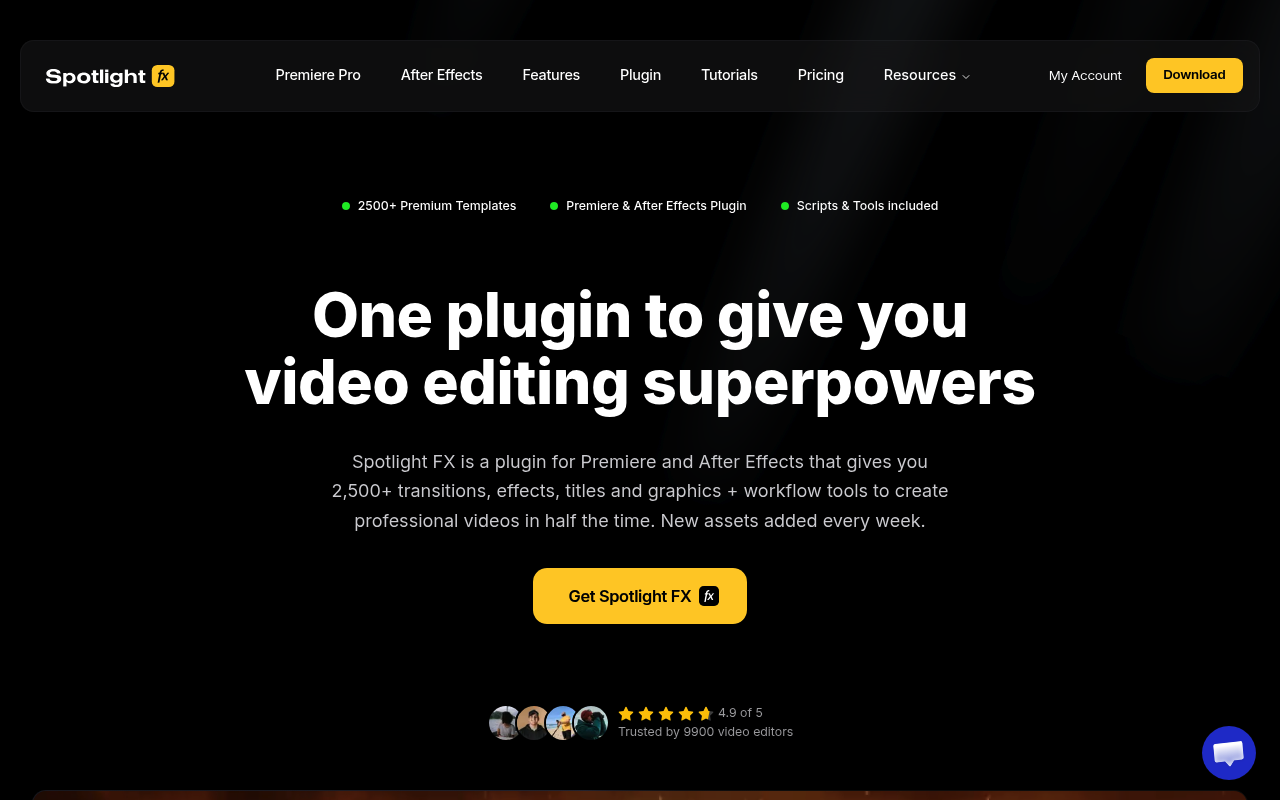
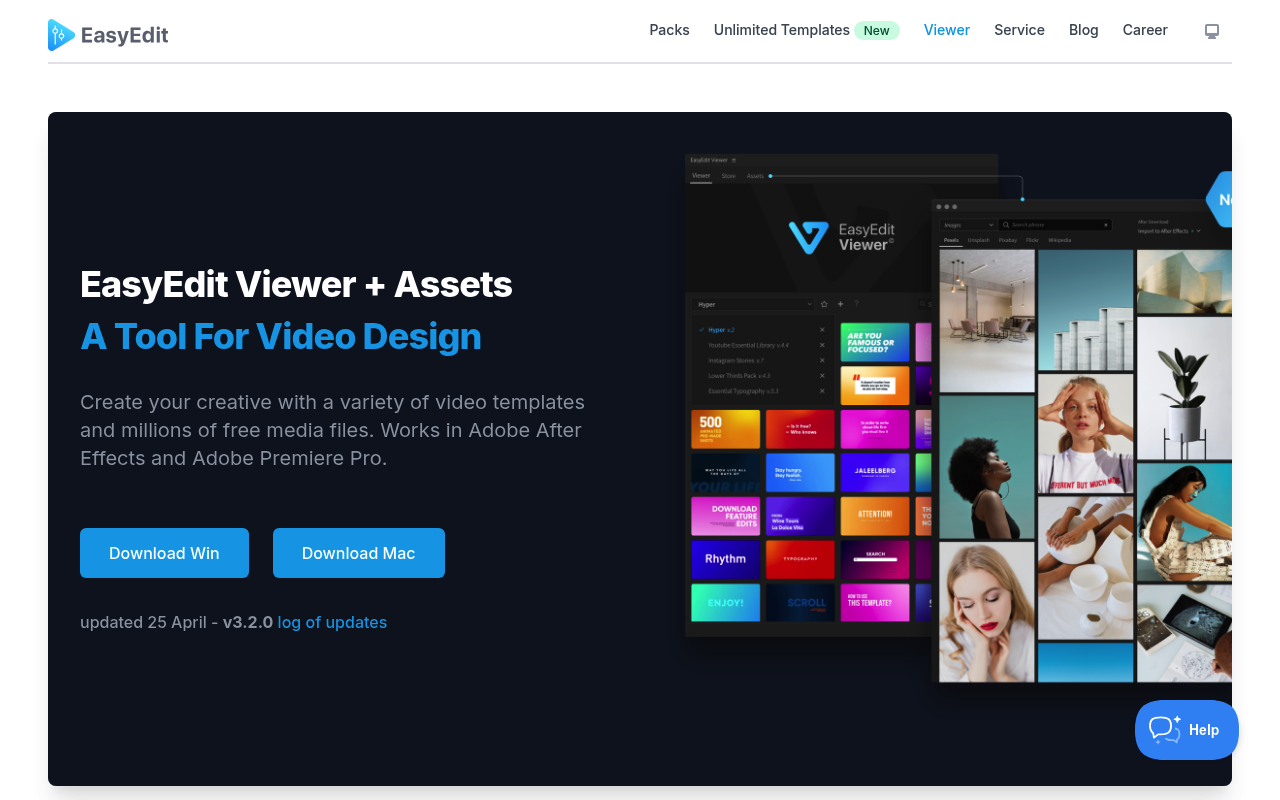
Spotlight FX is a subscription-based, cloud-synced library of 2,500+ in-house built assets covering transitions, titles, overlays, and graphics, plus a toolbox of workflow scripts. Every asset is quality-controlled by the Spotlight team. EasyEdit Viewer is a free panel that connects to 10,000+ community-sourced templates and 83+ million free stock media files, with content purchased as individual packs or through a separate subscription service.
If you want a tightly curated, regularly updated library with workflow utilities baked in, keep reading about Spotlight FX. If you want raw volume, perpetual per-pack ownership, and access to free stock media inside your panel, EasyEdit Viewer deserves a closer look.
Features Side by Side
| Feature | Spotlight FX | EasyEdit Viewer |
|---|---|---|
| Library size | 2,500+ assets | 10,000+ templates |
| Asset source | In-house, quality controlled | Third-party community packs |
| Free stock media browser | No | Yes, 83M+ files (GIFs, video, images) |
| Workflow scripts included | Yes, 20+ tools (free for all users) | No |
| Pricing model | Freemium subscription or one-time lifetime | Free panel, per-pack purchases or subscription |
| Free tier | 40+ assets with commercial license | Panel is free; limited free templates across 9 packs |
| Offline use | Yes, once downloaded | Pack assets usable locally once installed |
| App support | After Effects and Premiere Pro | After Effects and Premiere Pro |
The most meaningful difference is curation versus volume. Spotlight FX’s library is built and stress-tested internally, which means the 2,500 items are consistent in quality and style. EasyEdit’s 10,000+ templates are a mix of community and first-party packs, and user reviews note that quality varies across packs and that some bundles contain a large number of assets that see little practical use.
The workflow scripts are a genuine differentiator for Spotlight FX that EasyEdit Viewer simply does not match. Anchor Point Mover, bulk layer Renamer, Keyframe Easing with custom curves, and the OBS Chapters Extractor are included free regardless of whether you subscribe to the paid library. For After Effects users who do repetitive motion graphics work, these alone justify installation. EasyEdit Viewer has no equivalent utility layer.
EasyEdit’s free stock media browser is the counter-advantage that Spotlight FX does not offer. Pulling 83 million free GIFs, videos, and images directly into your timeline without leaving After Effects is a genuine time saver for social media producers and YouTube creators who regularly mix motion graphics with stock footage. Spotlight FX does not offer stock media access.
Pricing
Spotlight FX uses a tiered freemium model. The free tier includes 40+ assets with a commercial license and all workflow tools, no time limit. Paid plans are: $29/month (monthly), approximately $14/month billed annually (yearly), or a $299 one-time lifetime payment that includes one year of new asset additions. After the first year, a $49/year optional renewal unlocks newly added items, but existing assets and plugin updates remain yours permanently. A 14-day refund applies if fewer than 10 premium assets have been downloaded and not used commercially. Pricing verified at spotlightfx.com as of publication.
EasyEdit Viewer itself is free to download and install. The panel provides access to a limited set of free templates across nine packs, but the majority of useful content requires purchasing individual packs. Pack pricing runs approximately $19 to $89 depending on size, with bundles at the higher end. A separate subscription service at stock.easyedit.pro offers unlimited downloads for a recurring fee, though exact subscription pricing was not confirmed in available sources. Check easyedit.pro for current pack and subscription pricing.
For long-term users, Spotlight FX’s lifetime plan at $299 compares favorably once you account for Spotlight’s included workflow tools, which would otherwise require separate purchases elsewhere. EasyEdit’s per-pack model works out cheaper if you only need one or two specific asset categories.
Performance and Workflow
Spotlight FX imports assets as native After Effects compositions, meaning you can open the comp and edit raw layers, expressions, and keyframes directly. The simplified Effects Panel surfaces color, timing, and animation controls without forcing you to dig into pre-compositions. The non-destructive import logic places assets on a new track above your existing content, protecting your primary sequence. Cloud sync keeps your liked items and download history consistent across machines.
EasyEdit Viewer works similarly at a surface level: browse, hover to preview, click to import. However, user reports and the official changelog both document recurring installation issues, particularly with newer After Effects versions, where pack files fail to register and require cache-clearing workarounds. The company’s own changelog shows multiple entries addressing packs disappearing after application relaunches. Spotlight FX’s architecture, being cloud-pull rather than local file installation, sidesteps most of these file management headaches.
One practical note: Spotlight FX requires an internet connection to browse and download new assets, and the panel experience degrades in low-bandwidth environments. EasyEdit Viewer has the same dependency for its online library, though locally installed packs function offline without restriction.
Who Should Pick Which?
Choose Spotlight FX if:
- You want workflow utilities (anchor point tools, keyframe easing, bulk renaming) bundled with your asset library rather than buying them separately
- You produce content across multiple genres and want a consistent quality baseline without evaluating individual packs
- You prefer a lifetime payment model with guaranteed access to existing assets even if you stop paying
- You work across After Effects and Premiere Pro and want identical library access and cloud-synced preferences in both apps
Choose EasyEdit Viewer if:
- You regularly need free stock footage, GIFs, or images and want them accessible inside After Effects without switching to a browser
- You only need one or two specific asset categories and prefer a one-time pack purchase over any recurring payment
- Volume matters more than curation for your workflow, and you want 10,000+ templates to search through
- You are already invested in specific EasyEdit packs from CodeCanyon and want a panel-based way to manage them
Verdict
For most After Effects users who want a reliable, actively maintained in-panel library, Spotlight FX is the stronger choice in 2026. The in-house asset quality control, the bundled workflow scripts, and the cloud-sync architecture solve the same problems EasyEdit Viewer targets while adding utility that EasyEdit does not offer at any tier. EasyEdit Viewer earns a clear win on one front: if free stock media access inside your panel matters to your workflow, Spotlight FX simply does not have that feature. For editors who mix motion graphics with heavy stock media usage, EasyEdit’s free panel plus selective pack purchases can work out cheaper and more relevant. For everyone else, Spotlight FX’s combination of curated assets and workflow tools is the more complete package.