

Overview
Both Spotlight FX and Animation Composer solve the same core problem: getting pre-built motion assets into your timeline faster than building them from scratch. But they are built on fundamentally different models and serve different workflows.
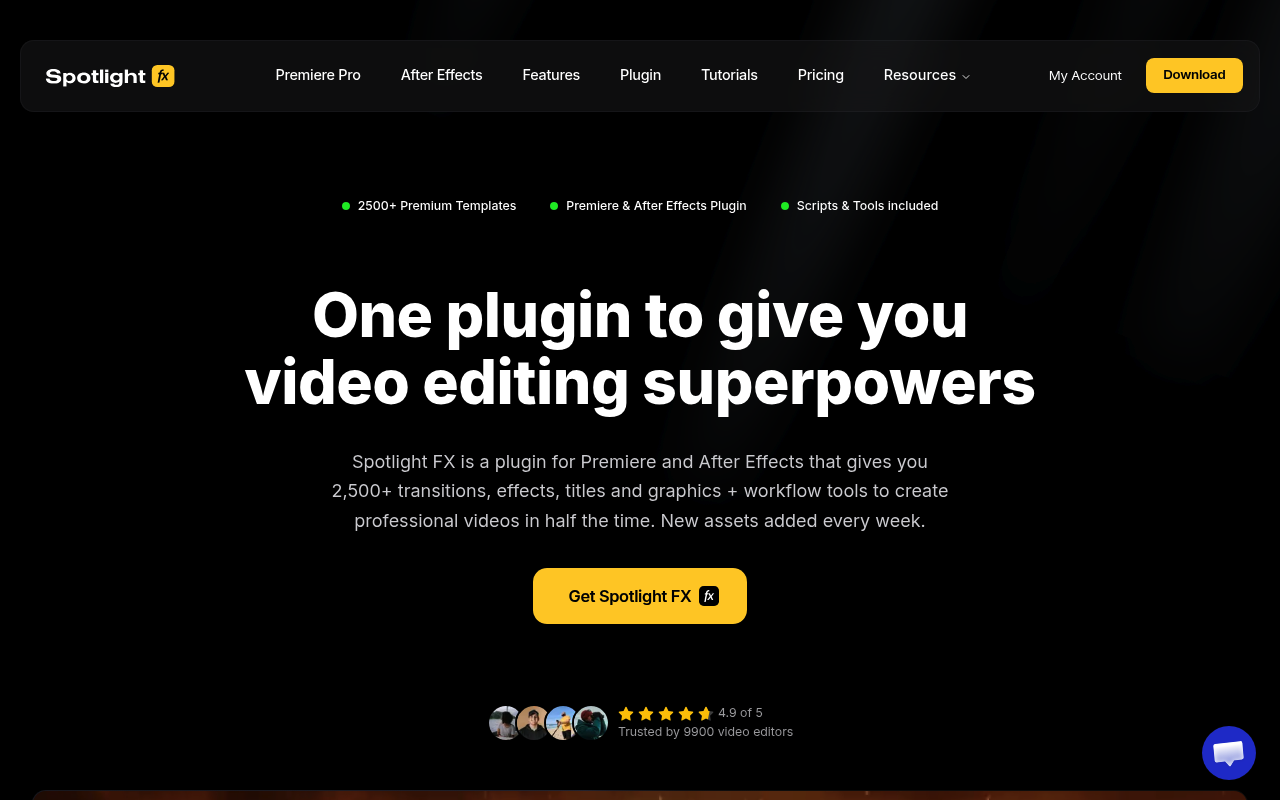
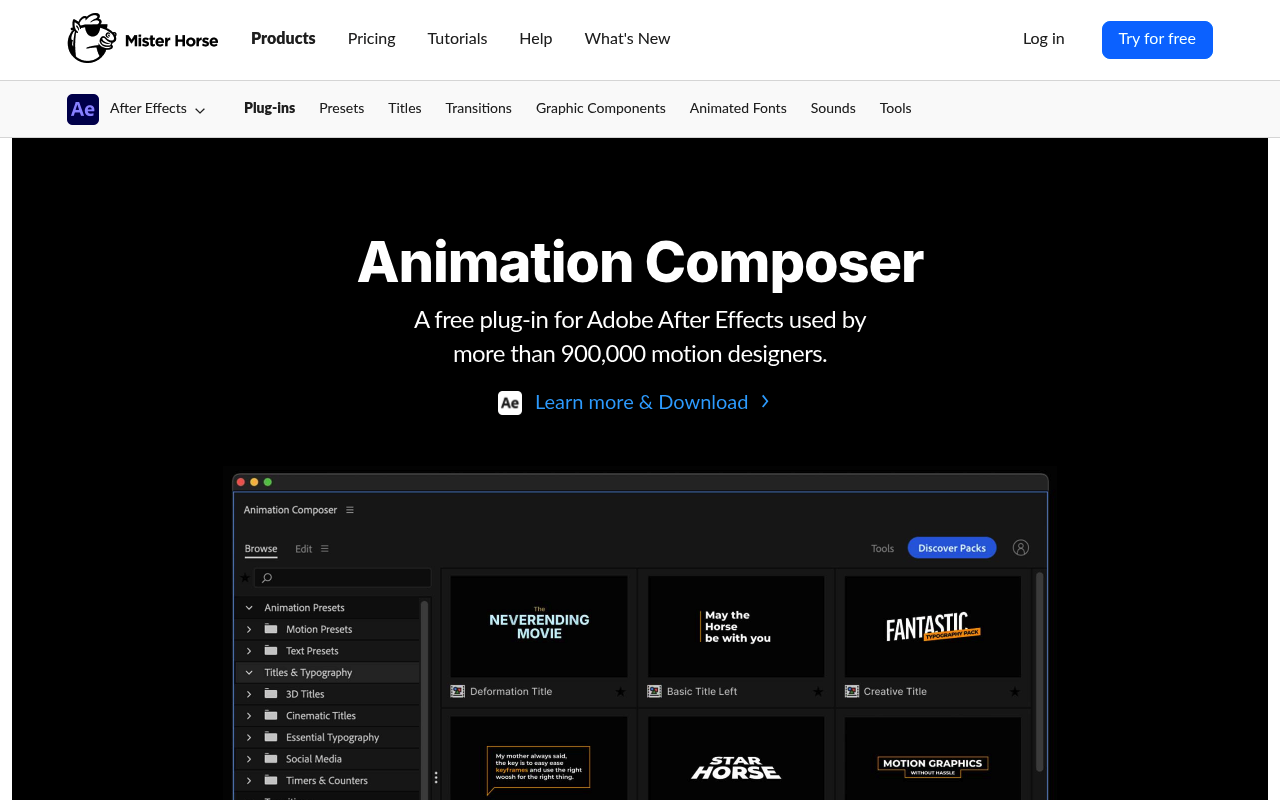
Spotlight FX is a cloud-based asset library and workflow toolkit for both Premiere Pro and After Effects, built in-house by a two-person team. It covers 2,300+ assets across transitions, texts, elements, and overlays, plus a free set of productivity scripts included for every user. Animation Composer is a free After Effects plugin from Mister Horse with 100+ built-in presets and an expandable paid pack ecosystem.
The right choice depends on whether you want a growing, multi-genre library that works across both Adobe apps, or a focused AE preset tool with a strong free tier and one-time paid expansions.
Features Side by Side
| Feature | Spotlight FX | Animation Composer |
|---|---|---|
| Total base assets | 2,300+ | 100+ |
| App compatibility | Premiere Pro + After Effects | After Effects only |
| Free tier | Yes: 39 templates + all workflow tools | Yes: 100+ presets, no time limit |
| Library model | Freemium (cloud, subscription or lifetime) | Free base + one-time paid expansion packs |
| Asset delivery | Double-click to timeline, no import step | Apply directly in plugin panel |
| Effects panel | Yes: customize without opening compositions | Yes: Edit tab with sliders and dropdowns |
| Genre collections | Yes: Wedding, True Crime, Hip Hop, YouTube, etc. | No genre collections |
| Workflow tools | Yes: Anchor Point Mover, Renamer, Looper, Keyframe Easing, Keyframe Copy, Blending Modes, Change Language | No dedicated workflow tools |
| Sound effects | Not included (audio assets listed as coming soon) | Yes: included and expandable via paid pack |
| Non-destructive editing | Yes: MOGRT-based | Yes |
| Auto-updates | Yes: cloud-based, assets update automatically | No: pack updates require manual install |
| Save assets offline | Yes: Collect Assets saves items next to project | Yes: presets are local |
| Request missing items | Yes: direct request from app | No |
| User-created presets | No | Yes: user library supported |
| Cross-device sync | Yes: account-based | No |
The most meaningful difference is scope. Spotlight FX is primarily a content library with workflow tools built in. You browse, download to your timeline, and customize through a panel without touching compositions. The cloud model means assets update automatically and you always work from the latest version. The genre-specific collections (True Crime, Wedding, Hip Hop Music Video, YouTube Starter Kit, Startup Product Demo, and more) give editors a consistent visual language for a particular type of project without rebuilding from scratch each time.
Animation Composer operates more like a precision toolkit. The 100+ free presets cover common motion design needs: lower thirds, callouts, timers, bullet lists, and transitions. Everything applies and removes without destroying other work on the layer. The user library feature lets you save custom presets and import content from other Mister Horse tools. Sound effects are built into the same plugin, which matters if audio design is part of your motion workflow.
Pricing
Spotlight FX uses a freemium model. The free tier is permanent and includes 39 templates across all asset categories plus all workflow tools from the toolbox at no cost: Anchor Point Mover, Renamer, Looper, Keyframe Easing, Keyframe Copy, Blending Modes, and Change Language.
Paid plans unlock the full 2,300+ asset library:
- Monthly: $29/month
- Yearly: $14/month billed annually
- Lifetime: $299 one-time, includes one year of new asset additions. After year one, new items can be unlocked for an optional $49/year renewal. Plugin updates and all existing assets are yours permanently regardless of renewal.
Downloaded assets stay in your projects forever, even after a subscription ends. Billing is through LemonSqueezy with a 14-day refund policy (under 10 premium assets downloaded, no commercial use).
Animation Composer is free to download with the core 100+ preset library, no time limit or conditions. Paid expansion packs are one-time purchases: Essential Sound Effects ($99), Shape Elements ($69), and the Motion Designer’s Bundle ($299, covers multiple packs versus $444 bought separately). No recurring fees for the base plugin.
For editors starting with zero budget, both tools offer a genuine free tier. Animation Composer’s 100+ free presets edge out Spotlight FX’s 39 free templates in sheer quantity, but Spotlight FX includes workflow tools that Animation Composer does not have at all.
Workflow
Spotlight FX integrates as a panel in both Premiere Pro and After Effects. You search or filter by category, genre, or style, double-click an asset, and it lands in your timeline. The effects panel lets you adjust color, timing, and animation without opening compositions or sequences, all inside the Spotlight FX panel. Because it’s cloud-based, any fixes or improvements to assets push automatically. The Collect Assets feature saves items next to your project file so archived or shared projects stay self-contained.
Animation Composer keeps everything inside After Effects with no separate download step. Hover to preview, click to apply, and the preset attaches to the selected layer. The Edit tab consolidates parameter adjustments (timing, color, scale) without needing to open Effect Controls. Text presets auto-scale to comp dimensions. Non-destructive application means swapping animations is fast. The workflow is tightly integrated with AE’s layer-based editing in a way that Spotlight FX, which spans two applications, cannot match.
Who Should Pick Which?
Choose Spotlight FX if:
- You edit in both Premiere Pro and After Effects and want one library that works across both
- You produce genre-specific content (wedding, music video, YouTube, documentary) and want pre-built aesthetic packages
- You want a library that grows automatically without hunting for new packs
- You need workflow tools like keyframe easing, anchor point adjustment, and looping alongside your assets
- You want assets that update automatically without manual reinstalls
Choose Animation Composer if:
- You work exclusively in After Effects and want a tightly integrated AE workflow
- You build motion graphics with lower thirds, callouts, timers, and kinetic text applied non-destructively
- Sound effects integrated into the same plugin matter to your workflow
- You want to save your own custom presets and build a personal library
- You prefer one-time purchases over subscription pricing
Verdict
These two tools are less direct competitors than they appear. Animation Composer is a precision AE tool with a strong free base and optional one-time expansions. It is the right choice if After Effects is your primary environment and you want to build a personal preset library inside AE. Spotlight FX is a broader platform: a cloud-based asset library with workflow productivity built in, covering both Premiere Pro and After Effects, built around a constantly updated catalog driven by user requests.
If you work in both Adobe apps, produce genre-specific video content, or want workflow tools alongside your templates, Spotlight FX is the stronger choice. If you live in After Effects and want the tightest possible preset workflow without a subscription, Animation Composer is hard to argue against.
Worth noting: both have free tiers that are fully functional. Start with both, and use real project work to decide which fits your actual workflow.