

Overview
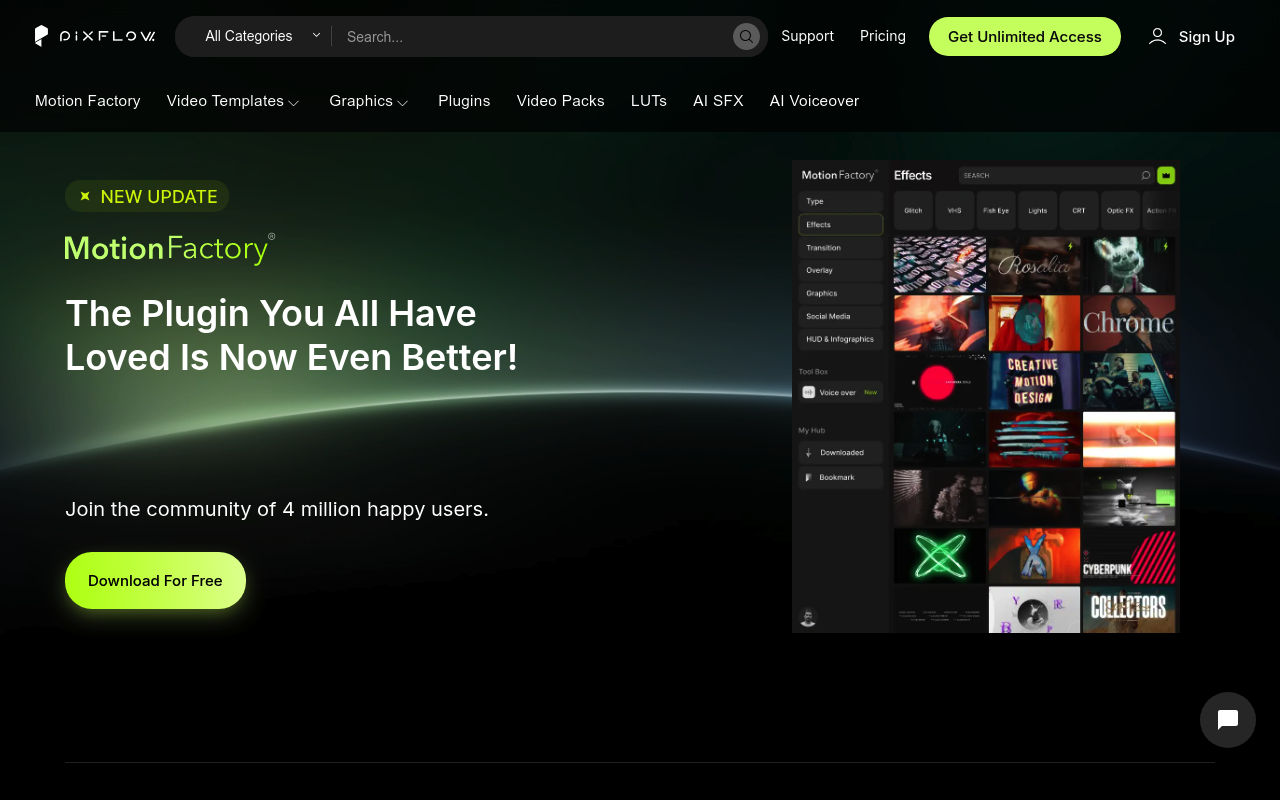
Pixflow and Motion Bro both put a large library of motion graphics assets inside After Effects and Premiere Pro through a dedicated panel. You browse, click apply, and skip manual importing. That is where the similarity ends. Pixflow is a subscription service with templates, LUTs, sound effects, AI voiceover generation, and a plugin called Motion Factory bundled under one monthly cost. Motion Bro is a free plugin paired with transition packs you buy once and own permanently.
If you are deciding between these two, you are really deciding between a recurring-cost all-in-one platform and a focused, own-it-forever transitions toolkit. Editors who produce high volumes of varied content and want AI voiceover in the same subscription should keep reading about Pixflow. Editors who primarily need transitions and hate subscription fees will find Motion Bro more relevant.
Features Side by Side
| Feature | Pixflow | Motion Bro |
|---|---|---|
| Pricing model | Subscription ($9.99–$19.99/mo or $399 lifetime) | Free plugin + one-time pack purchases ($48–$160) |
| Template/asset scope | 8,000+ templates across titles, VFX, overlays, HUDs, LUTs | 5,000+ transitions and presets; specialized packs |
| AI voiceover | Yes, 29 languages, credit-based | No |
| Sound effects | Yes, 200+ SFX downloads per month (plan-dependent) | Yes, 1,300+ SFX in a separate free/paid pack |
| In-app preset browser | Yes, via Motion Factory plugin | Yes, via Motion Bro plugin |
| Asset ownership after cancellation | Downloaded assets cannot be used in new projects after cancellation | Perpetual — packs owned forever after purchase |
| Third-party creator packs | No | Yes, commission-free open ecosystem |
| Premiere Pro native support | Yes | Yes, native MOGRT-based packs since v4 |
The ownership question is the sharpest real-world difference between these two tools. Pixflow’s terms state that if you cancel your subscription, you cannot legally use downloaded assets in new projects. Assets already inside published work remain covered, but starting a new project with a Pixflow template after cancellation is a licensing violation. For a freelancer who cycles in and out of busy periods, that creates either a permanent subscription cost or a creative constraint. Motion Bro’s packs carry a perpetual license — you buy the Essential Transitions Bundle for After Effects once at $55 (personal) or $110 (commercial) and use it indefinitely across unlimited projects.
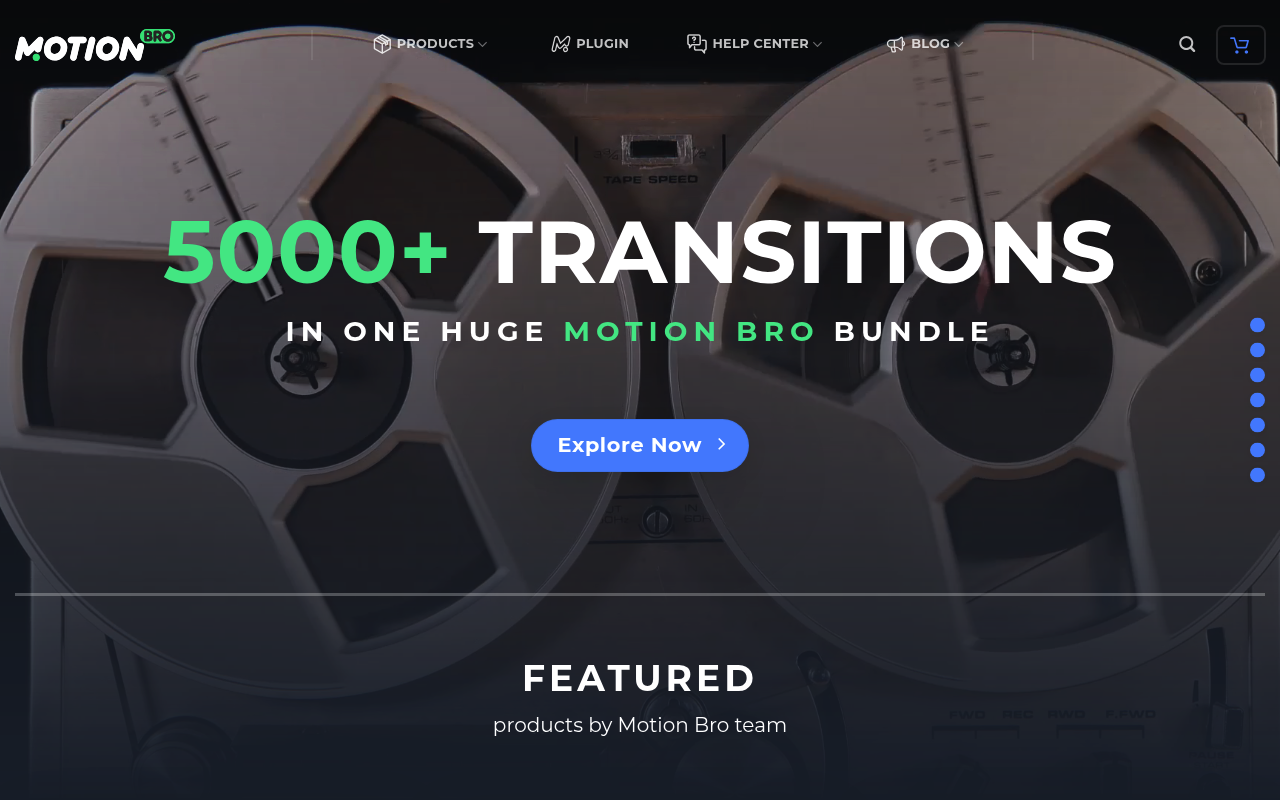
Scope is the other major gap. Pixflow covers far more ground: title sequences, lower thirds, graphic templates for Photoshop, LUTs, HUD elements, and AI-generated voiceover — all in one subscription. Motion Bro’s catalog is deeper on transitions specifically (over 5,000 in the main bundle), with specialized packs like Face Tools and AI Parallax Tools that have no equivalent in Pixflow. If your work lives primarily at the transition and motion preset layer and you do not need AI narration or graphic template design, Motion Bro’s focused library is more than sufficient and considerably cheaper over a two-year horizon.
Motion Bro’s open platform also deserves mention. Third-party creators can build and sell their own compatible packs with zero commission taken by Motion Bro. This expands the ecosystem continuously without requiring the core team to produce everything. Pixflow’s ecosystem is closed — you get what Pixflow publishes.
Pricing
Pixflow runs four tiers. The AI Suite plan is $9.99/month and covers AI voiceover with 25,000 credits, plugins for AE and Premiere Pro, and a commercial license, but does not include the template library. The Templates and SFX plan is $14.99/month and adds Motion Factory with video and graphic templates, sound effects, LUTs, and 5GB cloud storage. Pixflow Max is $19.99/month (or approximately $47.99/year based on live research data — verify current annual pricing at pixflow.net) and includes full Motion Factory access, all plugins, video and color collections, 35,000 AI credits, and 64GB cloud storage. A Lifetime plan is available at $399 one-time, covering all features with 256GB storage and broadcast/SVOD licensing. A free trial is mentioned in research data but terms were not confirmed at the time of writing — check pixflow.net for current trial availability.
Motion Bro’s core plugin is free with no paid plan required. The free starter pack includes 1,400+ presets. Paid packs are one-time purchases: the Essential Transitions Bundle for After Effects starts at $55 personal / $110 commercial (23 packages, 5,330 transitions); the Premiere Pro version is $68 personal / $136 commercial. The 1,500 Light Transitions Bundle starts at $48. The Ultimate Bundle covering all content is $160. The Motion Bro Sound FX Pack is free for personal use and starts at $19 for commercial use. All purchases include lifetime access and free updates.
Performance and Workflow
Both plugins live inside an Adobe panel, but the day-to-day experience differs. Motion Factory (Pixflow) requires an active internet connection to download assets on demand, which are then stored locally for offline use. The panel has been criticized in user communities for taking up significant screen real estate in After Effects — a real issue for professionals running multiple panels simultaneously. Pixflow also carries a history of installation friction and legacy product confusion around the older Motion Factory Classic and File Manager tools, which still exist and can mislead new users.
Motion Bro’s panel, rebuilt from scratch in version 4, uses MP4 previews instead of GIFs for sharper browsing, and the v5 EDIT tab lets you adjust preset controls without leaving the plugin window. The Copy and Paste Mode in v5 solves a genuine Premiere Pro limitation by letting you transfer MOGRT properties between clips — something Premiere Pro cannot do natively. One persistent Premiere Pro issue worth noting: users have reported color grading changes when applying Motion Bro transitions to LOG or flat-profile footage. An official help guide exists, but community reports suggest it does not resolve the issue for everyone.
Projects built with Motion Bro presets work on computers without the plugin installed, since all effects use standard AE and Premiere Pro native effects plus common file formats. That portability matters for collaborative pipelines.
Who Should Pick Which?
Choose Pixflow if:
- You regularly need AI voiceover for explainer videos, tutorials, or ads and want it inside your editing app without a separate subscription
- Your work spans motion graphics, titles, LUTs, HUDs, and graphic design templates and you want a single source for all of it
- You produce enough client volume each month that a $19.99/month all-in subscription costs less than buying individual assets elsewhere
- The $399 lifetime deal aligns with your budget and you want broadcast/SVOD licensing included
Choose Motion Bro if:
- You want to own your assets permanently with no ongoing cost after the initial purchase
- Transitions are your primary need and you want the widest variety of styles at a fixed price
- You work in a collaborative pipeline where not every editor has the same plugins installed (Motion Bro presets render without the plugin)
- You want access to third-party packs from independent creators beyond the core team’s catalog
Verdict
For most After Effects and Premiere Pro editors whose primary need is transitions and motion presets, Motion Bro wins on cost structure and ownership clarity. A one-time $55–$160 purchase covering thousands of transitions with perpetual use rights is a better long-term deal than a subscription that revokes your right to use downloaded assets in new work the moment you cancel. Pixflow earns the recommendation in one specific scenario: if you genuinely need integrated AI voiceover alongside a wide template library and you produce enough content monthly to justify the recurring cost. The Pixflow Lifetime plan at $399 also narrows the gap considerably for heavy users who want to avoid subscriptions. But for the editor who primarily needs transitions and does not require AI narration, Motion Bro’s focused toolkit and clean ownership model are the more practical choice.