

Overview
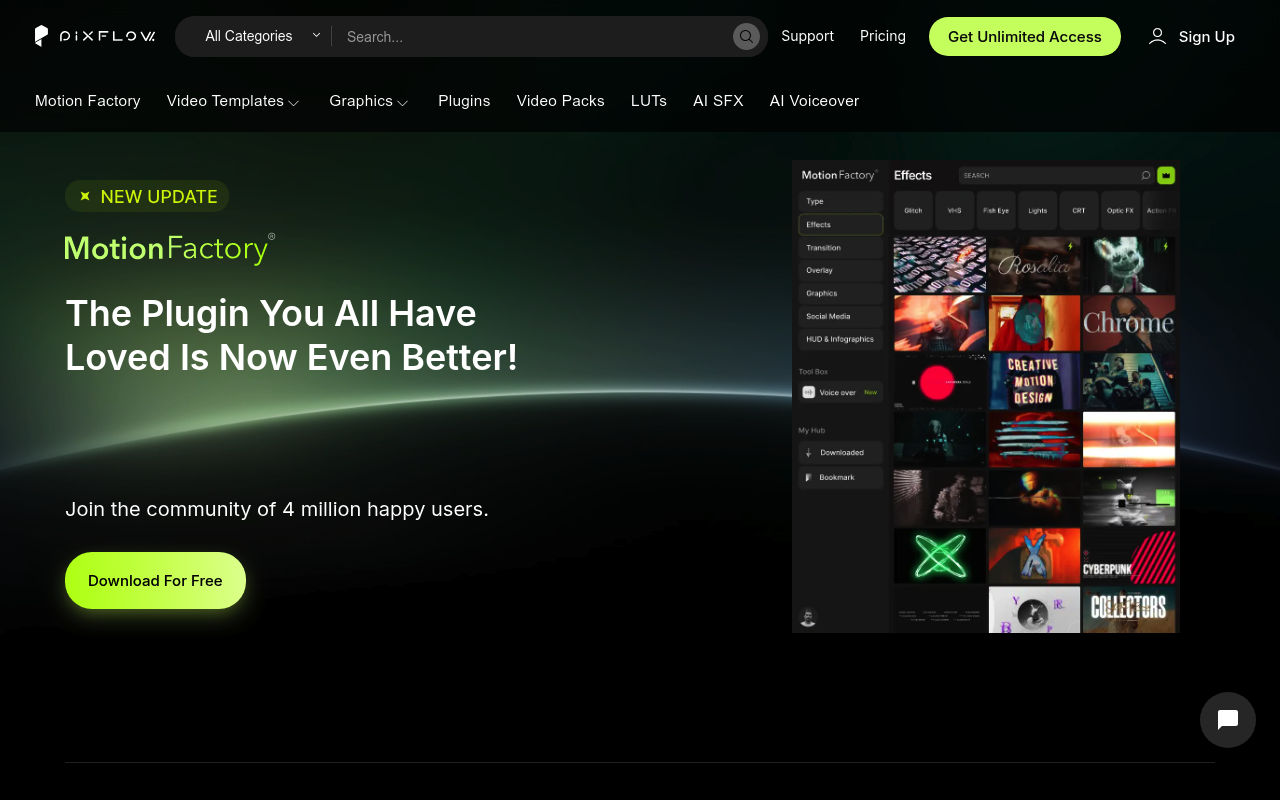
Pixflow and Motion Bro both give After Effects and Premiere Pro users quick access to templates, transitions, and sound effects from inside their editing software. That’s roughly where the similarity ends. Pixflow is a subscription-based platform covering templates, LUTs, AI voiceover, cloud storage, and the Motion Factory plugin. Motion Bro is a free plugin paired with a marketplace of transition packs sold as one-time purchases. If you’re deciding between ongoing access to a broad asset library versus buying specific transition collections outright, this comparison is for you.
Features Side by Side
| Feature | Pixflow | Motion Bro |
|---|---|---|
| Pricing model | Subscription ($9.99-$19.99/mo or $399 lifetime) | Free plugin; one-time pack purchases from $48 |
| Core plugin | Motion Factory (AE + Premiere Pro) | Motion Bro plugin (AE + Premiere Pro) |
| Asset focus | Templates, LUTs, VFX, SFX, color presets, AI tools | Transitions, lower thirds, sound effects |
| AI tools | AI voiceover (29 languages) + AI SFX generation | None |
| Cloud storage | 5GB to 256GB depending on tier | None |
| Team collaboration | 2-10 team members depending on tier | Not available |
| Licensing after cancellation | Keep downloaded assets, no new downloads | Lifetime access to purchased packs |
| Free entry point | No free tier; paid subscription required | Free plugin + 1,400 free presets |
The most significant difference is ownership. When you buy a Motion Bro pack, you own it permanently with free updates included. The Essential Bundle for After Effects costs $55 for personal use and $110 for commercial, giving you 5,330 transitions across 23 packages with no recurring cost. With Pixflow, you’re renting access. Cancel your subscription and your library stops growing, even though assets already downloaded remain usable in existing projects.
The second major difference is scope. Pixflow is trying to cover a much wider surface area: color grading with LUTs, AI narration for explainer videos, team collaboration, cloud sync, and a broad template library spanning title sequences and lower thirds. Motion Bro is specifically focused on transitions and motion presets, and does that one thing with a lot of depth. It offers specific style categories like film burn, glitch, glass wipe, flex, stretch, and power warp, with packs organized around those styles so you can buy exactly what your work actually calls for.
The AI voiceover tool in Pixflow is worth singling out because there’s no equivalent in Motion Bro. If you produce explainer videos, tutorials, or corporate content and need narration in multiple languages, Pixflow’s 29-language AI voiceover available through credit allocations (25,000 to 600,000 monthly depending on tier) provides a feature that doesn’t exist anywhere in the Motion Bro ecosystem.
Pricing
Pixflow runs on four tiers. The AI Suite is $9.99/month with 100 template downloads, 200 sound effects, and 600,000 AI credits, but Motion Factory access is limited to templates and SFX only. Templates & SFX is $14.99/month (annual billing available, exact annual price not listed on the current page) and adds 10 plugin downloads and unlimited video packs. Pixflow Max at $19.99/month gives you unlimited downloads, full Motion Factory access, 64GB storage, and up to 10 team members on annual billing. The lifetime plan is a one-time $399 payment covering 256GB storage and TV/SVOD broadcast licensing. No free trial is currently available for any tier.
Motion Bro’s core plugin is free with no strings attached, and the 1,400 free presets are included at no cost. Paid packs are sold through Gumroad and Videohive as one-time purchases. The Essential Motion Bro Transitions Bundle is $55 personal or $110 commercial for After Effects (5,330 transitions across 23 packages). The Premiere Pro version runs $68 personal or $136 commercial. The 1500 Light Transitions Bundle starts at $48. The Ultimate Transitions Bundle covering all content starts at $160. Individual packs typically fall between $40 and $60. All purchases include lifetime access and free updates.
For a freelancer doing consistent commercial work, the math on Pixflow Max adds up to $240 per year. Two or three Motion Bro commercial packs at $110 each cover a one-time cost that doesn’t repeat.
Performance & Workflow
Both plugins operate as panel-based interfaces inside After Effects and Premiere Pro, letting you drag and drop assets directly into your timeline. Motion Factory and Motion Bro both eliminate the alt-tab workflow of downloading from a browser and importing manually.
Motion Bro’s resolution-adaptive system is a practical advantage for editors working across multiple formats. A transition bought for horizontal video will automatically adjust for square or vertical output, which matters if you’re cutting the same content for YouTube, Instagram, and TikTok. You apply the effect once and the plugin handles the aspect ratio math.
Pixflow’s Motion Factory plugin functions more like a content launcher than a creative tool. It connects you to Pixflow’s library within the app, but the templates themselves still require the usual After Effects customization workflow once downloaded. The platform’s real workflow benefit is consolidation: LUTs, SFX, templates, and AI voiceover all live under one subscription rather than scattered across Envato, Pond5, and a separate voiceover service.
Neither tool meaningfully changes how After Effects processes or renders. They’re asset delivery and organization systems, not rendering or compositing accelerators.
Who Should Pick Which?
Choose Pixflow if:
- You produce multiple client videos monthly and need a constantly refreshed template library without buying assets individually each time
- You need AI voiceover generation in multiple languages for explainer or educational content
- You run a small team and want shared cloud storage plus multi-user licensing under one subscription
- You’re considering the lifetime plan at $399 and want broadcast/TV licensing included
Choose Motion Bro if:
- You want permanent ownership of transition assets without ongoing subscription costs
- Your work is heavily transition-focused, specifically categories like glitch, film burn, or light effects, and you want depth in those specific styles
- You’re starting out and want to test the workflow for free before spending anything
- You produce content across multiple aspect ratios and need transitions that adapt automatically
Verdict
For most independent editors and motion designers, Motion Bro is the more practical starting point. The free plugin with 1,400 presets costs nothing, and buying the commercial bundle at $110 is a one-time expense that doesn’t compound monthly. The transition library is deep and well-organized by style. Pixflow makes more sense for studios or prolific freelancers who genuinely need the full package: rotating template library, AI voiceover, team collaboration, and cloud storage across multiple active projects. If you don’t use the voiceover tools and don’t need team features, Pixflow’s subscription cost is hard to justify against Motion Bro’s buy-once model. Pixflow wins on breadth; Motion Bro wins on value and ownership.