

Overview
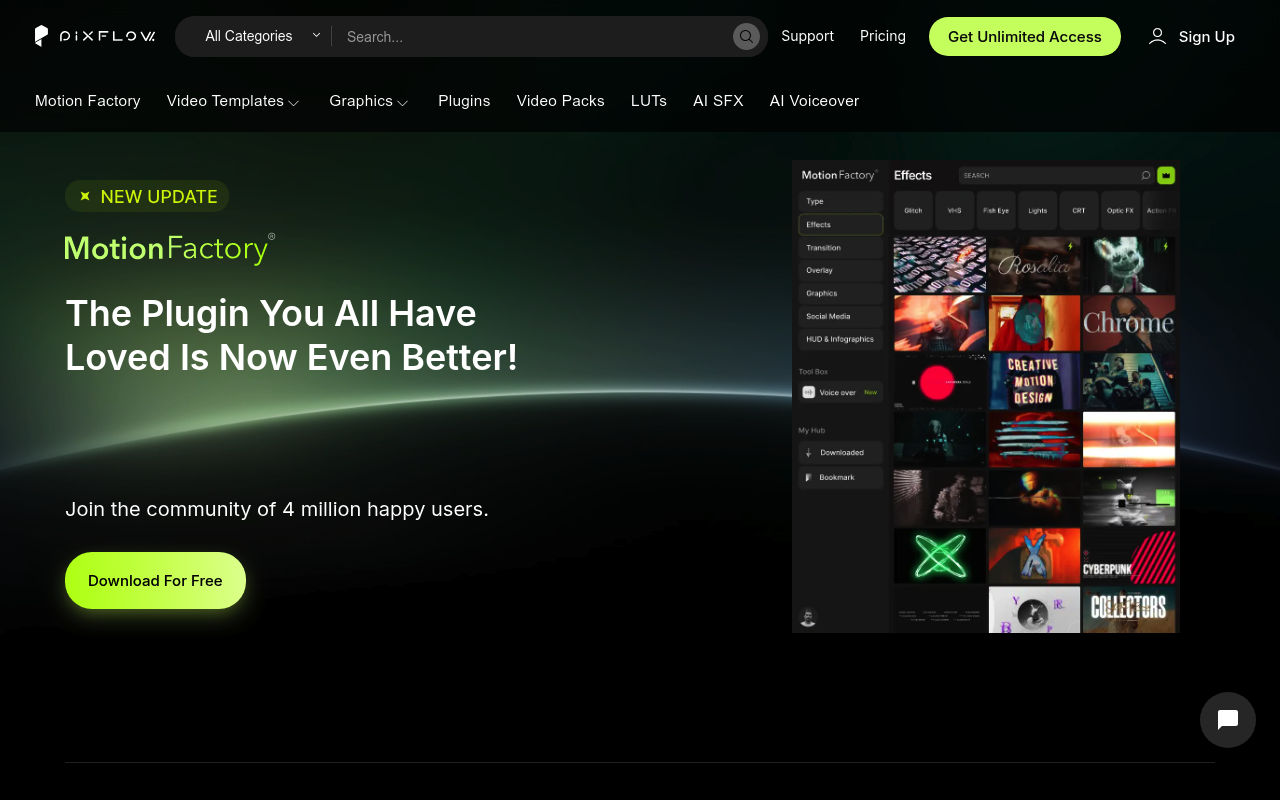
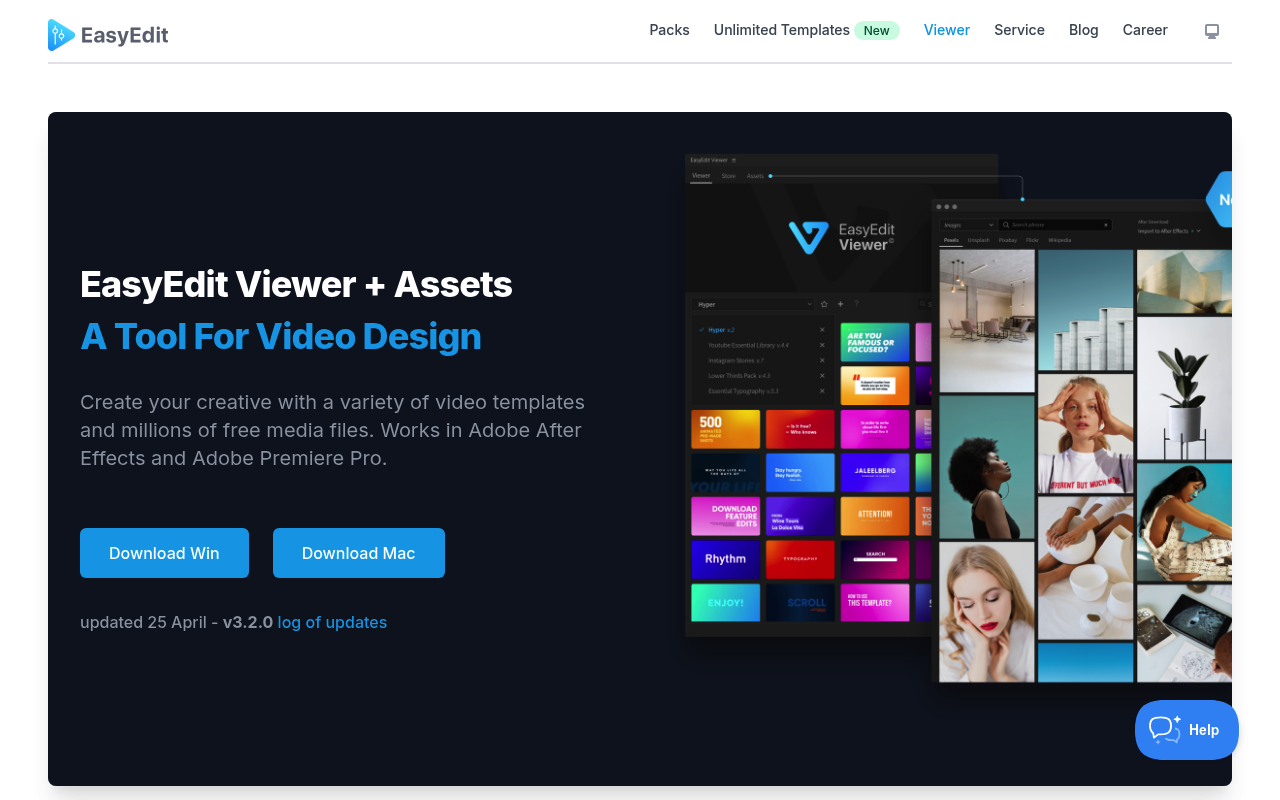
Both Pixflow and EasyEdit Viewer solve the same core problem: getting pre-built motion graphics templates into After Effects and Premiere Pro without leaving the application. Each ships a panel that lets you browse, preview, and import compositions directly into your project. The overlap is real and significant.
The differences, however, run deep. Pixflow is a subscription platform that bundles templates, plugins, AI voiceover generation, sound effects, and LUTs under one monthly fee. EasyEdit Viewer is a free panel that connects to a library funded by one-time pack purchases, with a newer subscription tier emerging on a separate subdomain.
If you are deciding between a recurring all-access plan versus targeted one-time purchases, this comparison is for you.
Features Side by Side
| Feature | Pixflow | EasyEdit Viewer |
|---|---|---|
| Core pricing model | Subscription ($9.99–$19.99/mo or $399 lifetime) | Free panel; packs sold individually ($19–$89) |
| Template library size | 8,000+ templates | 10,000+ templates |
| AI voiceover generation | Yes, 29 languages, credit-based | No |
| AI sound effect creation | Yes, credit-based | No |
| Stock media browser | No | Yes, 83M+ free files (GIFs, images, video) |
| Supported host apps | After Effects, Premiere Pro, Photoshop, Illustrator | After Effects, Premiere Pro |
| Asset licensing after cancellation | Downloads cannot be used in new projects | Perpetual license on purchased packs |
| Cloud storage | 5GB–256GB depending on tier | Not offered |
The most consequential difference between these two tools is the licensing model after you stop paying. Pixflow’s terms state that downloaded assets cannot be used in new projects once a subscription ends. Projects already published while the subscription was active remain covered, but any new work requires an active plan. This is a meaningful long-term cost consideration. EasyEdit Viewer’s individual pack purchases carry a perpetual license, meaning you own those assets indefinitely.
The second major differentiator is Pixflow’s AI tooling. No other feature in EasyEdit’s current ecosystem comes close to offering integrated voiceover generation in 29 languages from within After Effects or Premiere Pro. If narration is part of your regular deliverables, that alone shifts the calculus considerably. EasyEdit offers no equivalent.
EasyEdit Viewer counters with its stock media browser, which pulls from over 83 million free GIFs, images, and video clips. Pixflow has no comparable free stock media integration. For social media producers and YouTube creators who constantly need supplementary footage and graphics, this free resource has real daily utility.
Pricing
Pixflow offers four tiers. The AI Suite plan is $9.99 per month and covers 25,000 AI credits, AI voiceover, and plugins for After Effects and Premiere Pro, but no template access. The Templates and SFX plan is $14.99 per month (or $39.99 per year) and includes 100 template downloads per month, sound effects, LUTs, and limited Motion Factory access. Pixflow Max is $19.99 per month with full Motion Factory access, all plugins, unlimited templates and SFX, 35,000 AI credits, and 64GB cloud storage. A lifetime plan is available for a one-time $399 payment, covering 256GB storage, 600,000 AI credits, and broadcast and SVOD licensing. Pricing is verified as of early 2026; check pixflow.net for current rates.
EasyEdit Viewer itself is free to install. Template packs are sold individually on easyedit.pro, with prices ranging from approximately $19 for smaller utility packs up to $89 for bundles. Representative examples include the Hyper Graphics Pack at $49 and the YouTube Bundle at $89. The company also operates a separate subscription service at stock.easyedit.pro offering unlimited downloads, though pricing details for that tier were not confirmed in the available data. Check their site directly for current pack pricing and subscription details.
For a freelancer running two to three client projects per month, EasyEdit’s one-time purchases may cost less over two years than Pixflow Max at $19.99 per month ($480 annually). For studios or heavy-volume editors downloading assets constantly, Pixflow’s unlimited tier becomes cost-competitive quickly.
Performance and Workflow
Both panels embed into After Effects and Premiere Pro as extensions accessible from the Window menu. Both offer hover-preview of templates and one-click import into the active project.
Pixflow’s Motion Factory panel has drawn criticism for its large UI footprint in After Effects. Professional AE users running multiple panels simultaneously have flagged that the v4 panel consumes more screen real estate than many workflows accommodate. Some users have reported staying on older, more compact versions of the plugin for this reason. Pixflow has also had documented installation issues requiring registry edits or Terminal commands on macOS, which is a high friction ask for the beginner audience their marketing targets.
EasyEdit Viewer has its own reliability record. Pack installation files have failed to register in After Effects 2025 for some users after working in 2024, requiring cache deletion to resolve. The changelog shows repeated fixes for packs disappearing after relaunch. Neither tool has a spotless technical track record, but both are actively maintained.
One workflow note specific to EasyEdit: the deep integration is Adobe-only. Packs exist for Final Cut Pro and DaVinci Resolve, but those platforms do not get the Viewer panel experience. If your studio operates across multiple NLEs, EasyEdit’s cross-platform story is weaker than it appears on the surface.
Who Should Pick Which?
Choose Pixflow if:
- You regularly produce explainer videos or educational content and need integrated AI voiceover without hiring voice talent or switching applications
- You run a small studio or agency and need team seats, cloud storage, and a single subscription covering multiple team members
- You want unlimited asset downloads and can maintain the subscription long-term, making the per-asset cost essentially zero
- You need broadcast or SVOD licensing, which is included in the Lifetime plan
Choose EasyEdit Viewer if:
- You prefer to own your assets outright and want perpetual licenses that remain usable regardless of future subscription status
- You work frequently with stock GIFs, images, and free video clips and want them importable directly from your editing panel
- You have specific, targeted needs that one or two packs cover, making a $39–$89 one-time purchase more cost-effective than a monthly subscription
- You need a no-cost entry point to start using template libraries immediately while evaluating whether a paid tier is worth it
Verdict
For most freelance motion designers and video editors working on client projects with an eye on long-term costs, EasyEdit Viewer’s perpetual licensing model is the safer choice. You own what you buy, and a $49 pack remains usable five years from now whether or not EasyEdit exists as a company. Pixflow wins clearly in one area: if AI voiceover is part of your regular workflow, nothing in EasyEdit’s ecosystem touches it, and the Pixflow Max plan at $19.99 per month is reasonable for a team that will use the full breadth of the library continuously. For high-volume studios with steady subscription budgets, Pixflow’s all-in model makes sense. For everyone else buying targeted assets on a project basis, EasyEdit Viewer’s one-time purchase structure is the more financially transparent option.