

Overview
Pixflow and AEJuice are both subscription-based asset library platforms built for After Effects and Premiere Pro users who need pre-made motion graphics, transitions, and VFX elements. Neither is a generative plugin in the traditional sense. Both deliver templates and effects through a dedicated panel inside Adobe applications, and both include some form of AI tooling bolted on top of a core asset library.
The overlap is real: if you want drag-and-drop lower thirds, transitions, and title animations without building them from scratch, both platforms can do that job. The differences come down to library size, licensing terms after cancellation, AI feature depth, and how each platform handles the gap between beginner convenience and professional control. This comparison is most relevant to freelance editors, small studio teams, and content creators deciding where to park their motion graphics budget.
Features Side by Side
| Feature | Pixflow | AEJuice |
|---|---|---|
| Library size | 8,000+ templates (claimed) | 30,000+ assets across 300+ categories |
| Management plugin | Motion Factory (AE + PR) | Pack Manager (AE + PR + DaVinci + FCPX) |
| AI voiceover | Yes, 29 languages (credit-based) | Yes, 70+ voices, 10 free min/month |
| AI image/video generation | No | Yes, via NeonMind AI (512x512 free tier) |
| Auto-captioning | No | Yes, Auto Captions plugin |
| Assets after cancellation | Cannot use in new projects | Perpetual use of downloaded assets (lifetime bundle) |
| Lifetime purchase option | $399 | $149 |
| Free tier | Motion Factory plugin with limited free assets | Starter Pack with 100+ commercially licensed assets |
| Non-Adobe NLE support | Limited | Yes, via pre-rendered Standalone Bundle |
The most consequential difference is licensing after you stop paying. Pixflow’s terms explicitly state that downloaded assets cannot be used in new projects once a subscription lapses. AEJuice’s lifetime bundle grants a perpetual license to everything purchased at the time of the transaction. For a freelancer who downloads 200 templates over six months and then cancels, Pixflow’s model means those assets are effectively locked out of future client work. AEJuice’s one-time bundle avoids that entirely.
Library depth also separates them. AEJuice’s 30,000+ asset count across 300+ categories is substantially larger than Pixflow’s stated 8,000+ templates, and AEJuice’s free Starter Pack includes over 100 commercially usable assets with no credit card required. Pixflow’s free tier is primarily the Motion Factory plugin itself with a narrower set of free elements.
On AI tooling, the two platforms take different approaches. Pixflow’s AI strength is voiceover generation integrated directly into After Effects and Premiere Pro, supporting 29 languages with credits tied to your plan tier. AEJuice spreads AI features more broadly: Auto Captions for subtitle generation, Voiceover AI with 70+ voices, and NeonMind AI for image generation inside After Effects. Neither platform’s AI tools are best-in-class compared to dedicated standalone services, but AEJuice offers more categories of AI functionality.
Pricing
Pixflow offers four tiers. The AI Suite is $9.99/month and covers voiceover tools and basic plugins but does not include the full template library. Templates and SFX runs $14.99/month (or $39.99/year) and adds Motion Factory with templates and effects plus 5GB storage. Pixflow Max is $19.99/month for unlimited downloads, full Motion Factory access, 64GB storage, and up to 10 team members. The Lifetime plan is a one-time $399 purchase that includes 256GB storage and broadcast/SVOD licensing.
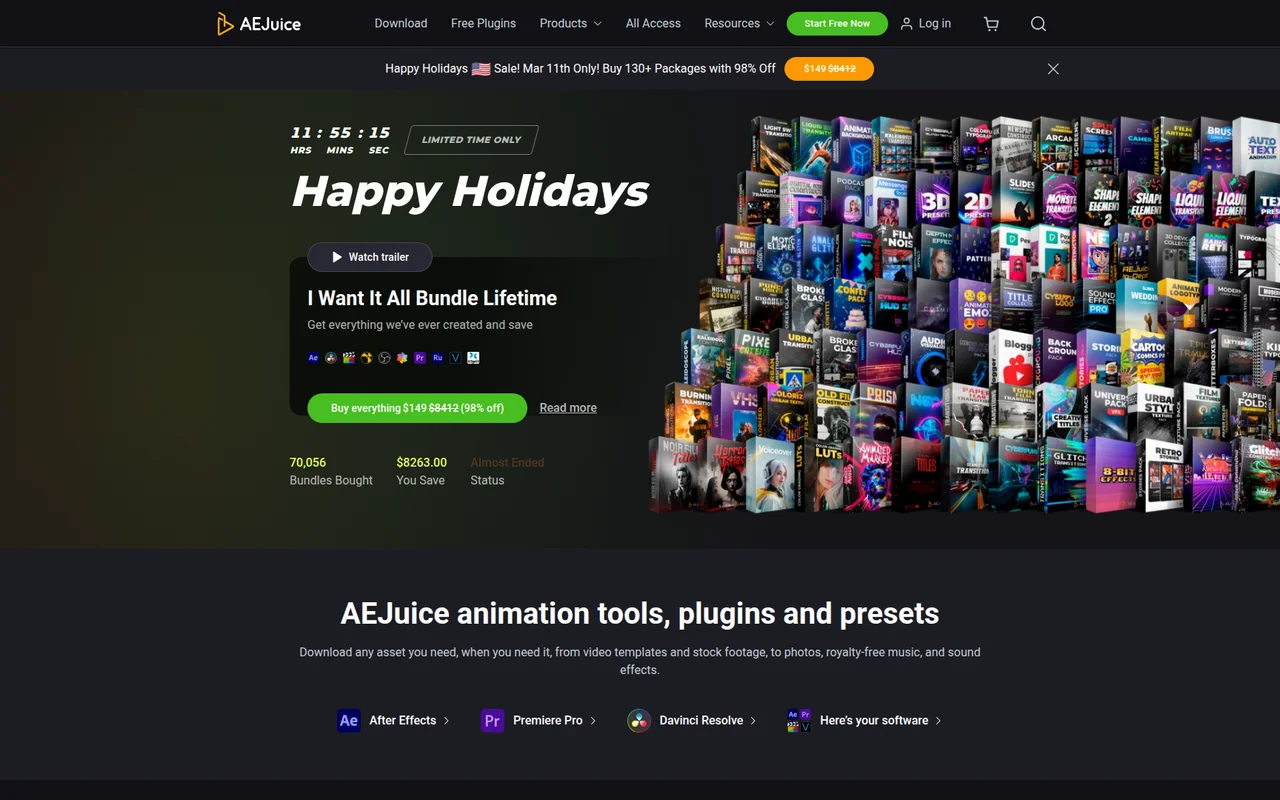
AEJuice’s All Access Monthly is $59/month with a daily cap of 1 product or 100 assets. All Access Annual is $39/month billed as $468/year with unlimited downloads and priority support. The I Want It All Bundle Lifetime is $149 as a one-time purchase for 134 packages covering 30,000+ assets, though it excludes third-party VFX packs, courses, and future releases. Specialized bundles (Film VFX at $347, VFX Infinity at $199, Text Animation at $249) are also available for targeted needs. Individual packs run $19 to $110.
For outright cost, AEJuice’s lifetime bundle at $149 undercuts Pixflow’s $399 lifetime by a significant margin. On the subscription side, Pixflow Max at $19.99/month is considerably cheaper than AEJuice’s All Access at $39/month (annual) or $59/month (monthly). Neither platform offers a traditional free trial, though AEJuice’s free Starter Pack and Pixflow’s free Motion Factory plugin both let you test the interface before committing.
Pricing verified as of early 2026. Check each vendor’s site for current rates, as both platforms run frequent promotions.
Performance and Workflow
Both platforms embed an asset browser panel inside After Effects and Premiere Pro, and both have documented performance complaints worth knowing before you install.
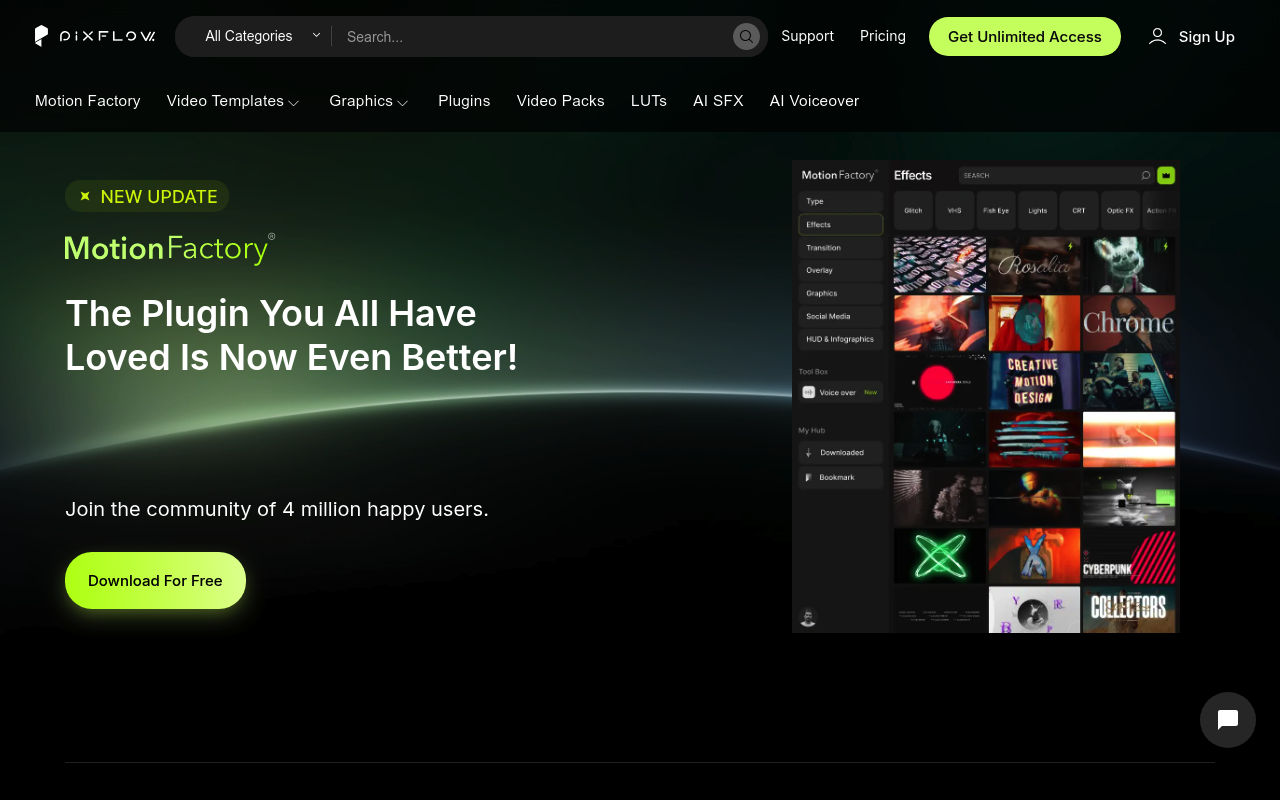
Pixflow’s Motion Factory panel has drawn consistent criticism for its large UI footprint, which competes with After Effects’ already crowded workspace. Some users on the Adobe Exchange report the panel behaves like a panel that wants to occupy maximum space. On the stability side, Pixflow’s legacy products (Motion Factory Classic and the File Manager utility) have documented crash and blank-window issues requiring registry edits or terminal commands to resolve. The modern subscription plugin (v4.7+) requires After Effects CC 2022 or newer and appears more stable, but the brand confusion from three separate products under one name creates real support friction.
AEJuice’s Pack Manager runs a background service process regardless of whether an Adobe application is open, which contributes to reported system-wide lag on some machines. Complex Constructor packs, which are multi-scene animated toolkits, are frequently flagged for crippling Premiere Pro performance. The platform works most reliably in After Effects; Premiere Pro support via MOGRTs is more limited and is the source of the majority of serious bug reports. DaVinci Resolve and Final Cut Pro support exists through pre-rendered video files, but that removes any customization beyond scaling and positioning.
Neither platform is particularly suited to high-end motion designers who need granular parameter control. The assets on both platforms function more as finished building blocks than editable effect systems. If you need to change the duration of a fire animation or adjust particle physics, you will hit walls on both services.
Who Should Pick Which?
Choose Pixflow if:
- You need AI voiceover generation integrated into your editing workflow and want multi-language support (29 languages) without a separate subscription
- You run a small team and need shared access across multiple seats, where Pixflow Max’s up to 10 team members adds value
- You want broadcast or SVOD licensing included, which Pixflow’s Lifetime plan covers explicitly
- Your monthly subscription budget is under $20 and you want the widest feature set at that price point
Choose AEJuice if:
- You want a one-time purchase that gives you perpetual asset ownership with no future subscription obligation, particularly at the $149 price point
- You need the largest possible asset library across the most categories, including a substantial free commercial-use starter pack to evaluate first
- You edit in DaVinci Resolve or Final Cut Pro and need assets that work outside the Adobe ecosystem
- You want auto-captioning or AI image generation tools bundled alongside motion graphics assets
Verdict
For most freelance editors and solo content creators, AEJuice is the stronger choice in 2026. The $149 lifetime bundle delivers a larger library at less than half the cost of Pixflow’s equivalent, and critically, the perpetual license means your downloaded assets stay usable in new client work even after you stop paying. Pixflow’s cancellation terms, which prohibit using downloaded assets in new projects once a subscription ends, create a long-term cost commitment that is easy to underestimate at signup. Pixflow earns a genuine win in one specific scenario: if AI voiceover in 29 languages inside Premiere Pro or After Effects is a regular workflow need, its integration is more focused and the $19.99/month Max plan is cheaper than stacking a separate voiceover service on top of AEJuice. Both platforms share a common weakness in that their most complex assets can bog down Premiere Pro and neither offers the parameter-level control that experienced motion designers expect from professional tools.