

Overview
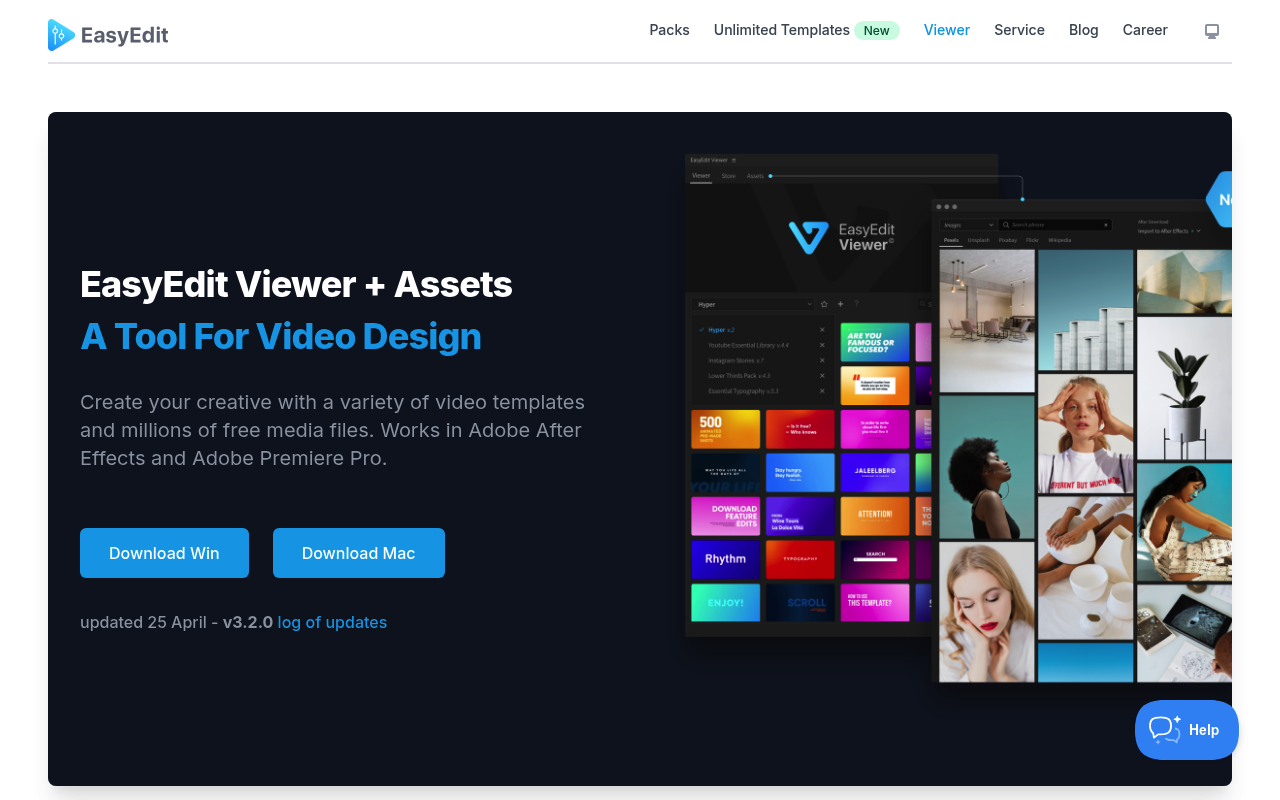
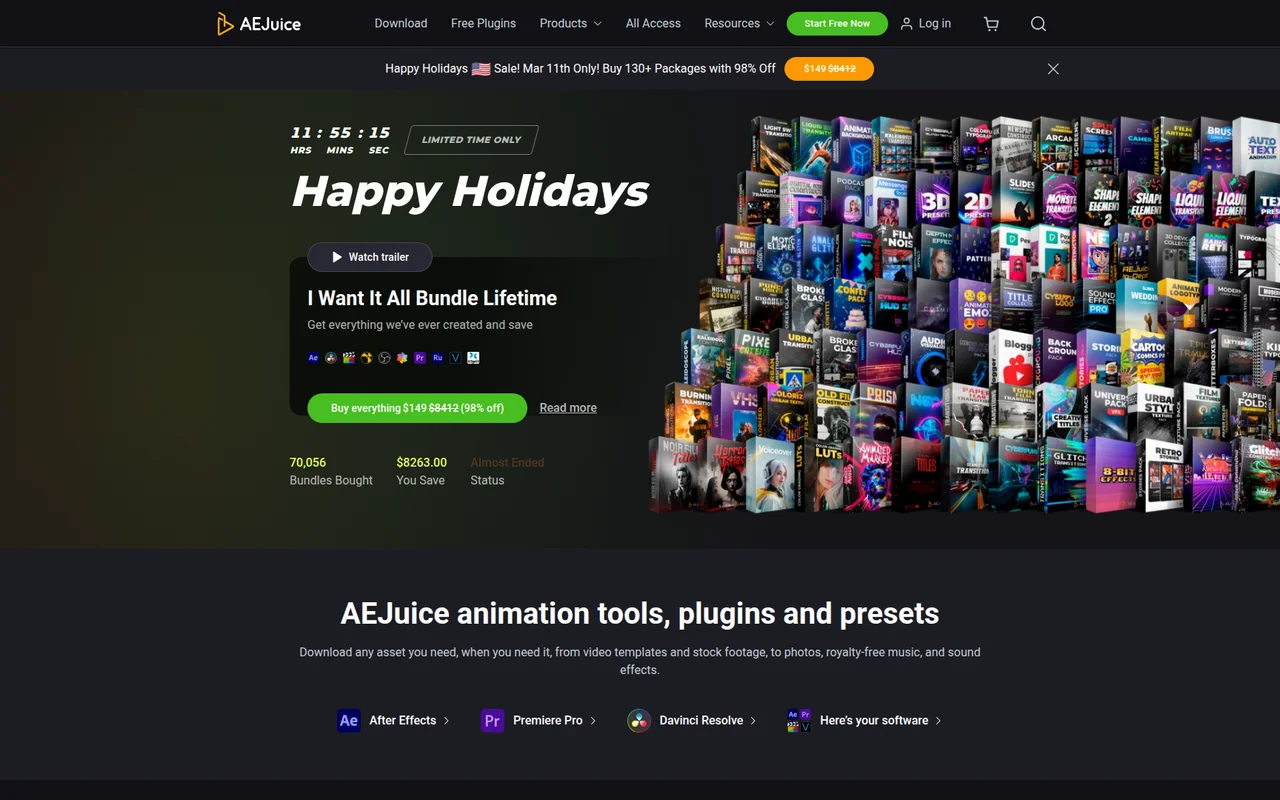
Both EasyEdit Viewer and AEJuice solve the same surface-level problem: you need pre-built motion graphics assets inside After Effects without leaving the application to hunt for files. That is where the similarity ends. EasyEdit Viewer is a panel that gives you in-app access to a template library and a free stock media browser pulling from 83+ million files. AEJuice is a full ecosystem built around Pack Manager, covering animation presets, VFX packs, AI tools, sound effects, and constructors across 100,000+ assets.
If you are a YouTube creator or social media editor who needs quick templates and free stock footage, this comparison is for you. If you are a freelance motion designer deciding where to spend a budget on a reusable asset library, keep reading.
Features Side by Side
| Feature | EasyEdit Viewer | AEJuice |
|---|---|---|
| In-app asset browser | Yes, panel in AE and Premiere Pro | Yes, Pack Manager plugin for AE and Premiere Pro |
| Free stock media access | 83+ million files (GIFs, images, video) | No built-in stock media browser |
| Free tier content | 100+ free templates across 9 packs | 100+ assets via Starter Pack, plus free utility plugins |
| Asset count | 10,000+ templates | 100,000+ assets across 500+ packs |
| AI tools | Not documented | Voiceover AI, Auto Captions, NeonMind AI image gen, AI Depth Map |
| Lifetime purchase option | Individual packs at $19-$89 per pack | ”I Want It All” bundle at $149 for 130+ packages |
| Subscription option | Unlimited downloads via stock.easyedit.pro (pricing not confirmed) | $468/year or $59/month |
| Non-Adobe NLE support | Manual install only (no plugin workflow) | Standalone bundle as pre-rendered MOV files |
The most important difference is scope. EasyEdit Viewer is a delivery mechanism for EasyEdit’s own template catalog. The panel exists to browse, preview, and import those templates. AEJuice’s Pack Manager does the same job but sits on top of a dramatically larger catalog built by multiple contributors, including VFX assets, constructors, AI tools, and sound effects that have no equivalent in EasyEdit’s lineup.
The free stock media integration in EasyEdit Viewer is a genuine differentiator that AEJuice does not match. If your workflow regularly involves pulling free GIFs, B-roll clips, or photos directly into a timeline without opening a browser, that single feature may justify installing EasyEdit alongside whatever else you use. AEJuice has no equivalent built-in stock footage access.
The AI tools category is one-sided. AEJuice has Voiceover AI (70+ voices, 10 free minutes monthly), Auto Captions, NeonMind AI for image generation, and AI Depth Map. EasyEdit Viewer has none of these. To be fair, the research notes that several AEJuice AI tools have significant reliability issues in real-world use, particularly AI Depth Map and NeonMind AI, so the feature list here outpaces the current execution.
Pricing
EasyEdit Viewer is free to install. Individual template packs on easyedit.pro are sold as one-time purchases, with prices ranging from approximately $19 to $89 per pack, and bundles like the YouTube Bundle at $69-$89. The panel also connects to a separate subscription service at stock.easyedit.pro for unlimited downloads, though exact pricing for that subscription was not confirmed in the available data. Check easyedit.pro for current rates.
AEJuice offers three main entry points. The free Starter Pack installs through Pack Manager and includes 100+ commercially licensed assets at no cost. The “I Want It All Bundle Lifetime” is a one-time purchase at $149 (frequently discounted from a nominal list price of $8,412) covering 130+ packages with 30,000+ assets, though it excludes future releases and some third-party content. The All Access Annual plan runs $468 per year (billed as $39/month) and includes unlimited downloads plus all future releases. The All Access Monthly plan is $59/month with a daily download cap of one product or 100 assets.
For a single one-time spend, AEJuice’s $149 bundle covers significantly more ground than buying individual EasyEdit packs to reach a comparable library size. If you need three or four EasyEdit packs, you are already at $90-$120 for a narrower catalog.
Performance and Workflow
Both tools embed a panel inside After Effects, but the day-to-day workflow experience differs. EasyEdit Viewer is lightweight in what it asks of the application. The panel loads your installed packs, shows hover previews, and imports compositions on click. Reported issues center on pack installation failures across After Effects version updates and occasional disappearing packs, not system-wide performance degradation.
AEJuice’s Pack Manager runs a background service process that persists even when After Effects is closed. Multiple users with high-spec hardware report system-wide lag after installation. The performance hit is more pronounced in Premiere Pro, where AEJuice relies on MOGRT files through the Essential Graphics panel rather than native compositions. Complex constructor packs are the worst offenders, with some Premiere Pro users reporting the application becoming effectively unusable. If you run a tight, performance-sensitive workstation, that background process is worth knowing about before installing.
For straightforward drag-and-drop use on standard social media templates, neither tool causes major friction. The performance gap widens when you start using AEJuice’s more complex packs, particularly multi-scene constructors and nested pre-comp-heavy assets.
Who Should Pick Which?
Choose EasyEdit Viewer if:
- You regularly need free stock footage, GIFs, or photos imported directly into your timeline without switching to a browser
- Your template needs are focused on YouTube branding (openers, lower thirds, end cards, subscribe buttons) and you prefer one-time pack purchases
- You work in both After Effects and Premiere Pro and want the same template library accessible from either application with packs that use the MOGRT format
- You are on a tight budget and want to buy only the specific packs that match your niche rather than a large generalist bundle
Choose AEJuice if:
- You need the broadest possible asset library for varied client work across social media, promos, explainers, and VFX without buying packs one at a time
- You want a one-time purchase that covers transitions, elements, titles, sound effects, and AI tools in a single transaction
- You primarily work in After Effects and need assets that go beyond templates into VFX overlays, liquid elements, and animated constructors
- You want monthly new releases included in your access, which the All Access subscription provides and EasyEdit’s perpetual model does not
Verdict
For most After Effects users choosing between these two, AEJuice is the more complete investment. The $149 lifetime bundle covers 130+ packages at a lower total cost than assembling a comparable EasyEdit library pack by pack, and the asset variety extends into VFX and sound effects that EasyEdit does not offer. That said, EasyEdit Viewer wins on one specific capability that AEJuice cannot match: the integrated free stock media browser. If pulling free B-roll and GIFs into your timeline without leaving After Effects is a regular part of your workflow, EasyEdit Viewer earns its place as a secondary panel alongside whatever else you use. They are not mutually exclusive, and the free install cost of EasyEdit Viewer means there is no penalty for running both.