

Overview
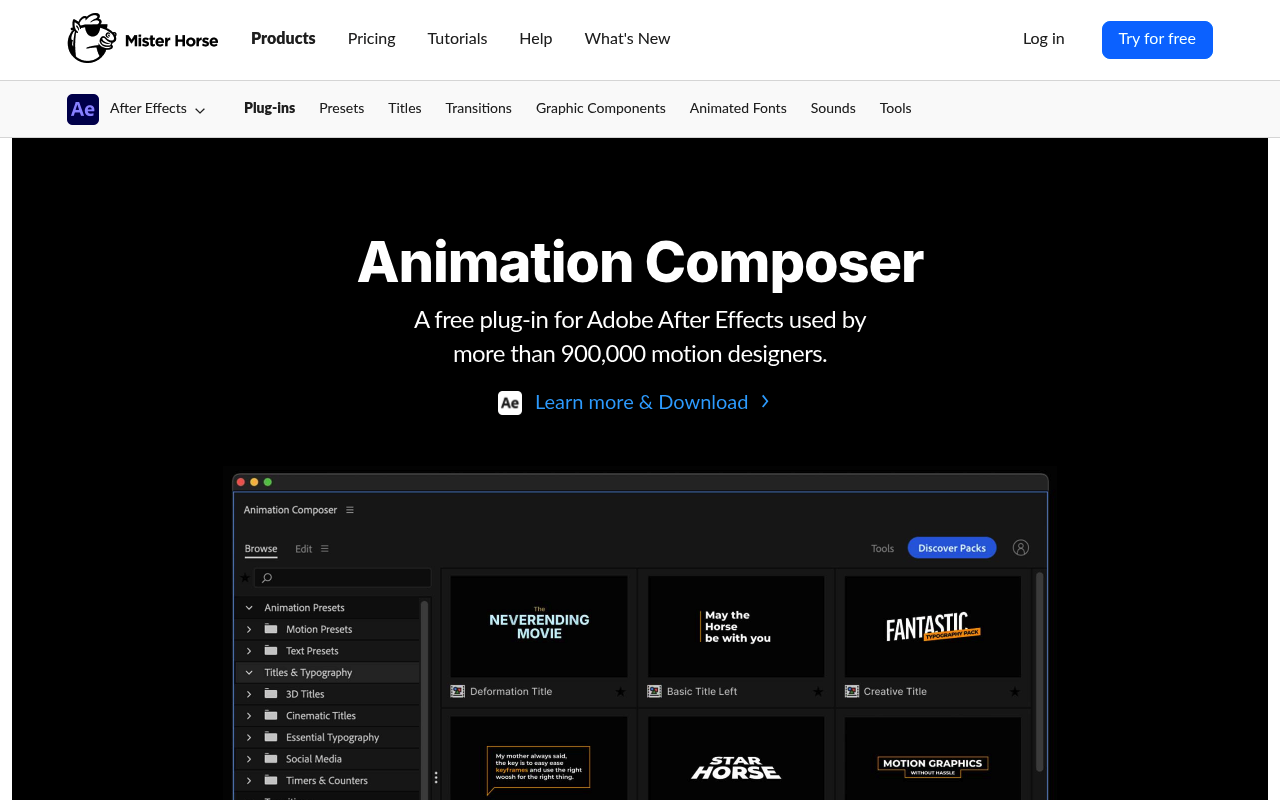
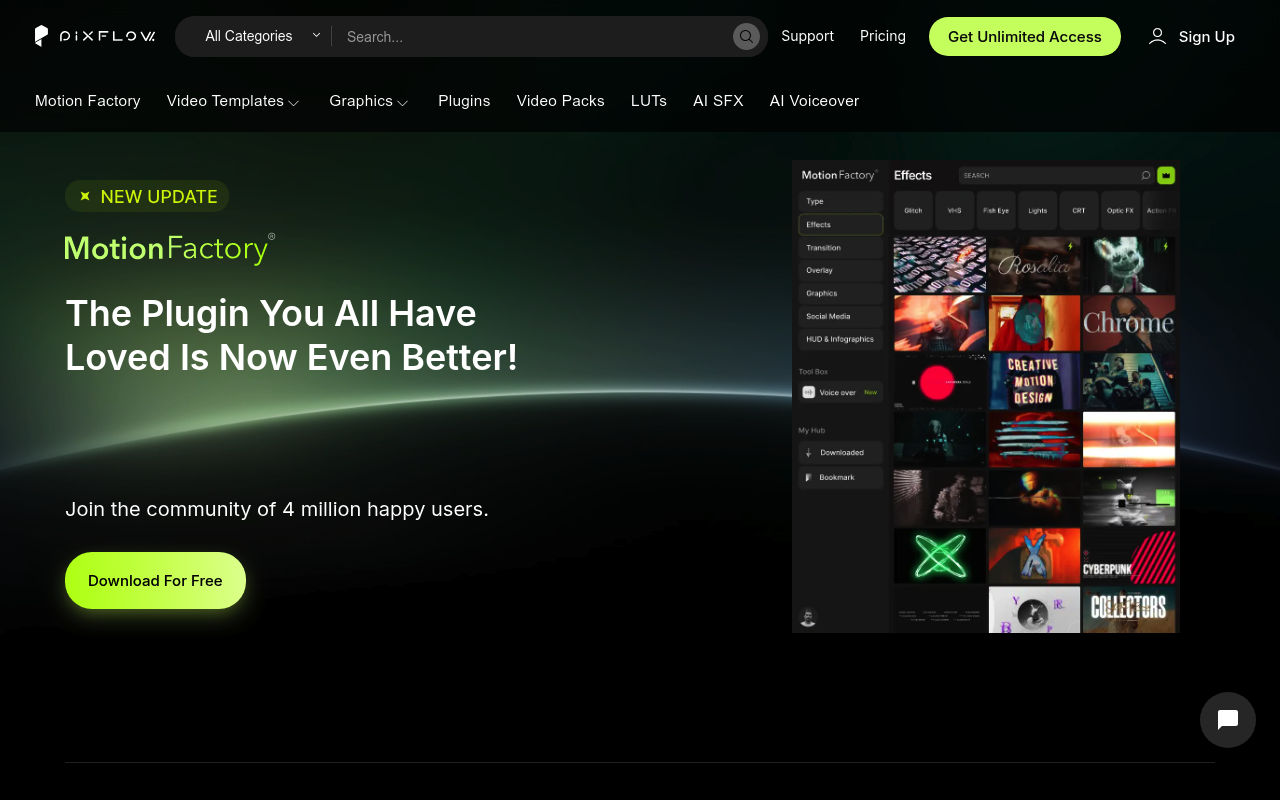
Animation Composer (by Mister Horse) and Pixflow’s Motion Factory solve the same surface-level problem: getting pre-built motion graphics into After Effects without building everything from scratch. Both use a panel-based browser inside AE, both offer drag-and-drop application, and both target editors who want to move faster on repetitive work.
The meaningful differences start immediately below that surface. Animation Composer is a focused preset tool that applies native keyframes and expressions directly to your layers. Motion Factory is a front-end browser for a subscription asset library, delivering mostly templates and pre-rendered elements. If you’re a solo motion designer in After Effects looking for a clean preset workflow, keep reading. If you’re a studio or content team that also needs Premiere Pro templates, LUTs, AI voiceover, and team seats, the calculus shifts considerably.
Features Side by Side
| Feature | Animation Composer | Pixflow / Motion Factory |
|---|---|---|
| Core delivery method | Native AE keyframes and expressions | Template files and pre-rendered assets |
| Live hover previews | Yes, in-panel video previews | Yes, asset browser previews |
| Non-destructive application | Yes, separate layers, fully editable | Varies by asset type; MOGRTs limit customization |
| Premiere Pro support | Limited (some packs) | Yes, full support |
| AI voiceover tools | No | Yes, 29 languages, credit-based |
| Team seats | No | Up to 10 (higher tiers) |
| Asset retention after cancellation | N/A (free tier always available) | Downloaded assets cannot be used in new projects post-cancellation |
| One-time purchase option | Subscription only (legacy perpetual licenses no longer sold) | Lifetime plan at $399 |
The most important technical difference is how assets land in your project. Animation Composer adds actual keyframed layers using standard After Effects properties. You can open the Graph Editor, adjust timing, extend duration, or delete individual keyframes like any native animation. Pixflow templates often arrive as pre-rendered footage or MOGRT files. For Premiere Pro that’s fine, but in After Effects, a pre-rendered element has a fixed duration and no procedural handles to adjust. Multiple users in the research note this directly: you cannot extend a Pixflow fire effect or change its physics because there are no underlying parameters to change.
Animation Composer’s Edit tab exposes color, timing, and font controls for each preset without requiring you to dig into the layer stack. Pixflow’s customization depth varies by asset. After Effects project files give you full access; MOGRTs expose only what the creator chose to surface in the Essential Graphics panel. For a designer who modifies everything before delivery, this distinction matters more than library size.
Pixflow has a genuine advantage in scope. The library covers LUTs, graphic templates for Photoshop and Illustrator, sound effects, overlays, and AI voiceover in one subscription. Animation Composer is After Effects first, and the built-in free library is smaller. The Mister Horse subscription unlocks around 6,000 assets across all packs; Pixflow claims 8,000 across more diverse categories.
Pricing
Both products have moved to subscription models, and both have had recent changes worth flagging.
Animation Composer / Mister Horse: The individual expansion packs previously sold on aescripts.com have been discontinued. New customers access everything through misterhorse.com. Pricing as of early 2026 is approximately $19.90/month billed monthly or $198/year (roughly $16.50/month). The free tier remains available with a meaningful subset of presets. Older perpetual licenses remain functional. Verify current pricing at misterhorse.com/pricing before purchasing.
Pixflow: Four tiers are available. AI Suite runs $9.99/month (25,000 AI credits, plugins for AE and Premiere, no templates). Templates and SFX runs $14.99/month (video and graphic templates, sound effects, LUTs, Motion Factory limited access, 5GB storage). Pixflow Max runs $19.99/month (full Motion Factory, unlimited templates, 35,000 AI credits, 64GB storage, up to 10 team members). A Lifetime plan is available at $399 one-time, covering 256GB storage and broadcast/SVOD licensing. Verify current pricing at pixflow.net/pricing.
One licensing point deserves direct attention: Pixflow’s terms state that downloaded assets cannot be used in new projects after subscription cancellation. Projects published during an active subscription remain covered, but you cannot start a new project using those files once you cancel. Mister Horse’s free tier stays permanently available, and previously purchased perpetual licenses do not expire. For solo freelancers with irregular project flow, this difference in asset ownership has real cost implications.
Performance and Workflow
In a live After Effects session, Animation Composer behaves like a native tool. Presets drop onto your existing layers as separate, editable additions. The Edit tab adjusts color and timing without leaving the panel. Keyframe Wingman handles easing directly without opening the Graph Editor. Anchor Point Mover and Transition Shifter solve daily friction points Adobe has never addressed natively. The version 4 rebuild (released July 2025) fixed longstanding Windows preview lag, and the changelog shows consistent maintenance through late 2025.
Motion Factory’s workflow is more like browsing a stock library from inside your NLE. You find an asset, download it, and drop it into your comp or timeline. For Premiere Pro editors, this is smooth. For After Effects users doing original work, the experience depends heavily on which asset type you’re using. Full AE project templates give you complete access. Pre-rendered overlays and VFX elements drop in as footage layers with no editable parameters. The panel UI has been specifically criticized for taking up too much screen space, which is a genuine issue in a typical multi-panel AE workspace.
Both tools have documented stability issues with Adobe’s annual software updates. Mister Horse patched AE 2025 compatibility issues by December 2025. Pixflow has multiple legacy components (particularly Motion Factory File Manager and Motion Factory Classic) that are reported as non-functional or crash-inducing on recent Adobe builds. The modern Motion Factory 4.7+ plugin has its own Adobe Exchange page with separate compatibility listings; users should confirm they are installing the current version and not a legacy component with a similar name.
Who Should Pick Which?
Choose Animation Composer if:
- Your primary application is After Effects and you want presets that produce editable, native keyframes you can refine in the Graph Editor
- You want workflow tools (Keyframe Wingman, Anchor Point Mover, Transition Shifter) that solve AE-specific friction points beyond just adding presets
- You prefer a lower-cost free tier as a permanent fallback if you cancel, with no restrictions on previously completed work
- You’re doing motion graphics work where you regularly modify and extend animations past their original preset parameters
Choose Pixflow if:
- You edit across both After Effects and Premiere Pro and want one subscription covering both with a consistent interface
- Your team has multiple seats and needs cloud storage, team access, and potentially AI voiceover for explainer or tutorial content
- You need LUTs, graphic templates for Photoshop/Illustrator, and pre-rendered VFX overlays alongside motion presets, consolidated under one plan
- You produce high volumes of content where the visual output matters more than the technical editability of individual elements
Verdict
For the majority of After Effects motion designers, Animation Composer is the better fit. Its presets produce native, editable animations rather than opaque template files, its workflow tools address real AE pain points that Pixflow does not touch, and the free tier provides genuine permanent value without license expiration concerns. Pixflow earns the recommendation when the work spans multiple Adobe applications, when team collaboration and cloud storage matter, or when AI voiceover generation is a genuine workflow need rather than a marketing checkbox. At comparable monthly pricing, Pixflow offers more categories of content; Animation Composer offers more control over the content it does provide. For anyone spending most of their day in After Effects building motion graphics, that control advantage is the deciding factor.