

Overview
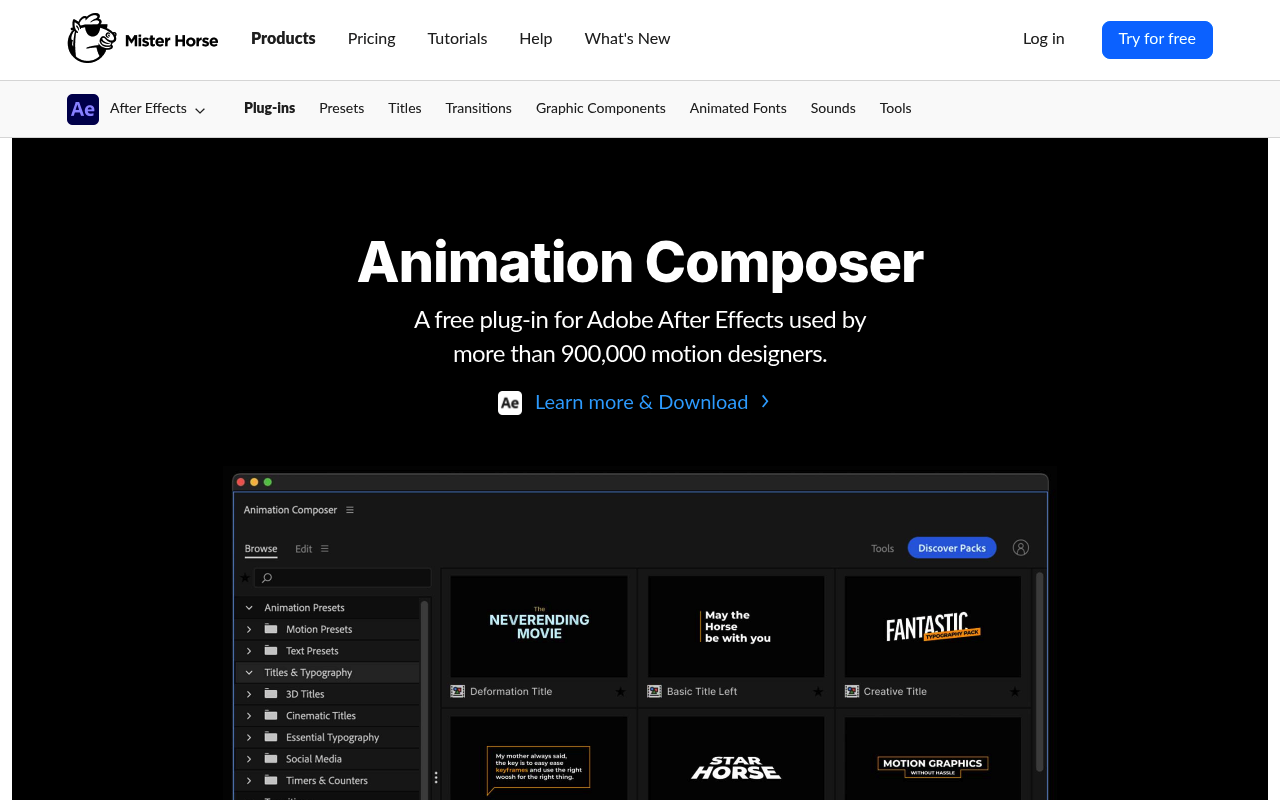
Animation Composer (by Mister Horse) and Motion Bro are both free plugins that turn After Effects and Premiere Pro into browsable preset libraries. You install the plugin, browse a grid of motion presets with live previews, and apply them in one click. The overlap is genuine: both tools cover transitions, text animations, and sound effects, and both target editors who need to move fast on high-volume work.
The differences that matter are the pricing model, the depth of workflow tools beyond preset browsing, and the reliability track record. If you’re deciding between the two, this comparison is for you: freelancers, social media editors, and studio operators who bill by the project and want to know which library is worth their money and their trust.
Features Side by Side
| Feature | Animation Composer | Motion Bro |
|---|---|---|
| Pricing model | Subscription ($19.90/mo or $198/yr) | One-time purchase per pack |
| Free tier | Starter Pack (hundreds of presets) | 1,400+ presets across 8 packs |
| Total paid library size | 6,000+ assets | 5,000+ transitions in main bundle |
| Premiere Pro support | Yes (native) | Yes (native MOGRTs since v4) |
| Keyframe tools | Keyframe Wingman, Keyframe Actions | Edit tab, Copy & Paste Mode |
| Custom user library | Yes | Yes (third-party author program) |
| Sound effects | Integrated with pitch control | Separate SFX pack, 1,300+ effects |
| Asset categories | Presets, transitions, titles, textures, illustrations, SFX | Transitions, titles, tools, SFX, AI/3D packs |
The most meaningful difference is the pricing structure, and it shapes everything downstream. Animation Composer moved fully to subscription in 2024, discontinuing all perpetual pack purchases. The aescripts pages for individual packs (Shape Elements at $69, Essential Sound Effects at $99) now redirect to the Mister Horse subscription. If you want access to the full 6,000-asset library, you pay $198 per year or $19.90 per month, with no exit except losing access to premium content.
Motion Bro stays on one-time purchases. The Essential Transitions Bundle for After Effects runs $55 personal or $110 commercial, and once you own it, you own it with free lifetime updates. That distinction is not trivial over a multi-year career. A Motion Bro user who bought the full bundle in 2023 has spent less by 2026 than an Animation Composer subscriber who started the same year.
On the workflow tools side, Animation Composer has the edge. Keyframe Wingman and Keyframe Actions handle easing, mirroring, randomization, and alignment tasks that would otherwise require the Graph Editor. Anchor Point Mover and Transition Shifter solve daily friction points that Adobe has never addressed natively. Motion Bro’s Edit tab and Copy & Paste Mode are well-designed, but they’re more focused on controlling applied presets than on general keyframe management. For editors who want a preset library plus a suite of animation utilities, Animation Composer covers more ground.
Motion Bro’s open author program is worth noting. Third-party creators can package and sell their own Motion Bro-compatible packs with zero commission to the platform. Animation Composer’s ecosystem is closed to Mister Horse content only. If variety of visual styles matters more than depth of workflow tools, Motion Bro’s open marketplace has a structural advantage.
Pricing
Animation Composer: The plugin is free. The Starter Pack includes hundreds of presets at no cost. Full access to all 6,000+ assets requires a Mister Horse subscription: $19.90 per month billed monthly, or $198 per year billed annually (effectively $16.50/month). Perpetual pack purchases have been discontinued. Users with legacy perpetual licenses retain access to those assets but must subscribe for new content. Verify current pricing at misterhorse.com/pricing.
Motion Bro: The plugin is free. The free tier includes 1,400+ presets across 8 packages. Paid packs are one-time purchases: the Essential Transitions Bundle for After Effects is $55 personal / $110 commercial; the Premiere Pro version is $68 personal / $136 commercial. The 1500 Light Transitions Bundle starts at $48. The Sound FX Pack starts at $0 for personal use and $19 for commercial. Individual packs typically run $40 to $60. All purchases include lifetime access and free updates. Verify current pricing at motionbro.com.
Performance & Workflow
Animation Composer applies presets as standard After Effects layers, non-destructively. The preset becomes editable keyframes and expressions in your comp, and the project remains fully functional if you uninstall the plugin. The Edit tab surfaces color, timing, and font controls without digging into the layer stack. For high-volume work where you’re cycling through dozens of lower thirds or callouts per week, the live hover previews and the Edit tab keep you in one panel for most tasks.
Animation Composer 4 (released July 2025) addressed the main historical complaint: preview lag on Windows. The rebuilt core now loads previews faster, and version 4.1.0 added Windows ARM support. That said, known bugs persist: font picker failures in certain AE versions, Premiere freezing after adding transitions, and Product Manager login loop issues are documented in the official help center. The platform is actively maintained, but it’s not frictionless.
Motion Bro also applies presets non-destructively using standard AE effects and common file formats, so projects work on machines without the plugin installed. This is a practical advantage in collaborative environments. The Master Scene feature in After Effects lets you control multiple applied presets from a single layer, which is useful for maintaining visual consistency across a sequence. The Copy & Paste Mode in Premiere Pro solves a specific, real problem: native Premiere has no way to copy MOGRT properties between clips, and Motion Bro fills that gap cleanly.
Motion Bro has its own stability issues, specifically a reported Premiere Pro freeze bug in version 5.1.0 and a recurring color grading problem where transitions alter clip colors on LOG footage. The color issue has an official help guide but remains unresolved for some users, which is a real problem if you’re working with carefully graded material.
Who Should Pick Which?
Choose Animation Composer if:
- You want a broad library of preset types beyond transitions, including illustrated elements, animated textures, and typographic tools, all in one subscription
- You do enough keyframe work in After Effects that tools like Keyframe Wingman and Anchor Point Mover would save meaningful time daily
- You’re comfortable with a subscription and will use the full library often enough to justify $198 per year
- You want a single managed ecosystem with regular content updates from one developer
Choose Motion Bro if:
- You want to pay once and own your assets permanently without ongoing costs
- You primarily need transitions and are doing high-volume social or client work where the Essential Bundle covers your needs
- You work heavily in Premiere Pro and want the Copy & Paste Mode for MOGRT workflows
- You want to expand your library selectively by purchasing only the specific style packs you actually use
Verdict
For most independent editors and freelancers, Motion Bro is the more practical choice in 2026. The one-time purchase model means you build an asset library you own, the Essential Bundle at $55 to $110 covers a substantial range of transitions, and the free tier is generous enough to evaluate the tool before spending anything. Animation Composer has a stronger set of workflow utilities and a larger, more diverse library, but the subscription requirement changes the calculus significantly: at $198 per year, you need to be using the full library consistently to justify the cost. If you’re running a studio with multiple designers producing daily content across every format, the Mister Horse subscription makes sense and the breadth of the library earns its price. For everyone else, Motion Bro delivers the core value, keeps your costs fixed, and doesn’t penalize you if a project slow period hits.