

Overview
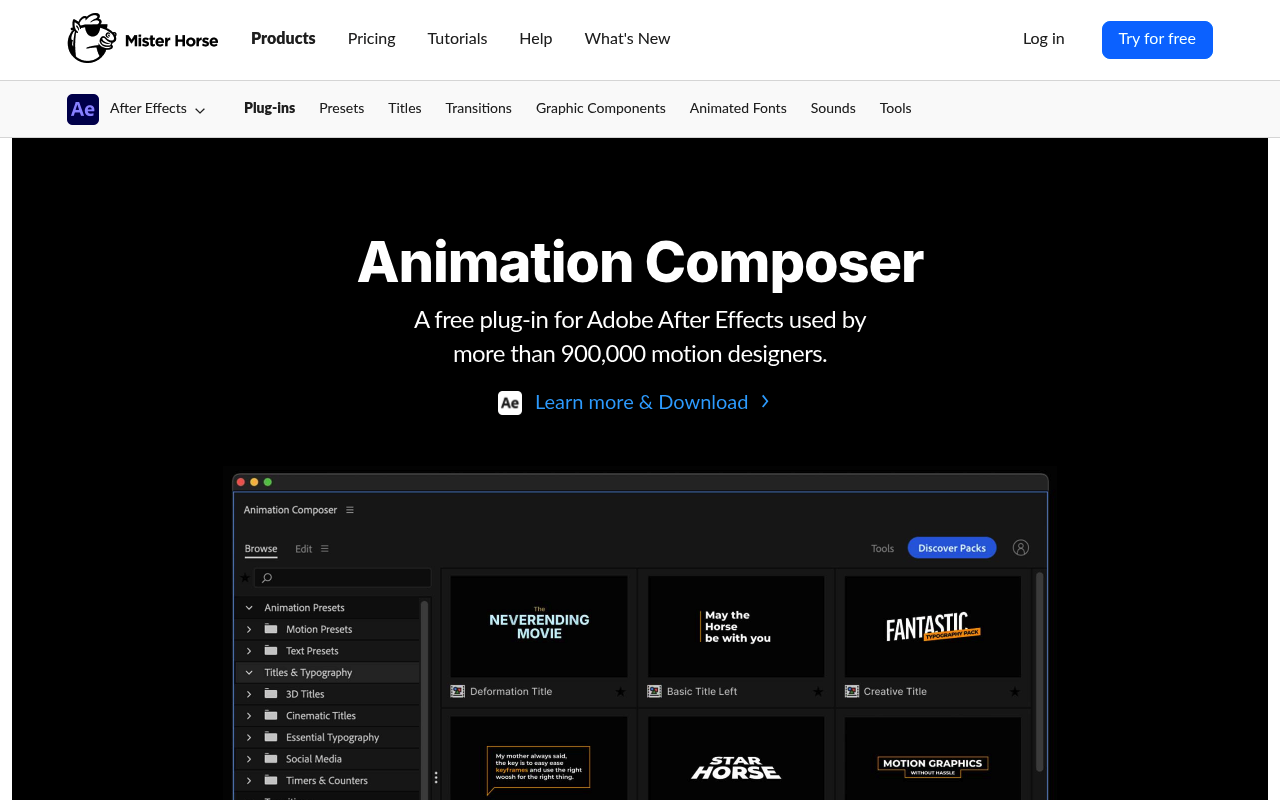
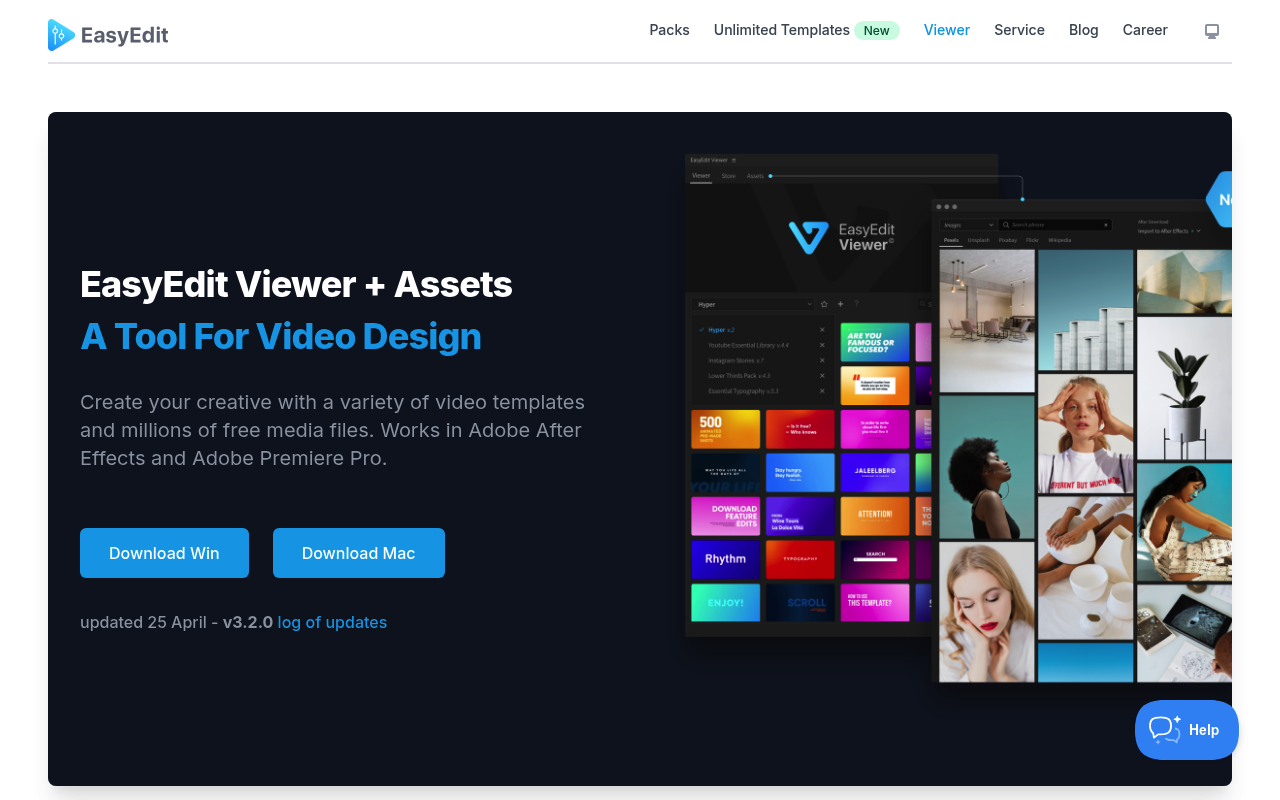
Both Animation Composer and EasyEdit Viewer put a browsable library of pre-built motion graphics inside After Effects. That’s where the similarity ends. Animation Composer, made by Mister Horse, is a procedural preset engine: it applies keyframed animations directly to your native AE layers, leaving standard editable timelines behind. EasyEdit Viewer is a panel-based storefront that imports full pre-built compositions from an external template library into your project. One augments your layers; the other drops in finished comp structures for you to swap out.
This comparison is most useful for freelance editors, YouTubers, and social media producers who are deciding between a subscription-based motion preset ecosystem and a perpetual-license template browser. If you’re a motion designer who builds custom work from scratch, neither tool is aimed at you.
Features Side by Side
| Feature | Animation Composer | EasyEdit Viewer |
|---|---|---|
| Asset delivery method | Presets applied to existing layers | Full compositions imported into project |
| Preview system | Hover video preview in grid, in-panel | Hover preview in panel |
| Edit controls | Dedicated Edit tab with color, timing, font sliders | Customization done manually inside imported comp |
| Free tier content | 500+ presets included at no cost | Viewer is free; nearly all templates require purchase |
| Pricing model | Subscription ($19.90/month or ~$198/year) | Perpetual pack licenses, $19–$89 per pack |
| Stock media browser | Not included | 83+ million free GIFs, images, and videos |
| Workflow tools | Keyframe Wingman, Anchor Point Mover, Transition Shifter | Not included |
| Host app support | After Effects (primary), Premiere Pro via Premiere Composer | After Effects and Premiere Pro |
The most meaningful difference is what lands in your timeline. Animation Composer applies motion behavior to layers you already have. You select a text layer, browse for a preset, and the plugin adds keyframes and expressions to that layer in a non-destructive way. You can remove the animation with one click and the underlying layer is unchanged. EasyEdit Viewer works the opposite way: it imports a pre-built composition, and you work inside that structure, replacing placeholder text and colors. Both approaches have legitimate uses, but they serve different points in a workflow.
Animation Composer’s Edit tab is a practical differentiator. Color pickers, timing sliders, and a font picker are exposed per-preset without digging into the layer stack. EasyEdit’s customization happens the traditional way, inside the imported comp, which means navigating nested layers, replacing text manually, and adjusting colors through layer properties. For high-volume work where you’re applying and adjusting dozens of elements, Animation Composer’s centralized controls are faster.
EasyEdit Viewer’s stock media browser has no equivalent in Animation Composer. Access to 83+ million free GIFs, photos, and videos inside the panel is genuinely useful for social media editors who need supplementary footage or emoji overlays. If your projects regularly require sourcing free stock assets, this feature alone justifies installing EasyEdit Viewer alongside whatever other tools you use.
Pricing
Animation Composer’s pricing has changed significantly. The individual perpetual packs previously sold through aescripts.com are discontinued. Mister Horse now operates entirely on a subscription model through misterhorse.com. The monthly plan is $19.90 per active user, billed monthly. The annual plan works out to approximately $16.50 per month, billed as $198 per year. Both plans include access to the full library of 6,000+ assets across Animation Composer and Premiere Composer. A free tier exists with 500+ presets at no cost, and it’s genuinely usable for basic work. Users who purchased perpetual packs before the transition can still use those licenses; the developer offers upgrade discounts toward the annual plan for legacy license holders. Verify current pricing at misterhorse.com/pricing before purchasing.
EasyEdit Viewer itself is free to download and install. The panel provides access to a template library, but the large majority of usable templates require purchasing individual packs. Pack pricing ranges from approximately $19 for smaller utility packs to $89 for bundles, with most standard packs priced around $34–$49. These are one-time purchases with free updates included. EasyEdit has also launched a separate subscription service at stock.easyedit.pro offering unlimited downloads, though specific pricing for that tier should be confirmed directly on their site. The “free” positioning of the Viewer has drawn consistent criticism from users who expected free content and found a storefront instead. That’s worth knowing before you install it.
Performance & Workflow
Animation Composer fits into a project-building workflow rather than an asset-sourcing one. You build your comp, add your text layers, and use the plugin to audition motion styles quickly. Because the output is native AE keyframes and expressions, the resulting file has no dependency on the plugin for rendering or sharing. Another animator can open your project without Animation Composer installed and the animations will still be there. The Keyframe Wingman and Anchor Point Mover tools extend the plugin’s usefulness beyond presets into general AE housekeeping, making it a daily-use panel rather than an occasional resource.
EasyEdit Viewer fits better into a grab-and-customize workflow. You need a lower third, you open the panel, browse the category, import the comp, and replace the text. The workflow is fast for that specific task. Where it slows down is when you need to deviate from the template’s design: changing layout, adjusting animation timing, or modifying anything beyond the obvious text and color placeholders requires digging into nested compositions. For editors who use templates as starting points rather than finished pieces, this adds friction. Also worth noting: users have reported recurring issues with pack installation failing after After Effects updates, and some packs have disappeared from the panel after relaunches. These are documented issues in their changelog and support forums, not speculation.
Who Should Pick Which?
Choose Animation Composer if:
- You do high-volume work (social content, explainer videos, corporate packages) and need to apply and adjust motion presets to your own layers quickly
- You want editable, non-destructive output using native AE keyframes that don’t require the plugin to be installed for rendering or collaboration
- You value workflow utility tools like Keyframe Wingman and Anchor Point Mover alongside a preset library
- You’re comfortable with a subscription and want continuous access to an expanding library rather than buying individual packs
Choose EasyEdit Viewer if:
- You work primarily as an editor rather than a motion designer and want finished compositions to drop into your timeline with minimal setup
- You regularly need free stock footage, GIFs, or images sourced inside your editing application without switching to a browser
- You prefer one-time pack purchases over a recurring subscription and only need specific template categories
- Your primary output is YouTube or social media content where matching a template’s look exactly is acceptable
Verdict
For most motion designers and video editors who use After Effects as their primary application, Animation Composer is the more capable and better-integrated tool. The non-destructive preset system, in-panel edit controls, and built-in workflow utilities make it useful across a wider range of daily tasks than a template importer. The subscription cost is real, but the free tier with 500+ presets is substantial enough to evaluate whether the workflow fits before committing. EasyEdit Viewer wins on one specific dimension: if you need a free stock media browser embedded in your AE or Premiere workflow, nothing in Animation Composer covers that, and EasyEdit’s 83+ million asset library is a legitimate time-saver for social media editors. For general motion graphics production, Animation Composer is the clearer choice.