

Overview
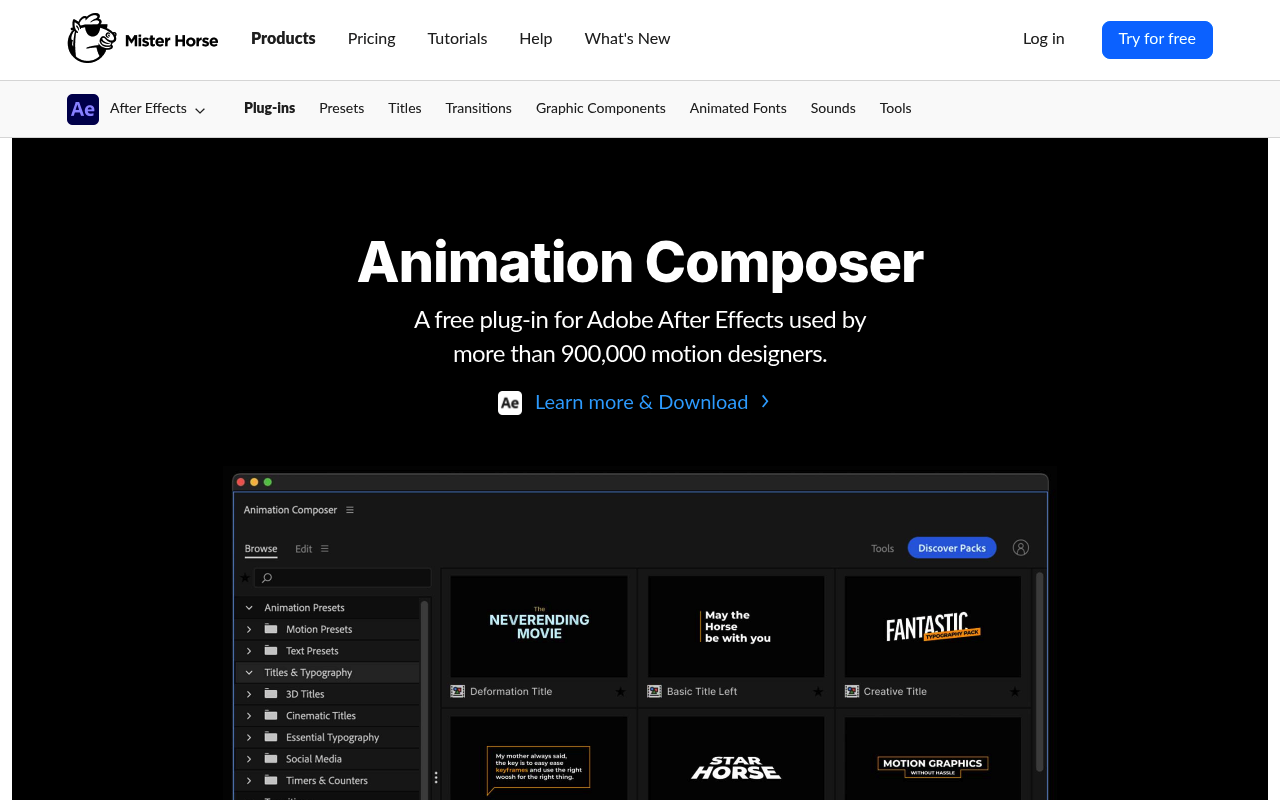
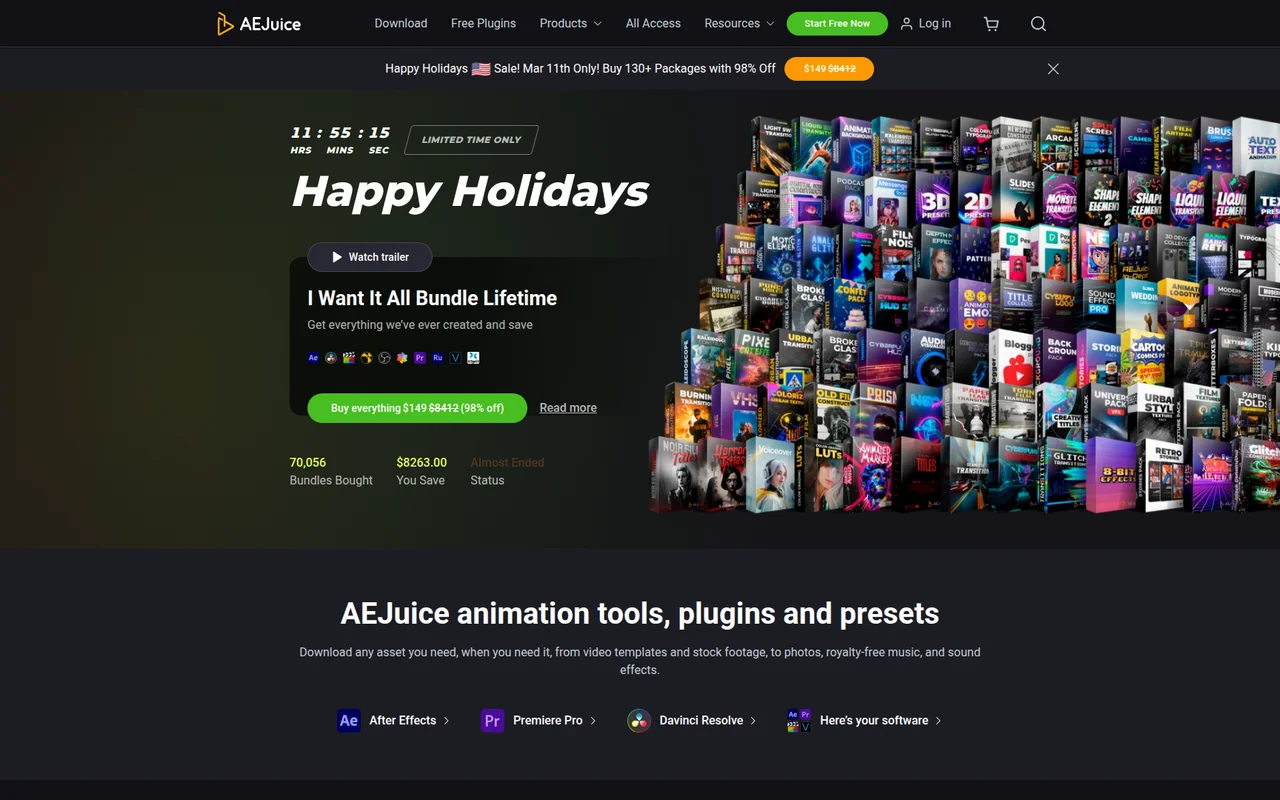
Both Animation Composer (by Mister Horse) and AEJuice solve the same core problem: getting pre-built motion graphics assets into After Effects without building everything from keyframes. You browse a library, preview an animation, drag it onto your timeline, and adjust. The overlap is substantial enough that most people genuinely only need one.
The meaningful differences sit in three areas: asset quality versus asset volume, how each handles pricing, and how stable each platform is in day-to-day use. If you are a freelancer trying to decide where to put your money, or a studio evaluating both, this comparison will give you a direct answer.
Features Side by Side
| Feature | Animation Composer | AEJuice |
|---|---|---|
| Free tier | Up to 500 items, no time limit | Starter Pack with 100+ assets, no time limit |
| Total paid library size | 6,000+ assets | 30,000+ assets across 500+ packs |
| Pricing model | Subscription only (perpetual packs discontinued) | Subscription or one-time lifetime bundle |
| Host app support | After Effects, Premiere Pro | After Effects, Premiere Pro, DaVinci Resolve, FCPX, others |
| Workflow tools included | Keyframe Wingman, Anchor Point Mover, Transition Shifter, Keyframe Actions | Pack Manager automation, auto font install, auto-resize |
| User library (import your own assets) | Yes, included in subscription | Yes, via “My Pack” add-on ($49, or bundled free with larger purchases) |
| AI tools | None documented | Voiceover AI, Auto Captions, NeonMind AI image generation |
| Asset customization depth | Edit tab with color, timing, font controls per preset | Varies by pack; nested precomps often limit deep editing |
The most important functional difference is not the library size but what the workflow tools do. Animation Composer ships with Keyframe Wingman, which gives you a visual easing controller that bypasses the After Effects Graph Editor entirely, plus Keyframe Actions for mirroring, reversing, randomizing, and copying easing between properties. These are genuinely useful tools that exist independently of whether you use a single preset. AEJuice’s Pack Manager automates installation tasks well, including font handling and aspect ratio resizing, but it does not include comparable keyframe manipulation utilities.
Asset quality is the other real dividing line. Mister Horse’s library is smaller because every pack is produced in-house to a consistent standard. AEJuice’s 30,000+ assets come from a mix of in-house and third-party contributors, and community feedback consistently flags uneven quality. Experienced motion designers on Reddit describe portions of the library as generic or under-polished. That does not mean everything in AEJuice is low quality, but you will need to sort through more to find assets that hold up in professional work.
AEJuice has a clear advantage in breadth and software compatibility. If you work across DaVinci Resolve or Final Cut Pro in addition to Adobe apps, AEJuice’s Standalone Bundle delivers pre-rendered assets that work in any NLE. Animation Composer is Adobe-only with no equivalent option.
Pricing
Pricing structures changed significantly for both products and the stored directory data for Animation Composer is now outdated in one important way: the individual expansion packs (Shape Elements at $69, Essential Sound Effects at $99, Motion Designer’s Bundle at $299) have been discontinued. Mister Horse moved to a subscription-only model. As of early 2026, the options are a free tier with up to 500 items, a monthly plan at $19.90/month, or an annual plan at $16.50/month billed as $198/year. There is no one-time purchase path for new customers.
AEJuice offers more flexibility. The free Starter Pack is genuinely usable for commercial work. Paid options include All Access Monthly at $59/month, All Access Annual at $468/year ($39/month effective), or the I Want It All Bundle Lifetime at $149 as a one-time purchase covering all products available at time of purchase but not future releases. That lifetime bundle is the most discussed option in community forums because it is frequently discounted and the one-time price is low relative to the library size.
At annual rates, Mister Horse costs $198/year for 6,000+ assets versus AEJuice at $468/year for unlimited downloads including future releases, or $149 once for a static snapshot of the library. For someone who wants to avoid recurring fees entirely, AEJuice is the only option with a credible one-time path. Mister Horse has removed that option.
Performance and Workflow
Animation Composer 4 (released July 2025) addressed a longstanding Windows performance issue with asset preview loading. The rebuilt core delivers faster in-panel previews and the plugin is generally described as stable by its user base. Known issues exist around font picker failures in certain After Effects versions and occasional freezes in Premiere Pro, but the developer patches rapidly, with multiple point releases in the months following the 4.0 launch.
AEJuice’s performance record is more concerning. Community reports from high-spec machines describe the Pack Manager running a background process that causes system-wide lag even when After Effects is closed. Assets are frequently built as deeply nested precompositions, which prioritizes ease of application over render performance. Premiere Pro users in particular report the plugin panel failing to load and MOGRTs causing significant slowdowns on complex packs. These are not isolated edge cases; they appear consistently across Reddit threads and the AEJuice support forum.
For After Effects-centric workflows, Animation Composer integrates more cleanly. Its presets apply as standard keyframes and expressions, so the project file remains fully editable even without the plugin installed. AEJuice assets vary: some packs follow a similar approach, while others rely on nested precomps that become opaque without the plugin context.
Who Should Pick Which?
Choose Animation Composer if:
- You work exclusively in After Effects and Premiere Pro and want a stable, maintained plugin with consistent asset quality
- The included workflow tools (Keyframe Wingman, Keyframe Actions, Anchor Point Mover) would save you time independent of the preset library
- You prefer a subscription that covers a curated library over a massive, uneven one
- You previously owned Mister Horse perpetual packs and are evaluating whether the subscription adds enough to justify upgrading
Choose AEJuice if:
- You want a one-time payment option and the I Want It All Lifetime Bundle’s $149 price fits your budget
- You edit across multiple applications including DaVinci Resolve or Final Cut Pro and need assets that work outside Adobe
- Volume and variety matter more than consistency, for example high-output social content where you cycle through many different looks
- You need AI tools like Auto Captions or Voiceover AI and want them bundled into the same ecosystem
Verdict
For most After Effects freelancers and small studios, Animation Composer is the stronger choice in 2026. The asset quality is more consistent, the workflow tools add genuine value beyond preset browsing, and the platform is more stable on a day-to-day basis. The $198/year price is reasonable for what you get. AEJuice wins on two specific fronts: if you need a one-time purchase with no recurring fees, the Lifetime Bundle at $149 is hard to argue against at that price point, and if you work across non-Adobe software, it is the only option with meaningful multi-platform support. Neither library is invisible to your clients, both have the ubiquity problem that comes with any popular preset system, but Animation Composer’s smaller, more controlled library tends to produce output that looks less immediately recognizable as off-the-shelf work.