
Move Anchor Point 4 does one thing well: repositioning anchor points without shifting layers, with batch processing and preset rules built in. Editors look for alternatives when they want anchor point controls bundled inside a broader workflow toolkit rather than a standalone script, or when they need something completely free with no trial limits. The four options below cover that range, from free single-purpose tools to full motion design suites that include anchor point controls alongside easing, expressions, and more.
Best Move Anchor Point 4 Alternatives for After Effects
Find the best Move Anchor Point alternatives for After Effects - from free one-click tools to full workflow suites with broader animation and easing features.
-
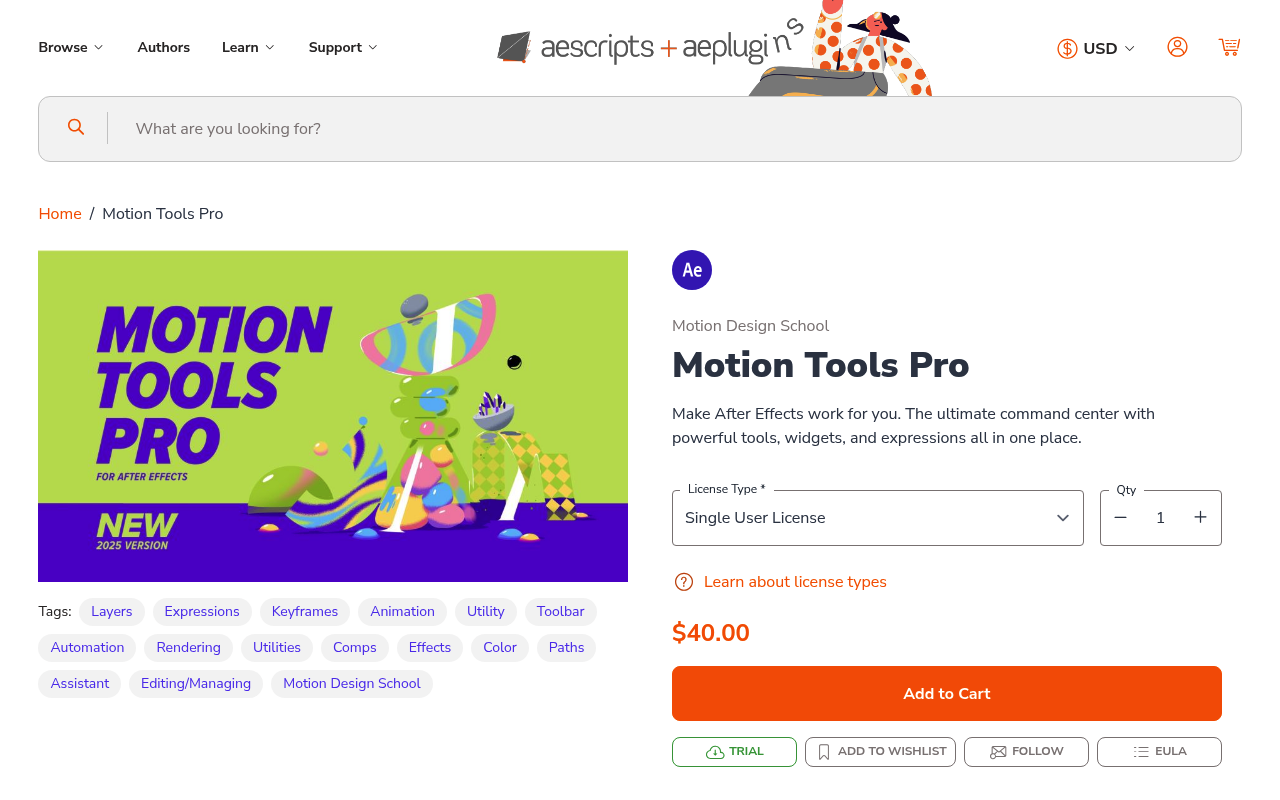
Customizable command center with panels, widgets, and expressions library
Motion Tools Pro is a full workspace management panel that includes anchor point positioning alongside easing presets, an expressions library, and comp cropping tools. If you already want to consolidate multiple scripts into one panel, the anchor point controls come along for the ride at no extra cost. It's a one-time $40 purchase, which is more expensive than Move Anchor Point 4's suggested $9.99, but covers far more ground. The trade-off is that it doesn't offer the same dedicated anchor point features like search matching or named-layer batch rules. Best for motion designers who want one panel to replace several scripts, not for someone who only needs anchor point management.
-
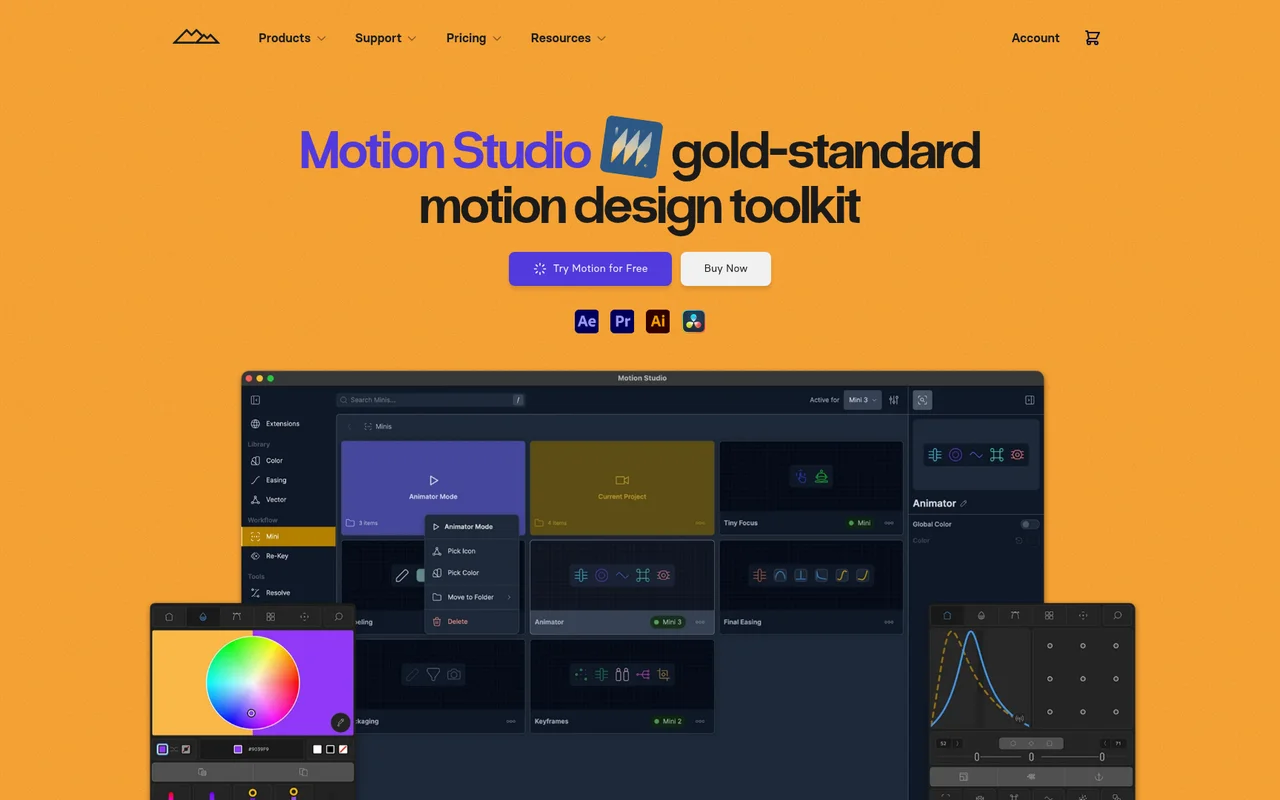
Professional animation toolkit with 80+ tools for After Effects workflows
Motion Studio includes a dedicated anchor point snap tool as part of its 80+ tool suite, letting you place anchor points at bounding box edges or corners in one click. It's the most feature-rich option on this list, covering easing, keyframe management, color palettes, and delay tools across After Effects, Premiere Pro, and DaVinci Resolve. The catch is the pricing model: $13 per month on an annual subscription, which is a recurring cost compared to Move Anchor Point 4's one-time pay-what-you-want structure. Worth it if you'll use the broader toolkit regularly, but hard to justify if anchor point control is your only need. A 7-day free trial lets you evaluate before committing.
-
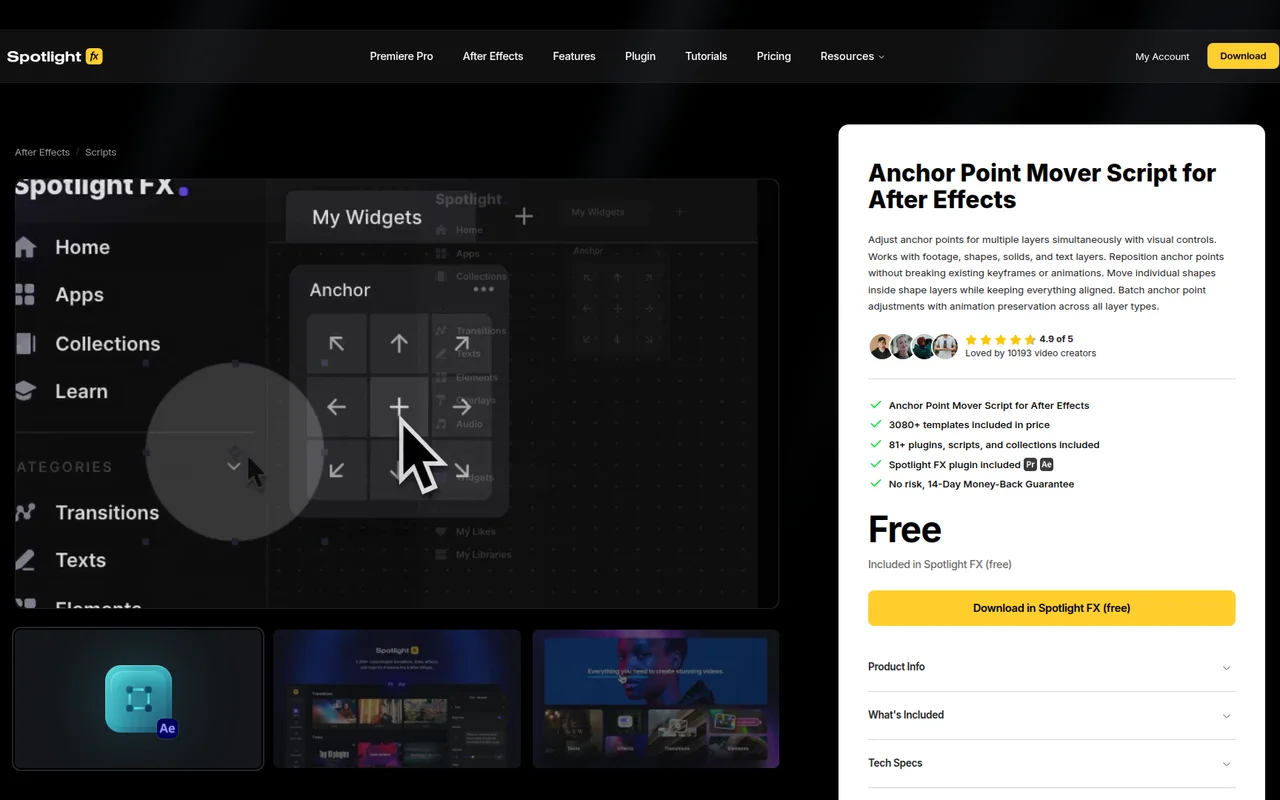
Adjust anchor points across multiple layers while preserving animations
This is the closest direct alternative to Move Anchor Point 4 in terms of focus. Anchor Point Mover by Spotlight FX handles batch anchor point repositioning with keyframe preservation across footage, shapes, solids, and text, using a visual click-to-position interface. It's pay-what-you-want with a suggested price of $14.79, and that purchase includes access to 2,796+ templates and 65+ other Spotlight FX scripts, making it decent value if you want the wider asset library. It lacks the named-layer search matching rules that Move Anchor Point 4 offers, so if you rely on automating anchor placement by layer name, this won't replace that feature. A free version is bundled with the free Spotlight FX plugin if you want to test the basics first.
-
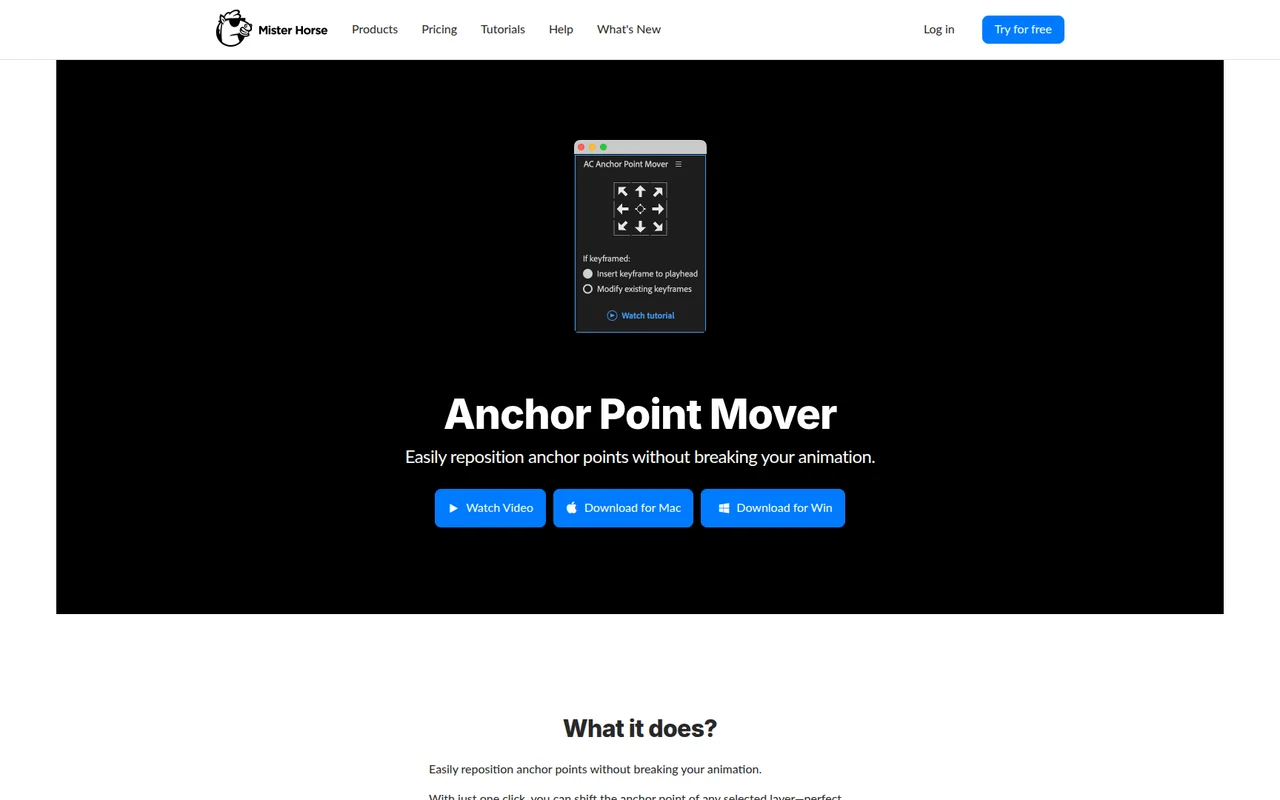
Reposition anchor points without breaking keyframes or animations
Mister Horse's Anchor Point Mover is the simplest and cheapest option here: it's completely free with no trial period or paid tier. It handles the core task - moving anchor points to standard positions while preserving existing keyframes and animation curves - on any layer type. It's bundled inside Animation Composer, so if you already use Mister Horse tools, you may already have it. It doesn't offer batch processing rules based on layer names, custom presets, or percentage-based custom offsets, so it won't replace Move Anchor Point 4 for complex template workflows. But for editors who just need reliable anchor point repositioning without spending anything, it covers the essentials.


